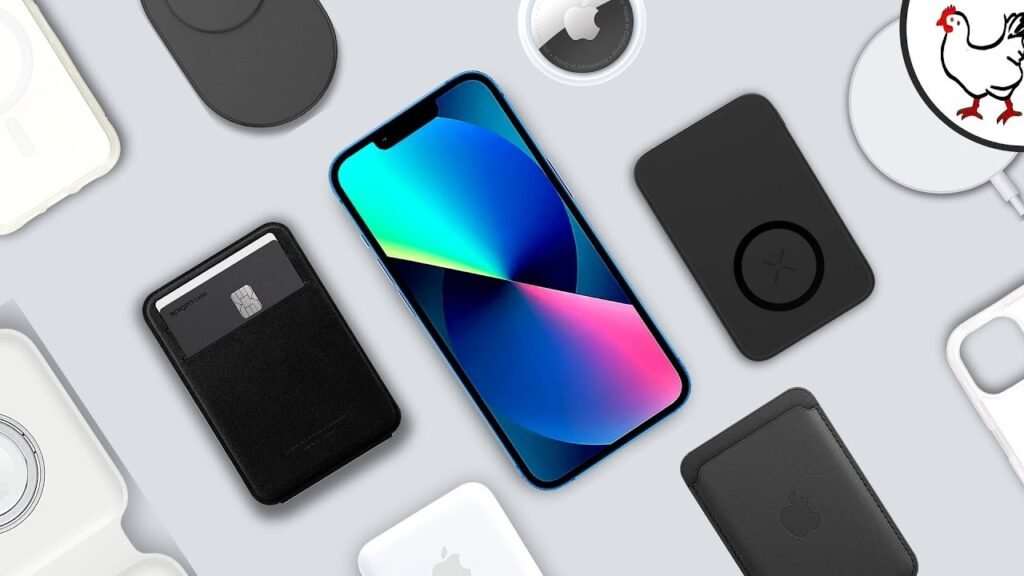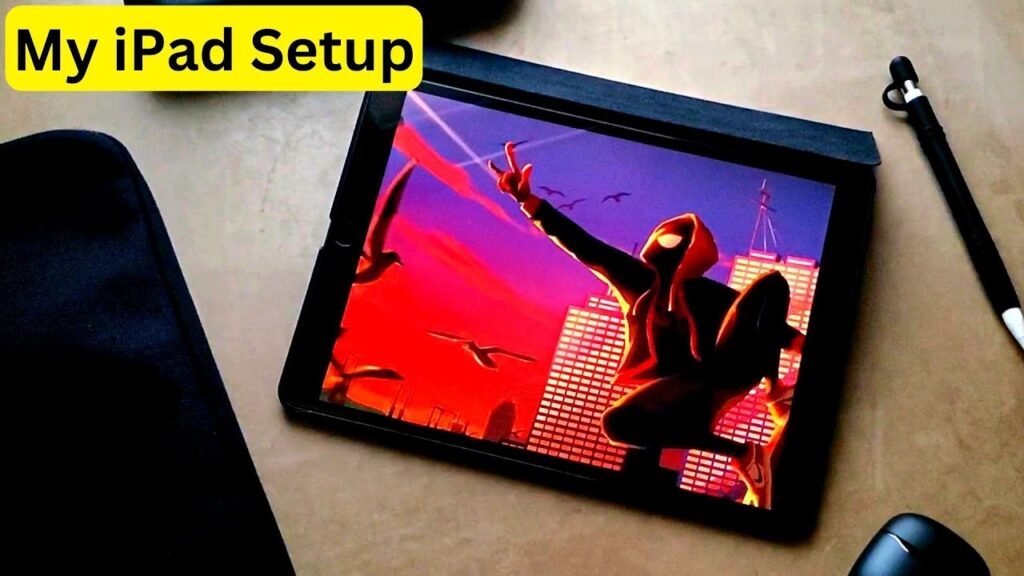
So the new iPad Mini just released and now you’re wondering which accessories should you get. Well this is the article for you. These are the top iPad Mini accessories. Links below. Let’s get right into the list.
Essential Styluses for Note-Taking and Drawing
Firstly let’s discuss styluses for your notetaking and drawing needs. Look no further than the apple pencil. The stylus is simply fantastic for the iPad Mini, combining a great set of features with no lag. The apple pencil makes for a great writing experience and for this iPad Mini you have a couple to choose from: either the apple pencil Pro or the apple pencil USBC, but not the second generation apple pencil. That one is not compatible with the iPad Mini 7.
So if you do already have the iPad Mini 2 unfortunately you will need to buy another. I’d suggest getting the apple pencil Pro which brings some new and exciting features into the mix such as more touch controls. But if you’re on a tight budget then the apple pencil USBC works well too.
Budget Alternatives and Pen Tips
Now if both of those options are too expensive—which I don’t blame you, technology can be really pricey—here are some great alternatives. I’ve seen many people at my university rock some of the more budget options such as the Logitech crayon and they seem to work really well with their iPads. Definitely take a look at them if you’re on a budget.
And while we’re at it with these pens make sure you take a look at their pen tips. Frankly I think pen tips on styluses tend to grade pretty slowly for the most part. We’ll discuss that later, but for future reference or just a purchase made in advance make sure to check out the pen tips on your screen.
Screen Protectors: Glossy vs. Matte
Next let’s talk about screen protectors. Given that the iPad Mini is literally a slab of glass a screen protector would be a wise investment for the protection of your device in addition to maybe an even better writing experience. There are two screen protector variants for iPads: the normal typical protective glossy ones and the matte variants.
The glossy ones will protect your screen as expected in addition to that normal slidy feel you get when writing on them with your stylist. In contrast though you can opt for a matte one that feels a bit more like writing on paper although not 100% like it. Comparing the two I’d say the decision is up to your preference. Frankly I prefer the normal glass option but for those who are really into the pen and paper type of note taking the matte one should be fine too although some folks find them to make their iPad screens feel a little too gritty. But at the end of the day it’s all personal preference. Some people like glossy, others like matte, but everyone likes protection.
Cases and Sleeve Protection
Let’s talk about cases. We got to talk about protecting your new expensive tablet. I’m a huge supporter of the cases that combine the Apple folio feature which protects the iPad screen with the outer chassis protection as well. That way I can accidentally boop, bump, or maybe even drop my iPad without needing to worry about causing too much damage.
On the flip side there are also more minimalist cases that protect your iPad but also don’t make it too heavy. For case selection it’s up to your personal preference for sure. I’ve got some good ones on the screen right now and in the description but there are so many options for many different budgets. Make sure you take a look at all of them.
On top of purchasing an outer case for your iPad I’d also recommend a case sleeve. For years I’ve been a huge supporter of device sleeves and I’d honestly recommend them for both your iPad and apple pencil. You can get ones that are both water resistant and solid protecting your devices really well. I tend to carry my iPad and apple pencil in different case sleeves within my backpack and despite my many oops, bumps, bruises and drops no damage. I’m serious.
In addition to those two devices I also fit other tech and accessories in the case sleeves as well so they really help with transportation during my day-to-day life so I can’t recommend them enough.
Accessories for Daily Convenience
But now that we’ve gotten the protection segment out of the way let’s talk about the accessories of convenience. Firstly I need to bring up cables. With a lot of my devices especially my iPad which takes a little while to charge if I need to power my things having a long charging cable is so nice. I can charge my tablet while also sitting in a comfortable spot compared to awkwardly sitting to allow my devices to be close to the outlet.
Surprisingly still a lot of good study spots like libraries and coffee shops don’t have great AC outlet access so having a long, minimally 10ft charging cable is incredibly convenient.
In addition to that charging cable another charging accessory I’d recommend is a power bank. Having a battery you can use in emergencies while on the go could be super useful. Now iPads typically have very solid long lasting battery lives but having something for those low battery moments would be very helpful.
With that I’d also recommend getting a small microfiber cloth to bring with you just to make sure you can keep your devices screen or screen protector clean from any sort of smudges or to use for other things like cleaning your phone or glasses.
Utility and Final Recommendations
Lastly as we round out this accessory list I’d also recommend some utility accessories for your device. I’m talking about airpods for your audio, air tags for tracking your devices and a keyboard and/or mouse for greater usability. All things that can provide that added convenience and usability with your device.
But do note that the iPad mini and even the apple pencil Pro have find my app compatibility so the air tag isn’t a necessity. So these last accessories are more for that added convenience but definitely add to the iPad mini’s usability.
And that was my list of the top iPad Mini accessories. What do you think? Did I miss any? Let me know in the comment section down below. My name is Cyrus. It’s spelled like Cyrus, serer just take out the T. Thank you very much for reading and have a wonderful day. Peace.