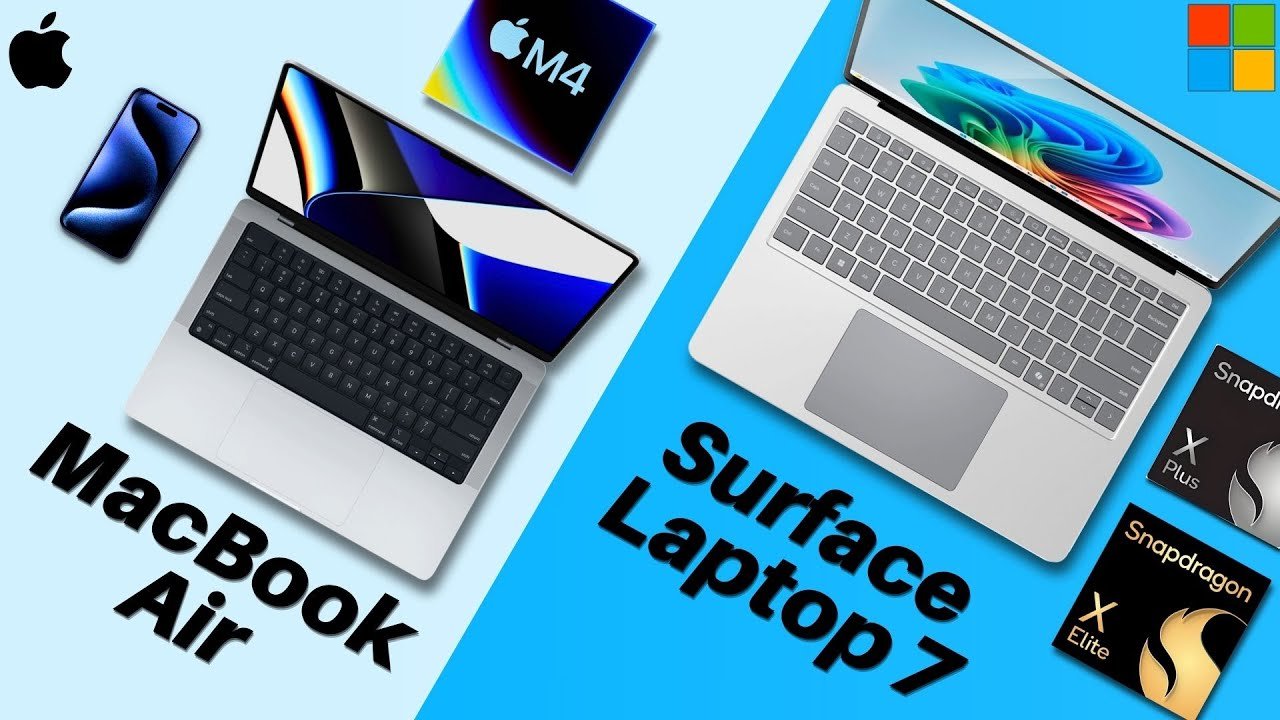
All right, let’s do a general overview comparison of the Microsoft Surface Laptop 7 and the Apple M4 MacBook Air. Let’s go over the raw stats. Pricing and Models First, externals. The M4 MacBook Air is Apple’s fan favorite thin and portable laptop that starts at $999 for the 13-in version and $1199 for the 15-in. While the Surface Laptop 7 has multiple options, a 13-in version starting at $8.99, a 13.8 in version for $1199, and a 15-in version for $12.99. Both of these Apple and Microsoft laptops have seen impressive upgrades this year, which we’ll discuss momentarily. But overall, pricing is fairly tight. Design, Display, and Connectivity Perform factors, as we just stated, both laptops come in multiple sizes that are both compact and super portable. Where they differ is in their displays. Apple’s laptop display has a higher PPI or pixels per inch, plus additional color accuracy features, while the Surface Laptop for the more expensive two sizes have a higher refresh rate for faster looking movement. In addition to all of the Surface Laptop models sporting touchscreens, so depending on what you value, each display will have its pros and cons. Regarding connectivity, both of these devices are all right, but the Surface Laptop does have one more port over the MacBook Air, the USBA. So that adds to its versatility in addition to the 15-in version having a micro SD card slot. So in summary for this section, the MacBook Air is good, but doesn’t support those additional ports. So Microsoft takes the cake. Now, for cameras, both laptops provide solid 1080p webcams, which are good with their own set of features. You can’t go wrong with either. So, for the external summary, both laptops have their pros and cons that depending on what you like, would sway your decision from one side to the other. Internal Performance and Features Now, let’s move on to the internals. So, for the internal specs, both laptops are really neck andneck. The MacBook Air sports Apple’s newest M4 chip, which is super speedy, while the Surface Laptop 7 rocks either the Snapdragon X Plus or the Snapdragon X Elite, depending on your configuration. And as you can see, they’re really neck andneck. Storage-wise, it’s the same thing for both laptops of all models, 256 GB. I wish there was more to start with, but it’s a tie. However, the Surface Laptop’s SSD is upgradeable, so that’s a point for Microsoft. And for battery lives, both should last you your entire workday. So that’s definitely a plus for both laptops. Additionally, both sport their own respective security software with the MacBook Air supporting Touch ID and the Surface Laptop running Windows Hello. And lastly, for the operating systems, the MacBook Air runs Mac OS while the Surface Laptop runs Windows. Two different operating systems with both laptops also coming with some exciting new AI features that you might be interested in. But in summary, both laptops are solid for the internals. The General Verdict All right, the Microsoft Surface Laptop 7 versus the Apple M4 MacBook Air. The general verdict. Both of these laptops every year are discussed and debated among professionals and students alike on which provides the best value. At my school, both of these are all over. You really can’t go wrong with either or for the most part. However, I will say that for some programs like engineering, students will need to run software that may not be compatible with Mac OS. So, if you’re going into a more STEM related field, you likely know which laptop is best for you. I’d also recommend calling your university and asking which laptop is best for you as an aside. But if you are not a part of that crowd, which is the right laptop for you? Well, that depends on what you like to do and how you tend to use your laptops, your needs, and your wants. For instance, if you just need a new laptop and you want a Windows PC, the Surface Laptop is a great option for you. Or if you again need a new laptop, but you want to stay within the Apple ecosystem, well then the MacBook Air is the way to go for you. I would definitely, as I stated for those in engineering programs, also apply that same logic to your purchase. Make sure that your laptop satisfies all of your needs and you can do all of your work on it. Otherwise, the rest of the comparison really is up to personal preference. So, ultimately, it is your choice at the end of the day. Focus on your needs and be sure to check on amazon. And that was the Surface Laptop 7 versus M4 MacBook Air. Which will you be getting? Let me know in the comment section down below. My name is Cirrus. It’s spelled like Cyrus, but like s rooster. Just take the tur. Thank you very much for reading and have a wonderful day. Peace.
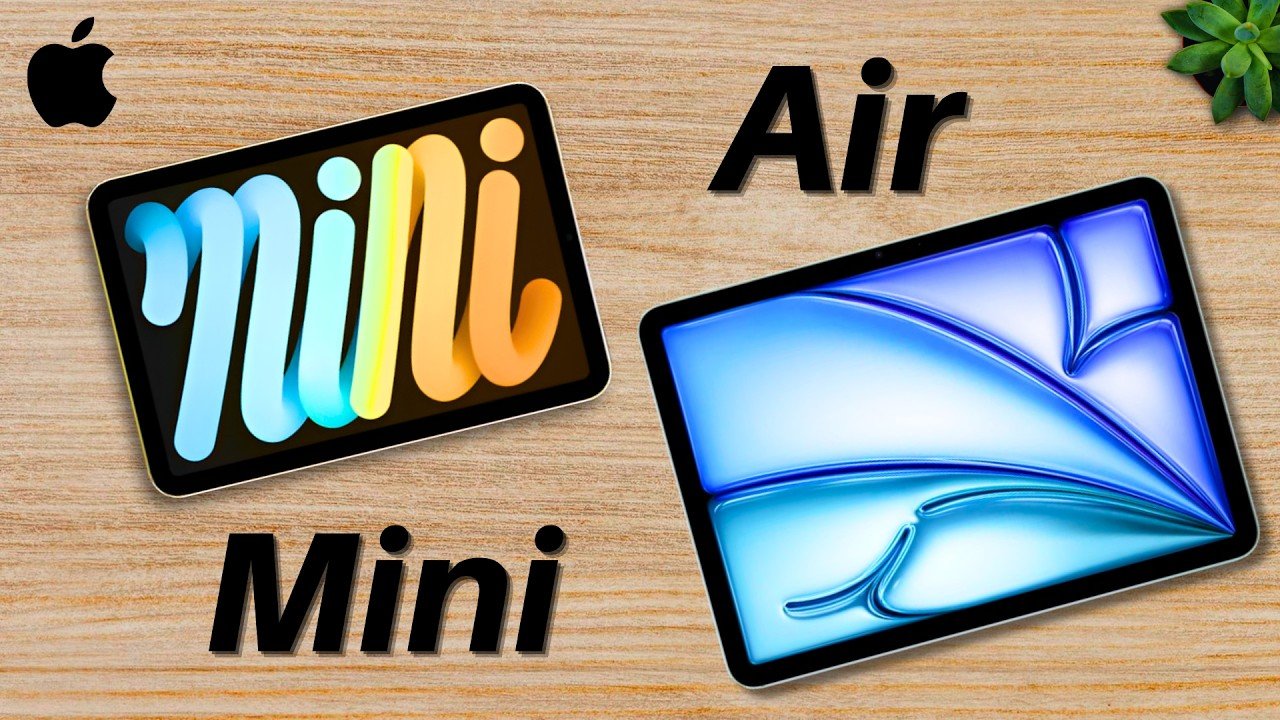
iPad Mini A17 Pro Vs iPad Air M4 General Comparison
So, if you’re deciding between the current iPad Mini and the new iPad Air, well, this is a general article comparison between the two. This is the Apple iPad Mini A17 Pro versus the M4 iPad Air.Starting off, on the screen right now are the raw stats of both tablets. Now, there are quite a few differences between these tablets, but we’re going to focus on the main ones for now. Performance Capabilities Firstly, the performance. The iPad Mini sports the A17 Pro chip, previously found in the iPhone 15 Pro from 2023, and that’s a very speedy processor. I rock the iPhone 15 Pro Max and have had literally zero slowdown time for everything. So, for everyday iPad use, such as note-taking, documentation, reading, content consumption, etc., that processor is enough. But, the iPad Air on the other hand, that has more than enough, sporting the M4 chip, a computer processor slapped into a tablet capable of running practically anything you can open on the tablets. Realistically, you probably won’t hit the limit for this processor at this moment, but the benefit of getting such a powerful tablet is that you get more performance headroom for future use, which is nice, but probably not necessary for most of you watching. Size and Portability Moving on, the next and most visually apparent difference between these two, the sizes. So, the iPad Mini, as the name suggests, is mini. It’s the smallest iPad built for lightweight, portable work. It can fit in anything larger than a purse and is like a little notepad. While the iPad Air is more of the size of a notebook, being much larger, both sizes. But, it’s still very thin and light, so it’s still easy to move around. Plus, with that larger screen, you can view and do much more. So, there are tradeoffs with each tablet, and it’s really up to personal preference in regard to sizing. Pricing and Value Now, let’s talk about the pricing. The iPad Mini is $100 cheaper than the iPad Air, so it’s a tad bit more cost-effective if you’re strictly thinking about budget. Though, we are just comparing the base prices, So, if you add on the Apple Pencil or accessories, that price will go up pretty quick. But, the real question is, going back to the base prices, what are you actually getting for the extra $100 for the iPad Air? Well, you’re definitely getting that much larger display, again for both sizes, better performance, and because of both of those features, better multitasking, along with more programs you can run in the future, which are significant trade-offs, though only valuable if you actually use them. Because, if you want something that’s simple, portable, and powerful enough, the iPad Mini still gives you all of that. But, if you want more power and greater screen space, the Air fulfills that desire much better. Choosing Based on Your Needs But, now let’s talk about your needs. What you’ll actually be doing with these tablets, and whether one can satisfy those requirements better than the other. Because, this section should really decide everything. If you’re someone who wants more of a pocketbook type of tablet, and wants something easy to carry around, consumes a lot of content on the go, and or likes to use your device more casually, the iPad Mini is a good option. On the other hand, if you’re someone who takes a lot of notes, may multitask often, consumes a lot of content on the go, but also may be on a desk, and or just prefers to have a bigger screen or workspace, the iPad Air is probably the better option for you. For me personally, I’m more of an iPad Air guy due to my workflow, which includes note-taking and documentation. So, I definitely like having the extra space for what I do. But, for you and many of my friends at university, I can see where the Mini really shines, especially given how portable it is. Final Consideration Now, one final thing to keep in mind before you make your decision, this comparison is less about the power behind your iPad, and more about how you use it. Both of these are fast enough for almost everything, so don’t worry too much about the performance. Rather, focus on your day-to-day tablet use. If your tablet is going to be more of a convenient grocery store companion that you’d like to bring with you in your purse, just for instance, the Mini is the better option. But, if you’re going to be using this for class and taking extensive notes, the Air is probably the better bet. So, focus on your needs first with this tablet, and then go from there. And that was my comparison of the A17 Pro iPad Mini and the M4 iPad Air.My name is Cyrus. It’s spelled like Cyrus, but it’s like Cyrus. There, just take out the “t”. Thank you very much for watching, and have a wonderful day.
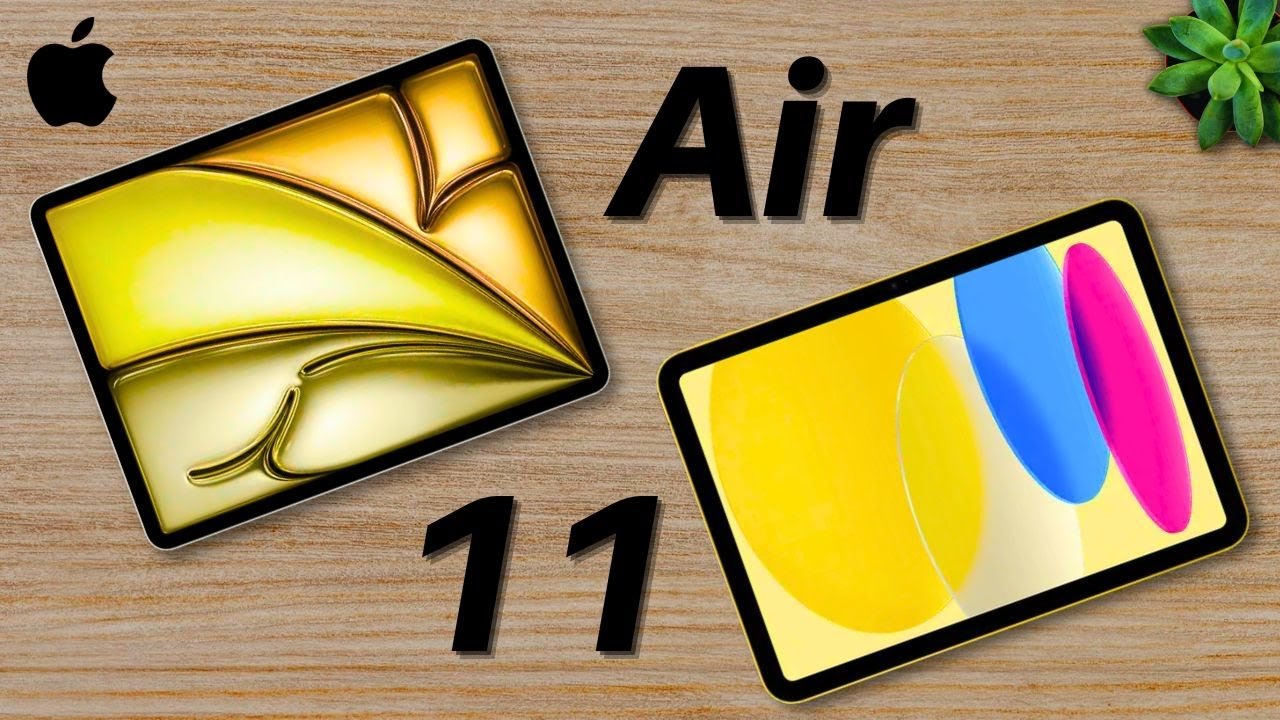
Apple iPad 11 (A16) Vs M3 iPad Air | Make it Simple
So, Apple has a solid tablet lineup for 2025 with new iPads that are quite powerful. But which is better for you? Let’s compare the starter iPad, the 11in version, to the M3 iPad Air. On your screen right now are the raw stats of both iPads. The main differentiating factors being price, design, performance, and a few subtle feature differences. Pricing and Value Firstly, for the price, the iPad A16 Bionic or the starter iPad, the 11in version, is the more affordable option in this comparison. It starts at $349 for the base model, making it a great option for students, casual users, and anyone looking for an iPad without breaking the bank. Meanwhile, the M3 iPad Air starts at $599 for the 11in model and $799 for the 13-in version. So, right away, the big question is, do you need the extra power of the M3 chip, or should you just go for the best value option? Display Quality and Screen Tech Regarding the screens, both iPads have liquid retina on displays and the same sizes for the 11in models, but there are some key differences. The starter 11in iPad comes with a nice screen with a maximum brightness of 500 nits, while the M3 iPad Air has two sizes, the 11in or the 13-in. Both sizes come with fully laminated displays, Apple Pencil hover support, and anti-reflective coating. If you want a more premium display experience, the M3 iPad Air is the better choice, especially with the anti-reflective coating and full lamination, which improve both visibility and reduce glare. Apple Pencil Compatibility In regard to Apple Pencil compatibility, the starter iPad uses the Apple Pencil USBC, while the M3 iPad Air has Apple Pencil Pro support with different gestures and advanced features. For those really into drawing, note-taking, or digital art, note that the M3 iPad Air does offer a bit of a better Apple Pencil experience. Performance Analysis Now, let’s talk about performance. The starter iPad features the A16 Bionic chip, which is great for everyday work purposes, entertainment, and even some gaming. Meanwhile, the M3 iPad Air features Apple’s M3 chip, a computer processor put into a tablet. I’d say in regard to performance, both iPads are actually pretty solid. If you just want a reliable iPad for everyday tasks, the Starter A16 Bionic iPad is a great option. But if you want serious power for professional tasks, the M3 iPad Air is the better pick. Final Verdict: Which iPad Should You Buy? So, which iPad should you buy? the starter 11in A16 Bionic chip iPad or the M3 iPad Air. For most people, including students, casual users, and those who just want a solid tablet, the starter iPad, the A16 Bionic One, is the best choice. It’s affordable, powerful, and perfect for everyday use. However, if you need extra performance, better Apple Pencil support, and a premium display, the M3 iPad Air is the better choice, especially for creative professionals. At the end of the day, as I always say, make sure to focus on your needs first and then make your decision from there. So, what do you think? Which iPad do you prefer? Let me know in the comment section down below. My name is Cru. It’s spelled like Cyrus, but I like see Rooster. Just take the Tur. Thank you very much for reading and have a wonderful day. Peace.
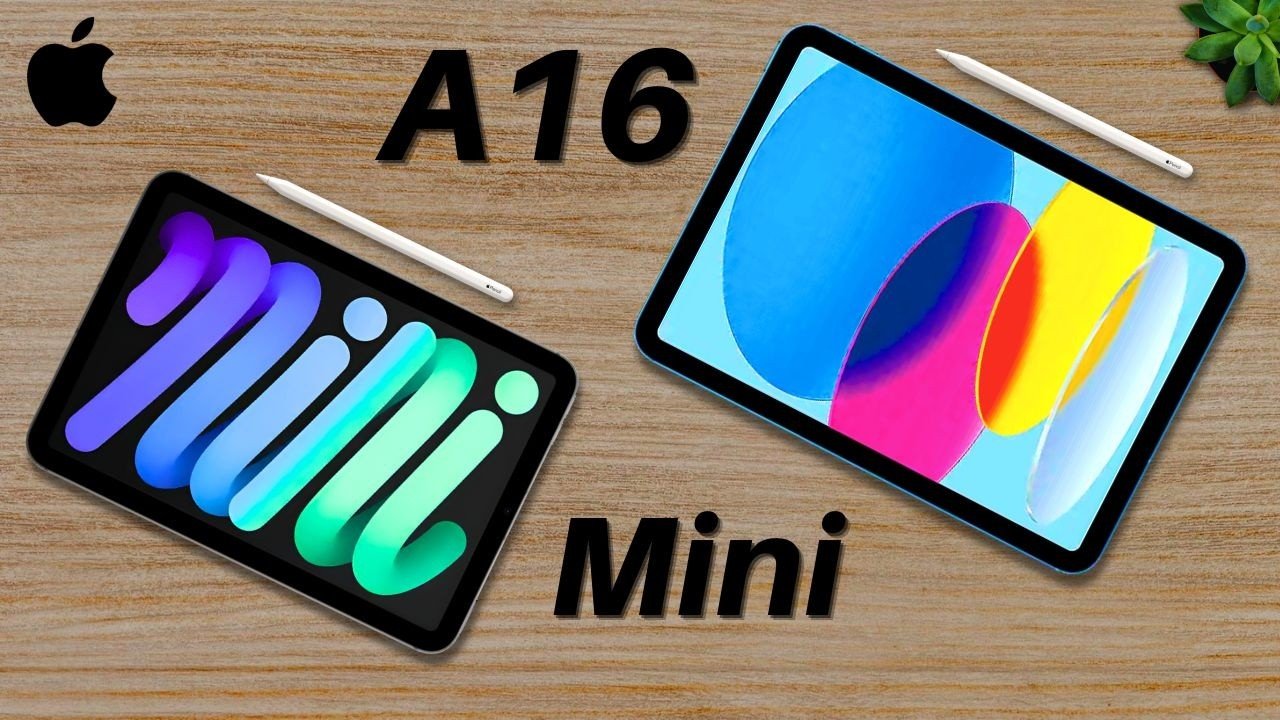
Apple iPad 11 (A16) Vs iPad Mini 7 | Make it Simple
So, we all know that Apple offers many different iPads, ranging from starter models to high-end Pro devices. But in regard to comparing the Starter to the middle-of the road iPads, which one is right for you, the Starter 11in iPad or the iPad Mini? Let’s talk about it. On your screen, you’ll see the raw stats of both tablets. The main differences come down to price, size, performance, and a few subtle features. Pricing and Value Starting with the price, the 11in A16 iPad is the most cost-effective iPad from Apple. Because of this, it’s likely going to be the one you see most often, whether on a college campus, at work, or even in casual everyday use. The standard tablet isn’t missing major features from the more premium options. Rather, the Pro models just have better add-ons. The 11-in iPad starts at $349, and the iPad Mini starts at $499. So, through this comparison, the real question is, does your use case scenario justify the extra $150 cost of the iPad Mini? The Advantage of Compact Size For many folks, the main reason to choose the iPad Mini is its compact size. It doesn’t lose many features because of its size compared to the other iPads, but the standout feature of the iPad Mini is its mini. Its smaller size makes it ultra portable, fitting easily in a backpack, tech case, or even a purse. Its main value is the fact that it is easily accessible physically speaking. The iPad Mini has an 8.3 in display. The 11in iPad, as the name suggests, has an 11in display. At first glance, this difference might not seem huge, but in everyday use, it can be. For example, in certain situations, like using tiny desks or grocery shopping, a smaller iPad is actually more convenient as a travel companion. However, when it comes to note-taking, I’d say the standard iPad has the Mini Beat because of its larger canvas. Performance Benchmarks Now, let’s talk about the performance. The 11-in iPad has the A16 Bionic chip, while the iPad Mini has the A17 Pro chip. And here are the benchmarks. Because of the better chip, the iPad mini will generally perform better, especially in high demand apps and for future proofing. However, both iPads are well optimized and can handle most tasks smoothly. Subtle Feature Differences And finally, let’s talk about the subtle feature differences of the two devices. While both iPads are great, they don’t share all of the same features. The 11in iPad has a landscape camera, making it better for video calls when using a keyboard. The Mini does not have that option, rather having a portrait camera. The 11-in iPad works with the Magic Keyboard Folio, while the Mini doesn’t support Apple’s official keyboard cases, but there are Bluetooth keyboard alternatives in the affiliate links down below. The iPad Mini’s display has an anti-reflective coating, making it better for outdoor use and stopping glare. And the iPad Mini supports Apple Intelligence and works with the Apple Pencil Pro, while the 11in iPad does not. So, these are some small differences between the devices, but they may aid you in making your decision in one way or the other. Which iPad Should You Choose? I think for me, although I haven’t used the Magic Keyboard with my iPad too much, I think the Starter iPad actually has the preferred subtle feature set for my workflow and for most students. The landscape camera can be useful for meetings and FaceTime calls, and the Magic Keyboard can be helpful for editing documents or doing homework if need be. However, the iPad Mini overall has a bit of a more premium subtle feature set, especially if you purchase a different external keyboard besides the Magic Keyboard. Final Verdict So overall, which iPad do I think is the best for you? The iPad 11 in the starter version, or the iPad Mini? Well, after six years of using iPads, I see that depending on who you are, one tablet may be more appealing than the other. The answer really could go both ways. But for most of you, especially those of you who are students, professionals, and wonderful workers, the 11-in iPad is the better choice. and that’s because it’s the cheapest, has great performance, a manageable size, and comes with solid extra features like the landscape camera and magic keyboard support. But if you want a more niche experience with your tablet, something super portable, easy for jotting down notes, and better for onthe-go use, the iPad Mini is a fantastic option. It’s small, powerful, and ultra convenient for those use cases, plus more. Just make sure, as with everything, you focus on your needs first and then go from there. So, what do you think? Which iPad do you prefer? Let me know in the comment section down below. My name is Cirrus. I spelled like Cyrus C rooster. Just take out the tur. Thank you very much for reading and have a wonderful day.
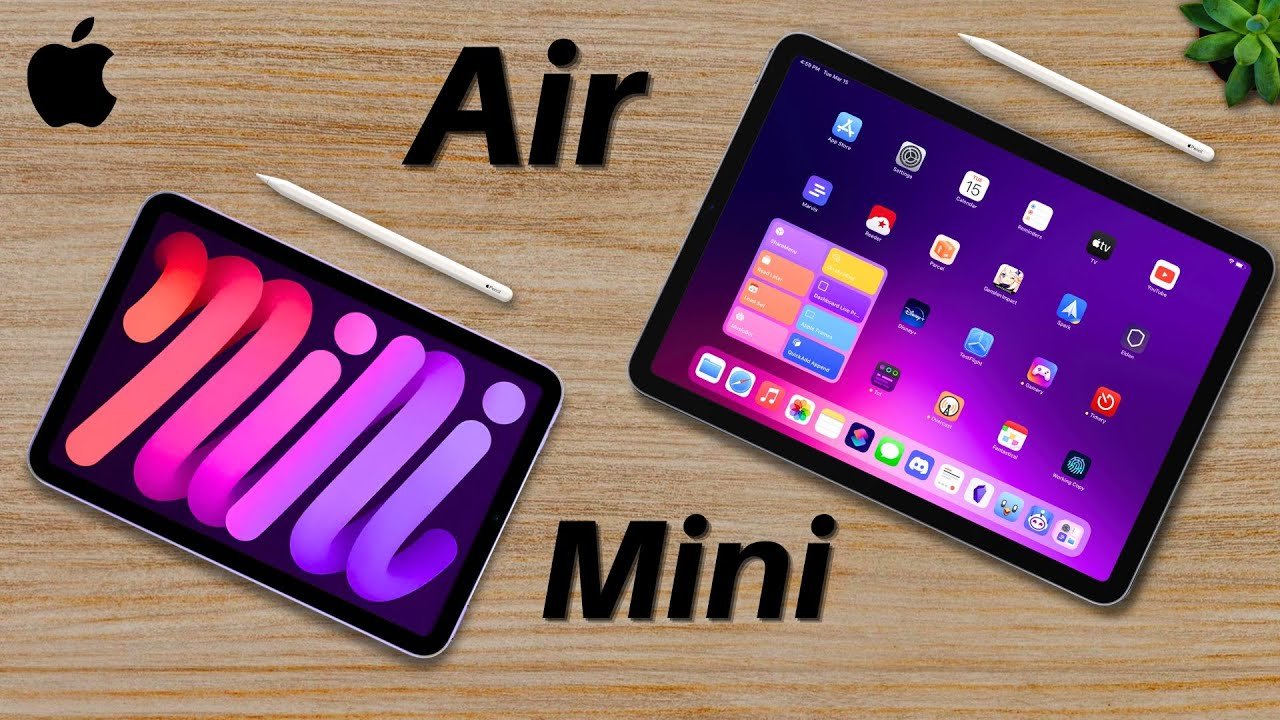
iPad Mini 7 vs M2 iPad Air
So the iPad mini versus the iPad Air; these are two fairly different tablets that are frequently compared because of their similar prices yet different form factors. So which is best for you? Well, let’s talk about it. To begin, these are the raw stats of both devices and as you can see, yeah, there are some notable differences. Number one, the iPad Air is more expensive at $600 starting compared to $500 for the iPad Mini. So with that price bump, the question is, is it worth it, especially when compared to that iPad Mini? Let’s break this down further. Comparing Tablets Objectively Comparing the iPad Mini and iPad Air one-on-one is off because frankly, they have two separate markets which we’ll discuss later. But by first looking at them objectively, we can build the foundation for an educated decision. One notable difference is the sizes, namely the iPad Air is larger which can be a good thing or a bad thing depending on your needs. But in regard to you getting more screen and tablet, essentially more stuff for the price, you get that with the iPad Air. You can even opt for a larger 13in version that provides a more immersive viewing experience. Screen Real Estate and Portability The larger displays are also fairly convenient for note taking. My iPad Air has been wonderful for me in college. It’s essentially the same size as a notebook, meaning I can write down all of my class notes in a way that feels most natural to me and even multitask on the side in split screen mode if necessary. It’s great. While the iPad Mini is more like a notepad, so it can be used to jot some things down but not everything, at least for me. That doesn’t mean it can’t be used for class, it’s just not as comparable in size to a notebook. However, despite this, the iPad Mini is way more portable. You can fit it anywhere, you can even transport it in a small purse which is incredibly useful for something you would use very often on the go, especially since it’s also lighter. Analyzing Performance and Processors Now with the iPad Air, you do get the more powerful M2 Chip, which is a computer processor put into a tablet, which is especially impressive because the M chips are very powerful, frankly more than enough for almost all iPad users, well exceeding the maximum performance requirements for a majority of programs. So this iPad Air is extremely powerful. Despite that though, the iPad mini’s processor is no slouch either. The iPad mini’s A17 Pro chip is powerful and is also found in the iPhone 15 Pro Series, delivering excellent performance for those phones making them look super speedy especially with their 120Hz refresh rates, which is a feature we’re currently waiting on for both iPads to receive. Both running 60Hz refresh rates for this generation. Nevertheless, comparatively, the iPad Air comes with a bit better of a processor than the iPad Mini, giving it the edge in this category. Final Verdict: Choosing the Right Tablet So overall, those are the three main objective differences between these two tablets: the price, the processors, and the sizes. Everything else besides some small things are fairly equal. So taking those three into account, let’s talk about which is the right tablet for you. Now before I begin, this purchase will ultimately be your choice based on two main criteria which are the same criteria I used that led me to buy my first iPad 5 years ago. I would suggest to focus on your needs first and then your wants, prioritizing the work you’ll be doing on the tablet if applicable and then the fun after that. Recommendations for Work and Study Generally, most of the work done on iPads will be something in regard to efficient documentation and sometimes intense work sessions such as note taking, emails, spreadsheets, and then the occasional video or photo editing. And for all of those needs, I would say that for most of you, the iPad Air is the better buy. Despite the added cost, you get a lot more; that size and the M2 processor among other things. You can complete your work quickly and will not have any trouble with intense work sessions if applicable with your M2 processor. In addition, for the students out there, the iPad Air can effectively replace your notebooks, which is great. But for those who are more on the go with their tablets or like the convenience of easier storage and transportation, the iPad Mini is a great option. I’ve seen many people at my university rock iPad Minis and you’d be shocked at how handy they can be when used properly. If you just need something that can essentially fit into your hoodies that you can just whip out and jot something down with, the iPad Mini plus Apple Pencil can surely do the trick. Ultimately though, in my opinion, the iPad Air is the best choice for most users in power, versatility, and productivity, while the iPad Mini excels for those needing portability and convenience. So in the end, make sure to choose whichever tablet fits your needs first and that of course depends on your lifestyle and what you do such as school or being on the go, and then pursue your wants after that. My name is Serus; it’s spelled like Cyrus, M like SE rooster, just take out the T. Thank you very much for reading and have a wonderful day.
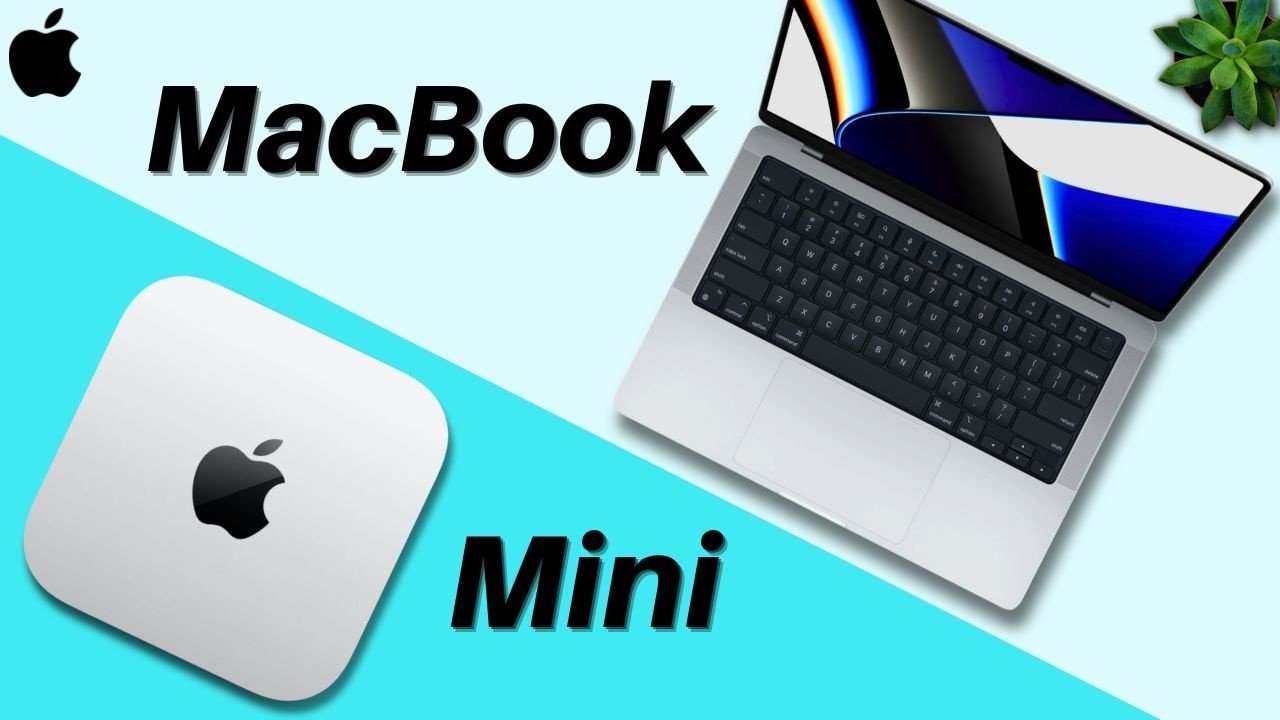
Apple M4 Mac Mini vs M4 MacBook Pro
So you’re looking for a new M4 Mac and you’re trying to decide whether to buy the Mac Mini or the MacBook Pro well you’ve come to the right place. My name is Cirus I just purchased my own M4 MacBook Pro and have used countless Mac minis this is my recommendation. On your screen right now you’ll see the raw stats of both devices which can be configured and upgraded with more so this comparison is less focused on pure speed and tonage. However do note that the M4 MacBook Pro does have a higher spec ceiling with the M4 Max compared to the mini which can only go up to the pro. Now for this comparison I want you to focus on three specific details the prices the form factors or screens we’ll get to that in a minute and the battery lives plus cameras combined into one section. Price and Long-Term Savings Firstly right off the bat the M4 Mac Mini is cheaper than the M4 MacBook Pros. Generally you will save a bit of money just getting the desktop version of the device. It comes with the M4 processor so no worries about performance but here’s the catch that’s not the full picture. Will it save you money the M4 Mac Mini yes likely but that depends on your extra purchases. Unlike the MacBook Pro the Mac Mini is just the desktop computer no monitor or accessories. That means that yes it can be cheaper if you make the right purchase choices but if you buy the Apple Studio display for instance plus the magic keyboard and mouse well you’re looking at a price pretty similar to the MacBook Pro but with more economically focused choices you can definitely save some money. I have the top accessory recommendations in the affiliate links down below for you. Now while the Mac Mini may require extra purchases up front there’s another way it can save you money in the long run repairs. Since it’s a desktop setup with separate components like a keyboard mouse and monitor if one breaks you’re only replacing that specific item that’s a big advantage over the MacBook Pro where a single issue especially the screen can cost you a small fortune to fix. So while the Mini’s cost savings depend on your initial setup it can also be the more budget friendly Choice when it comes to maintenance. Form Factors and Mobility But now let’s talk about the form factors of these devices. Simply put the Mac Min is a desktop while the MacBook is a laptop. One is a great stationary workstation while the other offers a more hybrid experience portable yet desk friendly. So one question I asked myself when I made my decision of buying the MacBook over the Mac Mini is will I ever need to travel with this device and if the answer is even 5% of the time you likely need a laptop over a desktop because well it’s not easy to bring your desktop set up with you. Although I have seen some folks managing college but for that especially since I do live a pretty sporadic life where I’m doing work in different locations for instance you rarely see me recording in the same location I decided on the MacBook Pro. But if you like a dedicated Works Space one that you can sit at for a few to many hours on end which is great for your productivity having somewhere solely dedicated for work the Mac Mini would work wonders and there’s even the potential to remote into the computer using an iPad if you need to. But if your work demands high performance and Mobility the MacBook Pro is the way to go. Battery Life and Integrated Cameras And lastly let’s discuss the last section the battery lives and Camera. These two factors battery life and cameras are exclusive to the MacBook Pro. Firstly for battery life while it is solid it is something to consider if you work long hours and don’t have access to a charger. On the other hand the Mac Mini being a desktop doesn’t have to worry about those battery constraints. This means that it can sustain Peak Performance under heavy workloads for in theory longer without throttling something the MacBook Pro May struggle with when running on battery. And on the flip side the MacBook Pros do have the benefit of having attached cameras. A way to circumvent this of course is to either purchase an external camera or a monitor with a camera for your Mac Mini or to use your phone using Apple’s continuity camera though there seems to currently be some trouble with that with the M4 Mac Mini so you can plug your phone into the desktop itself and use it for your Zoom meetings. Final Verdict: Which Mac is Right for You? Looking at both of these devices I really like the M4 Mac Mini and the M4 MacBook Pro equally they’re both fantastic and Incredibly powerful. I couldn’t be happier with my laptop but ultimately your decision comes down to those main points saving money portability and convenience factors. Choose the Mac Mini if: Your objective is to get the best bang for your buck and you don’t need to worry about traveling or can manage with an iPad when necessary; I’d recommend purchasing the Mac Mini and using the cost-effective accessories. Choose the MacBook Pro if: You need a device to travel with even just for the uncommon occasion and or would like the convenience and full package of a laptop. That’s exactly why I chose the MacBook Pro I needed something powerful yet portable and for me it was the perfect fit. Ultimately as I always say focus on your needs first. You can always consider purchasing a pre-owned device too if you’d like to save more cash which can always be a great option. Let me know
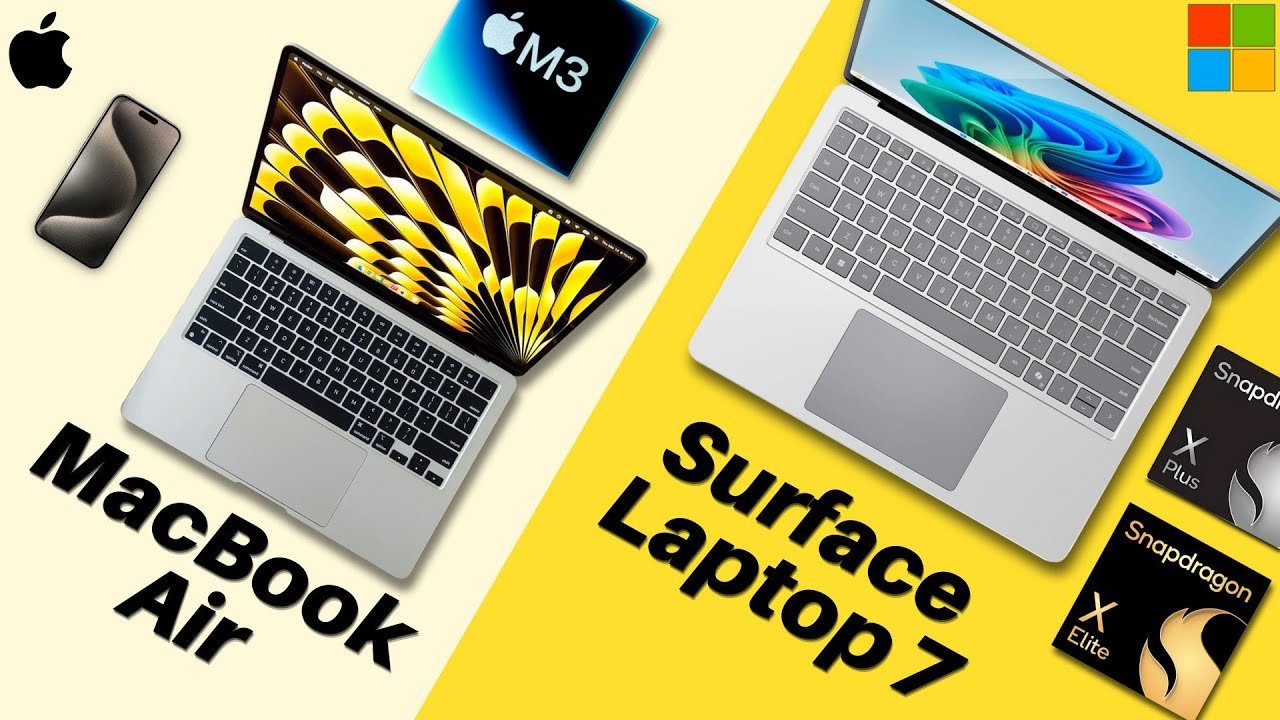
Surface Laptop 7 Vs M3 MacBook Air
All right, let’s compare two amazing consumer-grade laptops: the Microsoft Surface Laptop 7 versus Apple M3 MacBook Air. Let’s go over the raw stats first. Externals and Design The M3 MacBook Air is Apple’s powerful entry-level laptop for students, professionals, and kind consumers alike, starting at a price of $1,099 for the small version and $1,299 for the larger variant. While the Surface Laptop 7 is Microsoft’s new alternative that comes with quite the punch that starts at $999 for the small variant and $1,299 for the larger one. So, the Surface Laptop starting price is a bit cheaper. Form Factors and Display Both laptops come in two sizes: both a 13-inch model and a 15-inch. Both of these laptops kind of trade blows in this section. The 13-inch one for Microsoft is a little larger while the 15-inch one for Apple is a little bigger. Apple’s laptop has a higher PPI or pixels per inch while the Surface Laptop has a touchscreen coupled with the screen having a 120Hz refresh rate. I got to give it to Microsoft; there are a lot of features that has that Apple’s alternative does not, although Apple’s screen color technology and accuracy are incredible. Connectivity and Cameras Both of these devices are all right. The Surface Laptop does have one more port than the MacBook Air, that being USB-A, so it’s a bit more versatile. Overall, though, they’re both pretty average. Now for cameras, this is a really quick section, but both are good. 1080p cameras can’t really go wrong with that for your virtual meetings. So, for the external summary, a lot of these are really up to you and what you value more of, but I’d say the Surface Laptop takes the cake for a majority of these categories, such as the starting price and the form factor. Internal Specs and Performance Surprisingly, after a long time of being the company with very powerful laptop chips, Apple actually has some serious competition now. Now, this is alleged; we don’t really know the performance of this laptop yet, but the Surface Laptop 7 comes with the new Snapdragon arm-based processors and they beat out the M3 chip in the MacBook Air. Benchmarks and Memory Take a look at the single-core performance benchmarks and then the multi-core. As you can see, Microsoft is definitely on par or maybe even better than Apple with these new chips. So, we got some heavy competition coming up, but at the moment, really though, for most users, this probably won’t result in too big of a difference. These processors will perform really well for nearly everyone. However, the MacBook Air does only sport 8 GB of RAM, which will limit what and how much you can run. Storage, Battery, and Security For storage, it’s a tie: 256 GB for both. I wish there was more to start with, but it is a tie. However, the Surface Laptop’s SSD is upgradeable, so that’s a point for Microsoft, meaning you can add more storage at a far cheaper cost than having to configure it out when you purchase the laptop. And for the battery lives, I can’t really make a full judgment call because the Surface Laptop hasn’t been extensively tested, but notably, arm-based CPUs do allow for better performance, especially in regards to battery. So, the Surface Laptop 7 should last all day according to Microsoft, just like the Apple MacBook Air. Additionally, both sport solid security software with the MacBook Air using Touch ID and the Surface Laptop using Windows Hello. Operating Systems Lastly, for the operating systems—the real deciding factor—the MacBook Air runs Mac OS while the Surface Laptop 7 uses Windows 11. Two completely different operating systems, with the Surface Laptop also coming with some exciting new integrated AI features that many people are interested in. In summary, the Surface Laptop 7 does take the cake for a majority of the internal categories. Verdict: Which One Should You Choose? The Surface Laptop 7 versus M3 MacBook Air—these two laptops for their previous generations and lives have been duking it out for the longest with each company trying to one-up the other and consumers being pretty satisfied with either or. At my university, both laptops can be seen everywhere. They’re cost-effective, great performing, and no-nonsense. What they do, which is a lot, they do really well. They’re solid all-rounders, so you can’t really go wrong with either. Ecosystem and Needs I do know that I said the Surface Laptop really beat the MacBook in a lot of different categories, but overall those small specs really don’t make too big of a difference in the day-to-day. But you know what does? How you use them. There are some things the Surface Laptop can do that the MacBook can’t and there are some things the MacBook can do that the Surface Laptop can’t. For example, the Surface Laptop has the built-in CoPilot key on its keyboard, literally designated for AI tasks. Now many people are intrigued by this, but overall it’s another feature on top of the many others from Windows that you have access to with this laptop. While the MacBook Air has the whole Apple ecosystem; you can text people from your laptop using your Apple ID. Ultimately, I’d say for those who tend to use Apple products in general and are not engineering students who need specific programs that don’t run on Macs, the MacBook Air would be a good option. Otherwise, for those who want the better and more cost-effective option while also not worrying about the Apple ecosystem and also potentially being engineering students or the like, the Surface Laptop would be a good choice. But otherwise, it is your choice at the end of the day. Focus on your needs and be sure to check them out at your local Best Buy and tech store, and I’m sure you’ll be satisfied with either.
M4 iPad Pro vs Surface Pro 11
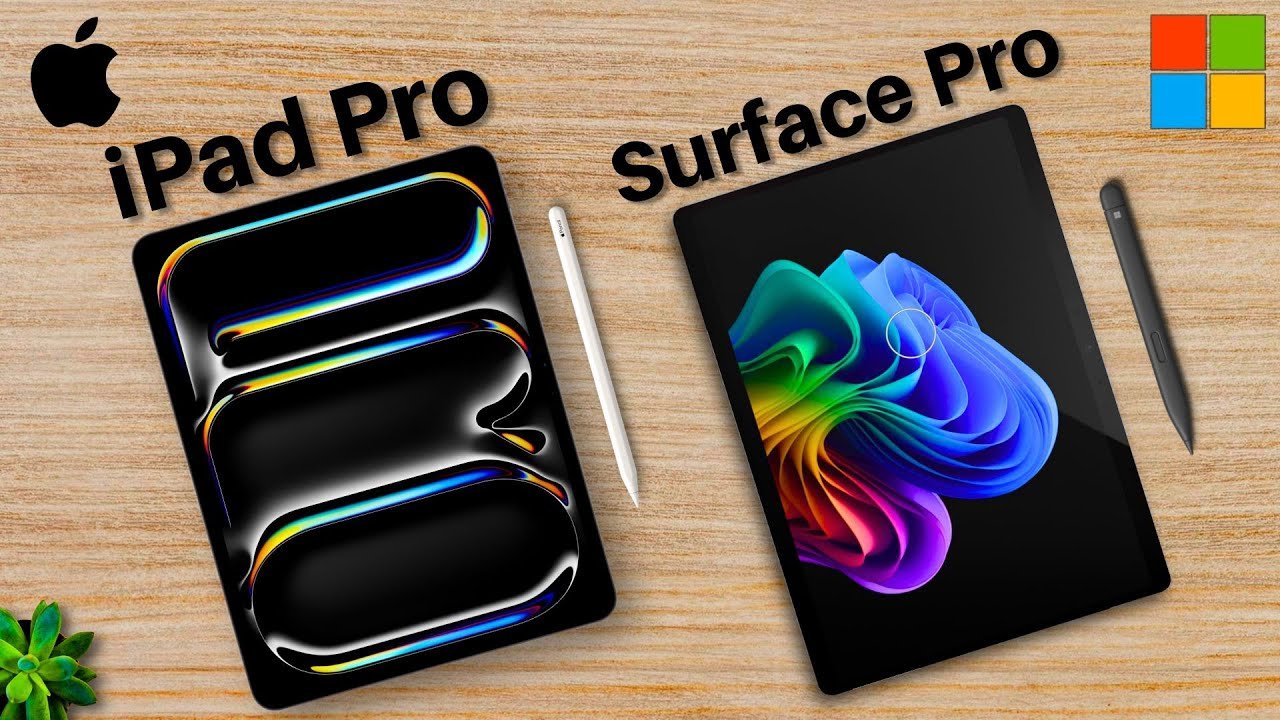
Laptop-tablet versus tablet-laptop: the Apple M4 iPad Pro versus Microsoft Surface Pro 11. Which is better? Let’s go over the raw stats first. Externals and Design The M4 iPad Pro is Apple’s flagship laptop-tablet, sporting many features starting at a price of $1,000 for the smaller version and $1,300 for the larger one. While the Surface Pro 11 is Microsoft’s tablet-laptop that starts at $1,000 for the regular model and $1,500 for the OLED version. Both of these have accessories that are often purchased together, so here are their prices as well. Display and Size Size-wise, the iPad Pro has two: the 11in and the 13in, both sporting 120Hz refresh rates and OLED displays with the only real difference between the two options being the sizes. While the Surface Pro is 13in with a 120Hz display sporting either an LCD or OLED screen with the OLED screen costing a fair bit more. So, both iPad versions having OLED is better than the Surface Pro’s two different options, but the Surface Pro starter model is larger than the iPad Pro’s, so there’s a give and take. Connectivity and Cameras Connectivity-wise, both are not great, but there is a clear winner. The iPad Pro only has one Thunderbolt USB-C, so a dongle will likely be necessary for most users, while the Surface Pro has two USB-C’s and the Surface Connect port. So neither is really good in this regard, but the Surface Pro does have more ports in general. For cameras, both of these devices are actually quite good. The iPad Pro has an extensive camera array with a wide rear cam, LiDAR scanner, and an ultrawide front camera, enabling the tablet to record at 4K, cover a large area around your face at the front, and project AR imagery. While the Surface Pro has a great ultrawide front camera and wide rear cam; the rear can record at 4K and the front at 1440p. So both of these devices are actually pretty neck and neck in terms of camera tech. Overall, though, I’d say the iPad has the slight advantage with the LiDAR scanner, but they’re both really solid. External Summary: The iPad Pro takes points for both models having OLED and LiDAR scanners, while the Surface Pro has better connectivity and the starter model is larger. Internal Specs and Performance The iPad Pro sports the new M4, which is very speedy since it’s a computer processor put into a tablet and the newest generation of that chip. While the Surface Pro 11 rocks the also new Snapdragon arm chips, the Snapdragon X+ for the starter model and X Elite for the OLED version, which are also very fast and allow for some great overall performance and battery life. Benchmarks and AI To visualize this better, here are the alleged single core performance benchmarks of these device configurations and here are the multicore. As you can see they’re pretty neck and neck with the iPad Pro coming out on top. Both of these devices also support their own respective NPUs or neural processing units for AI functionality, which are great because AI is coming full swing. Storage and Battery For storage, both of these devices are not great, but they do tie: 256GB for both. You can’t get any more equal than that. However, the Surface Pro’s SSD is upgradeable, so that’s a point for Microsoft. For battery lives, both seem pretty good. Both of these devices’ previous iterations showed solid battery lives, with the surface having a bit more variability; some users’ devices could last all day while others just a few hours. With both of these devices seeing a significant performance upgrade, expect there to also be an increase in battery performance as well, up to a full work day. Security and Operating Systems Both sport solid security software, with the iPad Pro rocking Face ID and the Surface Pro using Windows Hello. For the operating systems, the iPad Pro uses iPad OS while the Surface Pro runs Windows 11, meaning two completely different OSs that also translate to different uses for these devices. In summary, the iPad Pro has faster internal specs, while the Surface Pro has an upgradeable SSD. Verdict: Which One Should You Choose? The M4 iPad Pro versus Surface Pro 11 are two really solid devices that for this year are really tough to choose, but I think despite the wonderful upgrades, the right choice for you is pretty clear. Simply put, the iPad Pro is a laptop-y tablet, meaning a tablet that can sort of act like a laptop. It’s like a companion to your laptop or computer setup that you have already. While the Surface Pro is a tablet-y laptop, meaning a laptop that can kind of act like a tablet. So it has that compatibility with nearly everything on the internet and can be used as your main computer. The iPad is an amazing tablet but not a great laptop because iPad OS just doesn’t have that compatibility with as many programs or that multitasking ability as Mac OS. While the Surface Pro is a great computer but not a great tablet because Windows is not a native tablet operating system, causing the tablet experience to be a bit more lacking. If you are a student, professional, or wonderful consumer who already has a computer and/or is okay with iPad OS, get the M4 iPad Pro. If you are a student, professional, or wonderful consumer who does not already have a computer and/or would prefer the Windows operating system, get the Surface Pro 11. Ultimately, this is your decision and you can’t really go wrong with either device, but focus on what you need. The iPad is a fantastic companion to your setup, while the Surface Pro can be your setup. My name is Cirus. It’s spelled like Cyrus but like C-rooster, just take out the T. Thank you very much for reading and have a wonderful day.
Microsoft Surface Pro 11 Vs Surface Laptop 7 | Which is Better?
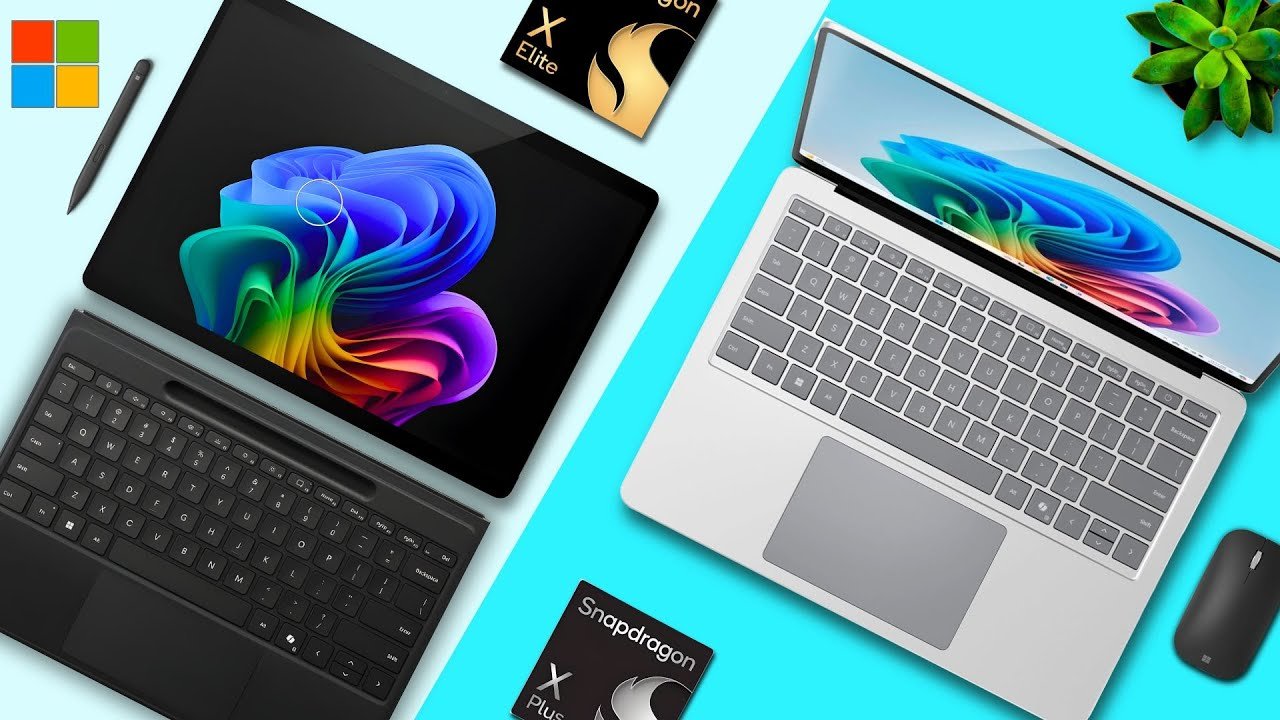
All right, Microsoft’s new amazing portable laptop devices: the Surface Pro 11 versus Surface Laptop 7. Which is right for you? Let’s talk about it. The Surface Pro 11 is Microsoft’s new portable tablety laptop with an incredible spec sheet, an awesome upgrade this year. While the Surface Laptop 7 is Microsoft’s new also portable laptop with another incredible spec sheet, an awesome upgrade this year. Raw Comparison Here are the raw stats for a general comparison. As you can tell, they share numerous features such as their new processors, removable SSDs, and Windows operating systems. But what they differ in, they differ in significantly, and that will determine which is best for you. So let’s talk about what makes these two different. Surface Pro 11: The Versatile 2-in-1 Starting with their prices, the Surface Pro 11 starts at $999. But that is only for the device itself. If you pay for that only, you just get the laptop in its tablet form factor. However, if you want both the full keyboard plus trackpad and stylus, that’ll cost an extra $450—a huge sum of money. Is it worth it for you? Portability: With that added cost, you get a fantastic 2-in-1 laptop that is far more portable than the competition since it’s lighter. Design: It also has rounded corners for its display, a detachable keyboard, better camera, and again has that stylus support which the Surface Laptop 7 doesn’t feature anymore. Versatility: It does have a touchscreen but no pen support, meaning the Surface Pro is better for work on the go and more tablet things like note taking or drawing which its tablet-like form factor does allow for. Display: The Surface Pro also sports a second purchasable option, which is an OLED screen. This is something that will cost a bit more, but it will allow for a far prettier looking display as well as a better experience for the creatives out there. You get more accurate colors for your art which can be extremely valuable for some and it’s more beautiful to look at especially with the higher pixel density of the device. Surface Laptop 7: The Dedicated Powerhouse Now on the flip side, the Surface Laptop does have its own benefits as well. Namely, it’s far cheaper. That extra $450 for the keyboard and pen accessories are completely avoided buying the Surface Laptop so it feels like a far better deal. Since you’re getting a device with the same power as the Surface Pro but at a much cheaper cost, it provides great value. Even disregarding the keyboard and stylus add-on price, the Snapdragon Elite version of the Surface Laptop—the more powerful processor—is $100 cheaper than the Surface Pro’s comparable options. Key Advantages Savings: If you’re not looking for the OLED screen and would rather save some money, buying the laptop about $550 with the accessories factored in, you can do that. Size Options: The Surface Laptop has two sizes. If you want a device that has a larger screen for whatever work you’re completing, you can have that with the Surface Laptop. You can either purchase the 13-inch version or the larger 15-inch variant. Connectivity: The Surface Laptop has more ports so better connectivity with anything you’re working with, supporting an extra USB-A port and micro SD card slot for expandable storage which is superb if you’re in a pickle. Battery Life: The Surface Laptop does have an alleged better battery, but that is to be confirmed by the reviewers. Final Verdict: Which One Should You Choose? Taking a look at my university, I’ve seen numerous students with either the Surface Pro or Surface Laptop. They’re literally everywhere and everyone seems content with either choice really. If I were to categorize the two, I would say the Surface Laptop 7 is something that for most of you is like the baseline for your needs. While the Surface Pro for most of you is more than that; it’s what you need plus that added convenience. The Surface Pro is pretty much the Surface Laptop in addition to a few other tablet-like features. It can be used for digital note taking for students, drawing for artists and presenters, and just easier more portable potentially OLED content consumption. The Surface Laptop is exactly that in the name: a laptop with less of those frills. It has the same power as the Surface Pro at a fraction of the price. Now it can’t be used like the Surface Pro so it can’t be your handwritten notebook or drawing tablet, but if you want something that can be your dedicated work laptop, the Surface Laptop is good for that. Plus, the clamshell design of the Surface Laptop 7 is a bit more comfortable than the kickstand the Surface Pro 11 uses when the device is on your lap. My Suggestions Choose the Surface Pro if: You are a student, worker, professional, or kind consumer who would like a multifaceted device that can be used for both laptop work such as writing documents and tablet work such as note taking, and you can afford it even with those added accessories. Choose the Surface Laptop 7 if: You are a student, worker, professional, or kind consumer who would like to get a more dedicated device toward laptop work such as writing documents or emails and would potentially rather get a larger device such as the 15-inch version. Ultimately, this is your decision and these are pretty broad strokes in regard to which is a better laptop for you. It really just depends on your personal preferences and especially your needs. Focus on your needs and I’m sure you’ll make the decision.