
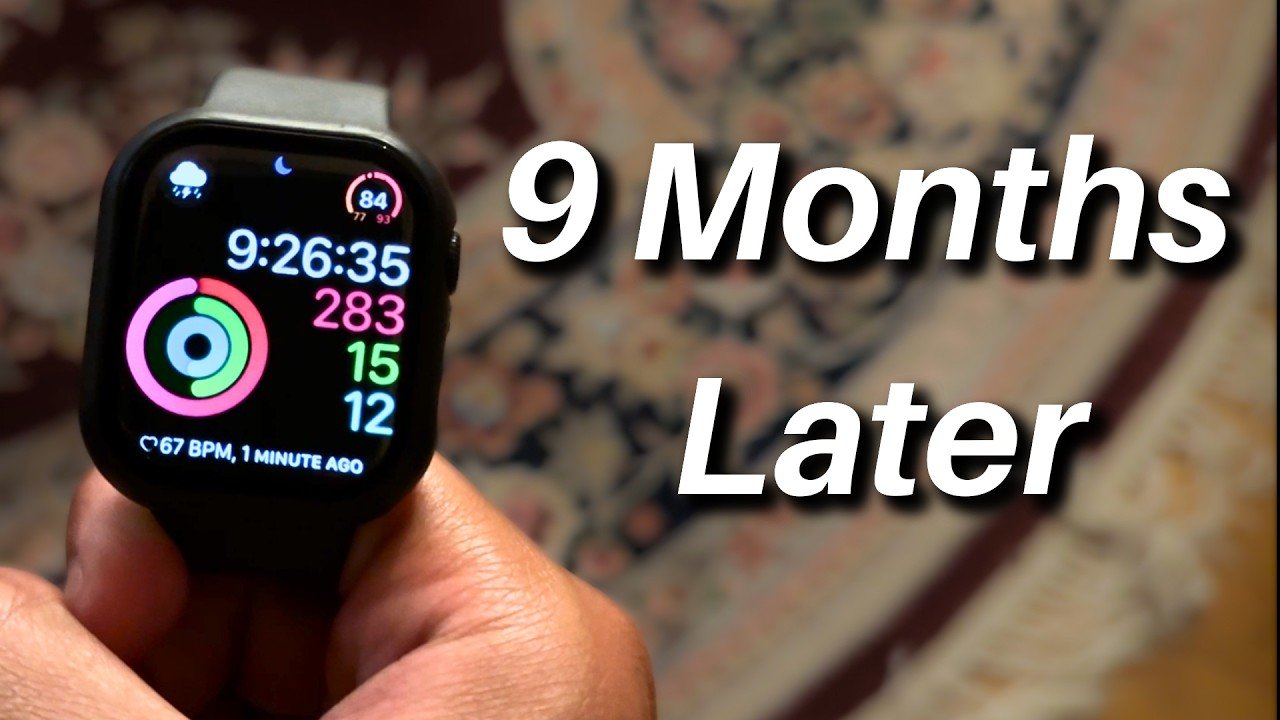
So, it’s been 9 months since I purchased the Apple Watch Series 11 and I’ve been wearing it each and every day and night since then. So, given that, what do I think? Well, let’s talk about it. This is the Apple Watch Series 11 9 months later review. This is the 42 mm aluminum Apple Watch Series 11 in jet black. And as you can see, it looks pretty good and quite thin despite how much tech is actually inside of this thing. Understanding the Upgrades If you have the previous Apple Watch, the Apple Watch Series 10, this one is more of an iterative or marginal upgrade over that previous version. So, it doesn’t have a new design or anything like that. It just has a slightly better battery and a more scratch-resistant screen, which are both great. But, I still slapped a case on this thing right after opening it for that added protection. And honestly, I’m glad I did. This thing has seen a lot. The battery is also pretty good, but you’ll still need to charge it regularly. This watch can also support 5G cellular if you opt for that version, but I didn’t. I just went for the one that simply connects to my phone and that works well enough. Daily Experience and Utility I’ve used other smartwatches before in the past, which were very insightful showing me my sleep time, activity level, and also my heart rate. And that was great for me at the time when I was in high school, but this has taken that information to a whole ‘nother level. The Apple Watch as a device is both intuitive and also informative. Though, that information does have its limits. With the watch, I track my physical activity, my sleep, my notifications, I answer calls with it, I control my music with it, etc. And that’s not even the full extent. I can go on and on about how I use this watch. It’s a very nice accessory for my iPhone because it makes it so I don’t have to go through the hassle of taking my phone out of my pocket, which I know that sounds pretty first world how it’s a hassle to remove my phone from my pocket. But, when I’m sitting down, for instance, it is a real pain getting my phone out of there to check my notifications. Using the Apple Watch is just simply easier. It’s a convenience tool, but that’s not the main selling point for me. Fitness and Workout Tracking I bought this watch for two reasons, two big reasons. Number one, to track my workouts, and number two, to track my sleep. This thing is awesome for tracking workouts. I exercise fairly regularly and being able to somewhat accurately track how I’m performing while exercising is such useful information. It helps me keep tabs on my heart rate and pause times, so I’m always on schedule and not slacking. The calorie tracker is also very nice. Though it does feel like it’s over exaggerating how many calories I’m burning because my workouts don’t always feel that intense. Especially for those days where I’m really active throughout the entire day, seeing how many calories I potentially burned feels fake. It seems really high. Nevertheless, the activity tracker is a great feature for me as someone who just enjoys being active. It adds that extra little win at the end of a fun workout. I like that a lot. Insights into Sleep Tracking The other purpose this watch serves for me mainly is sleep tracking. And it’s pretty good. Apple introduced sleep score with this watch, which rates your sleep hygiene prior to going to bed and also your sleep quality based on some fairly easy to understand metrics. Those being bedtime, sleep duration, and time awake. Apple also sports its other sleep tracker that assesses your vitals and goes further into addressing the quality of your sleep. So, combining those makes for a pretty insightful mix to really assess my sleep. For instance, when I started having a more regular schedule and stopped being on call as often, I noticed my sleep score went up significantly simply because I had my consistent sleep regimen back. And in contrast, when I went on a cruise last week, which I barely slept over the four nights, well, my sleep score was not that great. Now, there are times when even though I get an excellent or near a 100 sleep score, I’ll still wake up groggy. That does happen, but that’s just how it is when it comes to sleep tracking. Accuracy is not always 100%. I’ve developed the mindset that sleep tracking on the Apple Watch is supposed to give you an idea of how well you slept, but I can’t expect it to be perfect. I think of it as one interpretation of a broader whole story rather than the actual 100% true accounts of it. Drawbacks of the Experience I’d be lying if I said I don’t love having this thing and don’t enjoy using it on the daily, but it’s not perfect. It does have its drawbacks. Siri limitations: She’s helpful sometimes, but she’s not that good. Constantly, I have to say her name multiple times for this device to even register that I’m talking to her. And when I do, she still can’t answer half of the simple, not super complicated questions I give her. Moreover, when I ask her something and she pulls it up, after a minute, Siri will tab out and I can’t go back and see what she was showing me. So, that’s really frustrating. Battery life: Despite this device having an upgraded battery, I still need to charge it every day, which if you have a regimented schedule, that could work for you. But, I’m still sometimes on call, so it can be tough to charge my Apple Watch and stay wherever I’m at
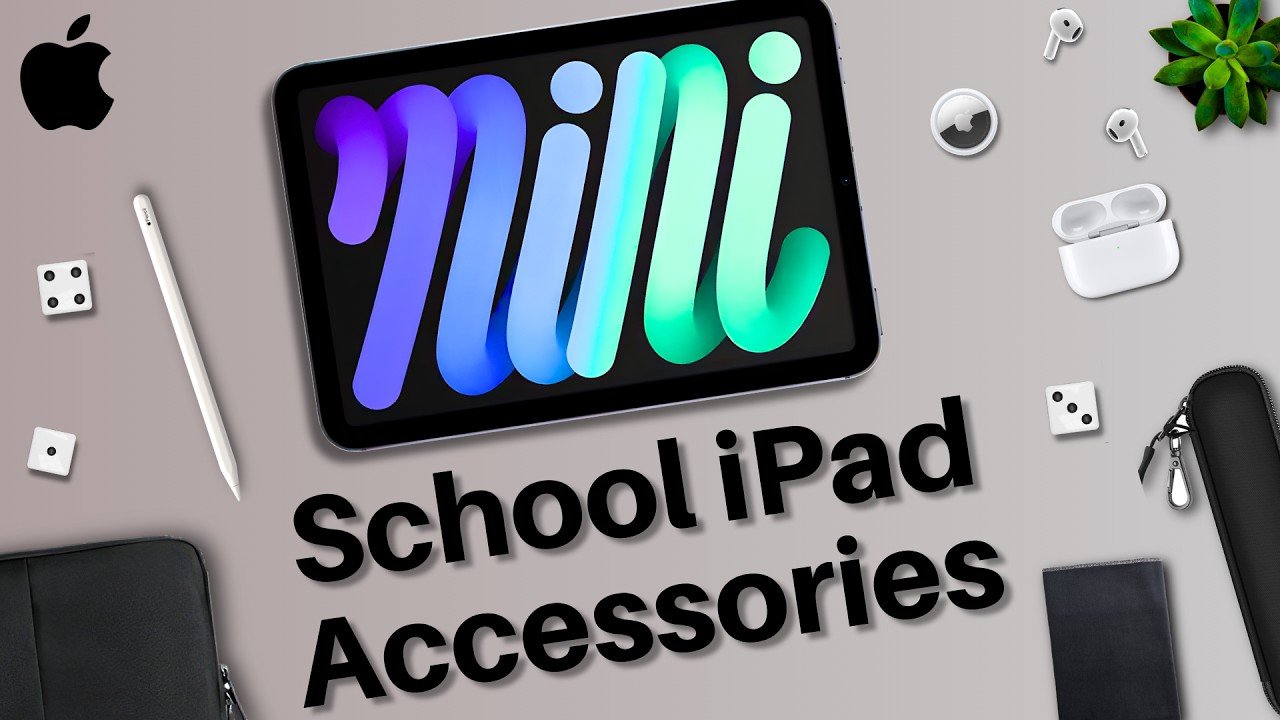
Top iPad Accessories for Students | iPad Back to School Accessory Guide 2026
So, if you’re interested in buying an iPad for school, here’s a short list of accessories I recommend buying for a much more productive semester. 1. The Essential Stylus First on this list, a stylus. In my opinion, this is probably the most important accessory purchase you can make. The Apple Pencil or a stylus transforms your iPad from it being just a larger iPhone to a full-fledged canvas. Write notes on your iPad, annotate lecture slides, diagrams, solve practice problems, complete all different types of homework assignments, etc. To me, it’s essential to the iPad and transforms its usability. It’s my number one. 2. Protection: Sleeves and Cases After that, I’d recommend a case sleeve. I use case sleeves all the time because they are both protective and very portable. These are thin, little mesh, and sometimes water-resistant cases that you put your iPad into. And they allow you to transport your iPad with just that little bit extra piece of mind. Oftentimes, they will have zip-up pouches within them for other accessories, too. And I’d suggest looking into an Apple Pencil sleeve as well. This isn’t a 100% necessity, but I have seen many Apple Pencils drop onto the hard flooring of my lecture halls. In those situations, an Apple Pencil sleeve really could have saved them. Now, one other thing that could save your iPad is a case. With the iPad, there are two that you can go for, either the plain case or the keyboard case. I personally have always gone for the plain case because it’s simple, and I don’t need the keyboard because I already have my MacBook, and the keyboard case is just a bit more expensive. With that said, the keyboard does expand your iPad’s versatility by quite a bit. So, it’s not a bad idea to get one whatsoever. In fact, I’ve seen many of my classmates benefit from using it. So, for me, I always opt for the Apple Pencil first and the keyboard, I just opt for my MacBook. 3. Optimizing Your Screen For my iPad, I do always opt for a screen protector. Again, there are two options you can go for, either the glossy one or the textured variant. The glossy one is just like what you usually have on your iPhone. It’s slick, it’s fine, it’s protective. The textured one makes the screen feel a little bit grainy, so it’s more akin to writing on paper. So, if it’s your first time using an iPad and you’re super used to writing on paper, it could be a good option. Otherwise, if you’re like me and like the slick feel of that screen, I’d go for the glossy one. 4. Power and Note-Taking Apps Moving away from screen protectors, cases, and overall protection, let’s talk about something that you most definitely need, a long charger. The bundled together iPad charger isn’t long, and for school, you should definitely consider a 10-ft charger. That way, you can charge your iPad in a place with only a few outlets, and or you can use your tablet while it’s charging somewhat far away from the outlet. It’s something I recommend for everyone, because you don’t lose anything by getting a longer cable. You can always just plug it into something closer. So, in my experience, I would definitely consider that. And the final accessory recommendation I have for you for school is to find your notes app. If you’re using your iPad to take notes, I suggest doing your research and finding out which iPad note-taking app works for you. There are a lot of them out there, so choose whichever one fits your style, and then stick with it for school. And that was my list of the top iPad accessories for school. Which ones will you be considering? Let me know in the comments section down below. My name is Cyrus. It’s spelled like Cyrus, but it’s Cyrus. Just take out the “i”. Thank you very much for reading, and have a wonderful day. Peace.
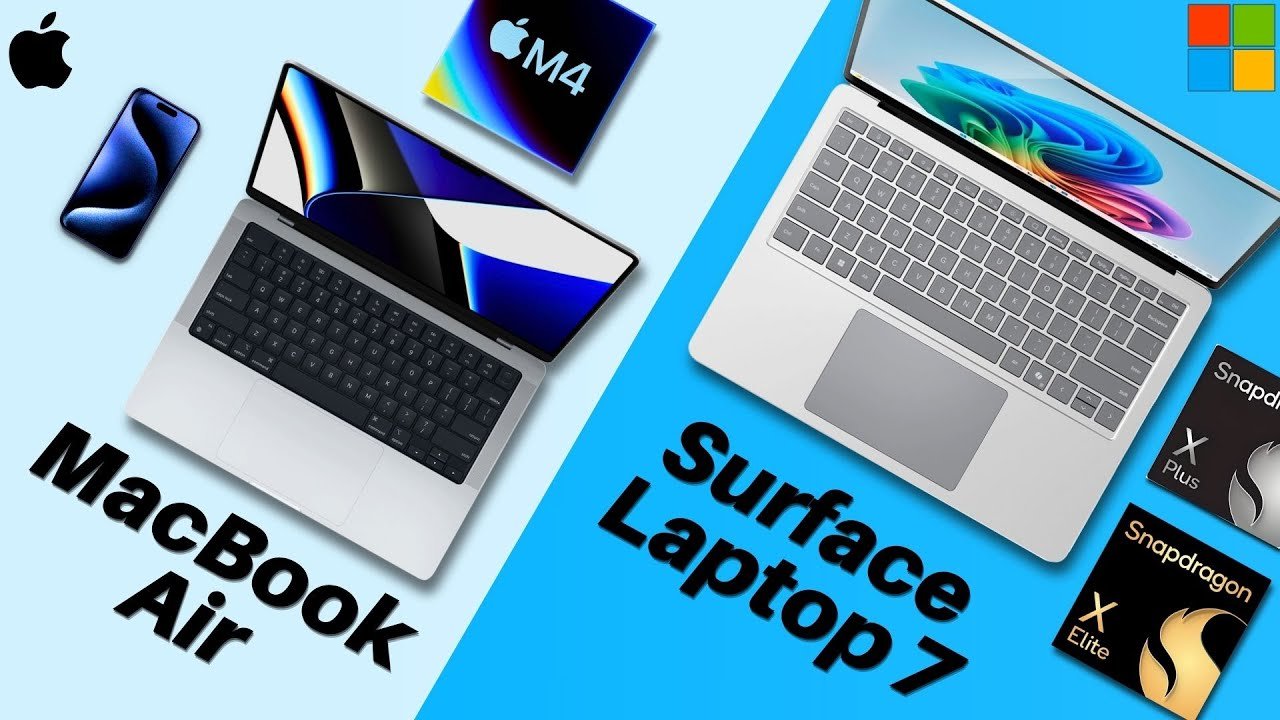
2025 M4 MacBook Air vs Surface Laptop 7
All right, let’s do a general overview comparison of the Microsoft Surface Laptop 7 and the Apple M4 MacBook Air. Let’s go over the raw stats. Pricing and Models First, externals. The M4 MacBook Air is Apple’s fan favorite thin and portable laptop that starts at $999 for the 13-in version and $1199 for the 15-in. While the Surface Laptop 7 has multiple options, a 13-in version starting at $8.99, a 13.8 in version for $1199, and a 15-in version for $12.99. Both of these Apple and Microsoft laptops have seen impressive upgrades this year, which we’ll discuss momentarily. But overall, pricing is fairly tight. Design, Display, and Connectivity Perform factors, as we just stated, both laptops come in multiple sizes that are both compact and super portable. Where they differ is in their displays. Apple’s laptop display has a higher PPI or pixels per inch, plus additional color accuracy features, while the Surface Laptop for the more expensive two sizes have a higher refresh rate for faster looking movement. In addition to all of the Surface Laptop models sporting touchscreens, so depending on what you value, each display will have its pros and cons. Regarding connectivity, both of these devices are all right, but the Surface Laptop does have one more port over the MacBook Air, the USBA. So that adds to its versatility in addition to the 15-in version having a micro SD card slot. So in summary for this section, the MacBook Air is good, but doesn’t support those additional ports. So Microsoft takes the cake. Now, for cameras, both laptops provide solid 1080p webcams, which are good with their own set of features. You can’t go wrong with either. So, for the external summary, both laptops have their pros and cons that depending on what you like, would sway your decision from one side to the other. Internal Performance and Features Now, let’s move on to the internals. So, for the internal specs, both laptops are really neck andneck. The MacBook Air sports Apple’s newest M4 chip, which is super speedy, while the Surface Laptop 7 rocks either the Snapdragon X Plus or the Snapdragon X Elite, depending on your configuration. And as you can see, they’re really neck andneck. Storage-wise, it’s the same thing for both laptops of all models, 256 GB. I wish there was more to start with, but it’s a tie. However, the Surface Laptop’s SSD is upgradeable, so that’s a point for Microsoft. And for battery lives, both should last you your entire workday. So that’s definitely a plus for both laptops. Additionally, both sport their own respective security software with the MacBook Air supporting Touch ID and the Surface Laptop running Windows Hello. And lastly, for the operating systems, the MacBook Air runs Mac OS while the Surface Laptop runs Windows. Two different operating systems with both laptops also coming with some exciting new AI features that you might be interested in. But in summary, both laptops are solid for the internals. The General Verdict All right, the Microsoft Surface Laptop 7 versus the Apple M4 MacBook Air. The general verdict. Both of these laptops every year are discussed and debated among professionals and students alike on which provides the best value. At my school, both of these are all over. You really can’t go wrong with either or for the most part. However, I will say that for some programs like engineering, students will need to run software that may not be compatible with Mac OS. So, if you’re going into a more STEM related field, you likely know which laptop is best for you. I’d also recommend calling your university and asking which laptop is best for you as an aside. But if you are not a part of that crowd, which is the right laptop for you? Well, that depends on what you like to do and how you tend to use your laptops, your needs, and your wants. For instance, if you just need a new laptop and you want a Windows PC, the Surface Laptop is a great option for you. Or if you again need a new laptop, but you want to stay within the Apple ecosystem, well then the MacBook Air is the way to go for you. I would definitely, as I stated for those in engineering programs, also apply that same logic to your purchase. Make sure that your laptop satisfies all of your needs and you can do all of your work on it. Otherwise, the rest of the comparison really is up to personal preference. So, ultimately, it is your choice at the end of the day. Focus on your needs and be sure to check on amazon. And that was the Surface Laptop 7 versus M4 MacBook Air. Which will you be getting? Let me know in the comment section down below. My name is Cirrus. It’s spelled like Cyrus, but like s rooster. Just take the tur. Thank you very much for reading and have a wonderful day. Peace.
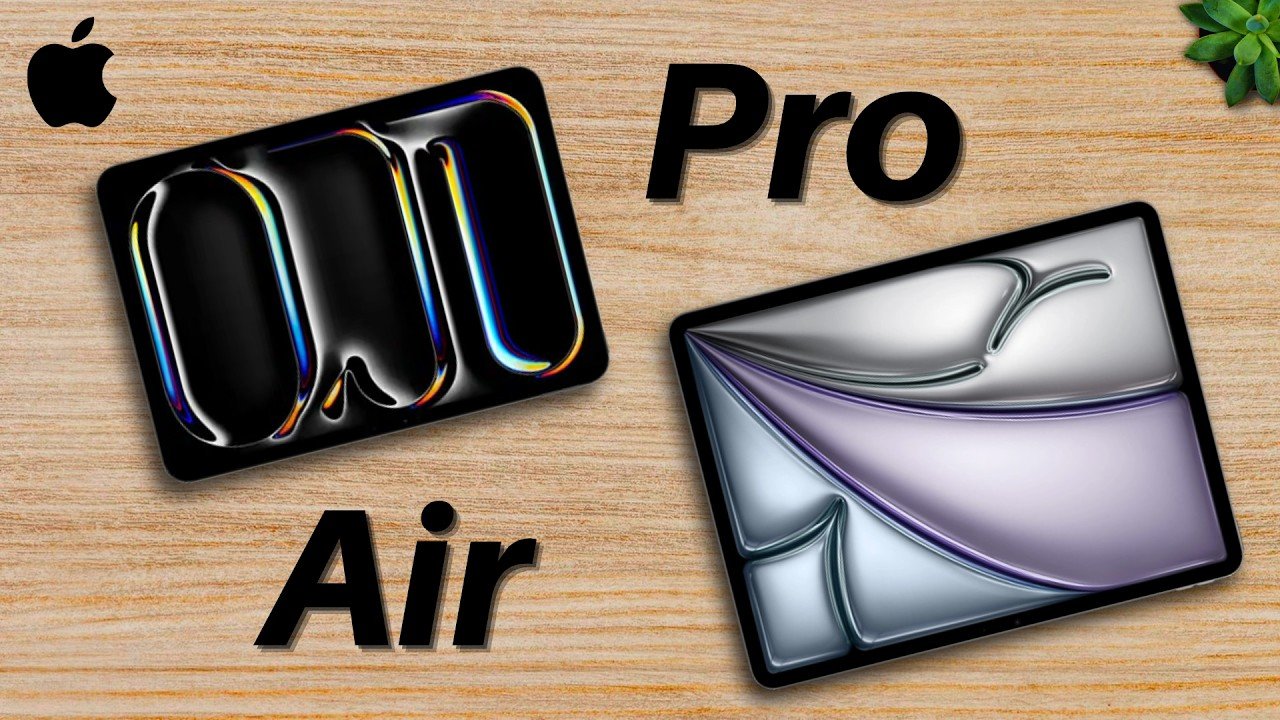
M5 iPad Pro Vs M4 iPad Air | Buyer’s Guide
So, if you’re deciding between the M5 iPad Pro and the M4 iPad Air, here is a general article comparison between the two. This is the Apple M5 iPad Pro versus the M4 iPad Air. Affiliate links down below. Starting off, on your screen right now are the raw stats of both tablets. With the main focuses of today’s article being on the processors, displays, and extra features. Processor Power and Performance Firstly, let’s focus on the processors. The iPad Air comes with the M4 chip, which is a literal computer processor put into a tablet. So, it’s very speedy for most definitely all of your needs. But, the iPad Pro sports the newest M5 chip, which is speedier than the M4, adding that greater performance headroom. But, whether you actually need that added performance headroom, we’ll discuss next. Regardless of which one you choose, both of these tablets are incredibly powerful with super fast app loading, excellent overall performance, smooth multitasking, etc. But, the Pro can do just a bit more with its M5 chip for greater future-proofing. Such as, for example, if you’re into some really intense photo or video editing, the Pro may be the better option. Or, if you use pro-level apps, again, the Pro may be a good option. But, that doesn’t mean that the Air can’t handle those either. Display Technology and Refresh Rates What further differentiates these two, though, would be the screens. Now, there are different sizes for both tablets, which we don’t need to get into too much. I’d suggest just choosing whichever fits your hands and your use case scenarios. And personally, I’d opt for the 11-in version of each tablet. But, going back to the screen features, the iPad Pro has an OLED display with promotion, or a 120-Hz refresh rate, meaning it both looks nicer and also smoother-looking. So, even if the iPad Pro were to perform similarly to the iPad Air, it may look faster because it has that faster-looking screen. Premium Extra Features Now, in terms of the extra features that the iPad Pro has over the iPad Air, there are a few. Face ID over Touch ID, four speakers over two, greater starter storage capacity, higher brightness, fast charge capability, etc. But with all those features in mind, at a base level, these are honestly two pretty similar tablets overall. The iPad Air is extremely powerful, more powerful than almost everyone needs. While the iPad Pro is even more powerful than that with some more convenient and helpful features for those who want the best of everything. Budget and Pricing Considerations So now that we’ve gotten that out of the way, let’s talk pricing. The iPad Air starts significantly lower than the iPad Pro. And once you start adding accessories like the Apple Pencil, a case, a keyboard, that price, and especially price difference, only gets larger. And that’s something to keep in mind because your tablet really is an accessory to your main setup. You’ll still need a computer at the end of the day. So if you’re deciding between these two, make sure both are within your budget, accessories and add-ons all included, too, because these tablets can actually be a bit pricey. Final Verdict: Which iPad Matches Your Needs? So keeping that budget in mind, let’s lastly discuss the other most important aspect of this decision, your needs. What do you need your tablet for? We briefly discussed this throughout the comparison, but it’s important to hammer home that if you need something for school, for instance, the iPad Air is a great option. It’s fast enough, it’s powerful enough, and it’s expensive enough. But if you’re using your tablet for some really intense, performance-heavy work, the Pro might work better for you. It’s the best of the best in every regard and pulls no punches. It all depends on what you need and what you’ll do with the tablet. Focus on those needs and of course your budget, and I’m sure you’ll be satisfied with your purchase. In my current case, when I was a student, I opted for the iPad Air and I’m glad I did. I used my iPad for consistent note-taking, journaling, documentation, presentation work, etc. It works well for me and I have zero regrets. And that was my comparison of the M5 iPad Pro and the M4 iPad Air. Let me know which one you’ll go for in the comment section down below. My name is Cyrus. It’s spelled like Cyrus, pronounced like see rooster. Just take out the tur. Thank you very much for watching and have a wonderful day.
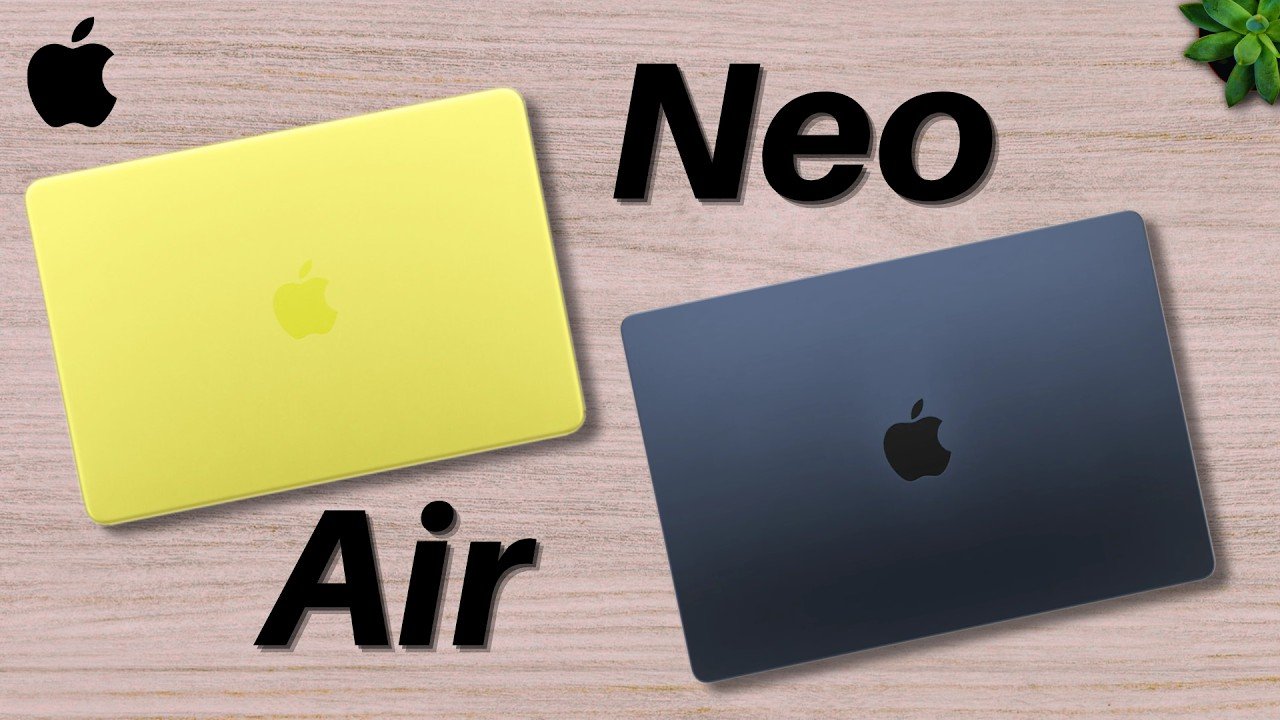
Apple MacBook Neo vs M5 MacBook Air | Which Laptop is Right for You?
So, let’s say you’re deciding between the MacBook Neo and the MacBook Air. Which one is best for you? Well, let’s talk about it. This is the Apple MacBook Neo versus M5 MacBook Air. Starting off, these are the raw stats of both laptops. And as you can tell, there’s quite the price difference between these two. So, the question for today’s article is whether that price difference really makes the Air worth it over the Neo. To do that, we’re going to focus on the overall performance and capabilities of the laptops, their displays, and extra features. Performance and Capabilities Firstly, let’s focus on overall performance and capabilities. The MacBook Neo, being the most cost-effective MacBook on the market, sports also a cost-effective processor, the A18 Pro chip, which originally came with the iPhone 15 Pro and Pro Maxes. So, it’s no slouch. But don’t expect it to be able to do a ton of heavy lifting with more demanding programs. In contrast, the MacBook Air sports the newest M5 chip, which is super fast and boasts a lot of extra performance-oriented features, such as more RAM to start. This allows you to have multiple intensive programs open at the same time and not have them bog your computer down as much. Nice stuff. Display Quality Moving on to the display side of things, this shouldn’t be too big of a concern for you because Apple makes some really nice-looking screens. But do note that the MacBook Air does have a slightly better-looking display, with it being just a tad bit larger and also having smaller bezels with that notch, which make for a better viewing experience overall. But again, these are still both solid tools that you can use for your daily life. Quality-of-Life Improvements Now, let’s go over the extra features, of which there are quite a few that the Air has over the Neo, but they’re are mostly quality-of-life improvements. Notably, the battery life of the MacBook Air is just a tad bit better. The starter storage is also higher on the MacBook Air, which is very nice for students. Better speakers, better camera system, Touch ID if you opt for the Neo without that, fast charging, etc. So, these nice quality-of-life plus the better processor and nicer screen make the MacBook Air a good upgrade over the MacBook Neo. Choosing Based on Your Needs The question is, though, do those things matter to you and your use case scenarios? Well, now let’s talk about your needs with this purchase because those should decide whether to buy the MacBook Air or the Neo. Frankly speaking, I think for most students, you should consider the Neo as a good enough laptop for everything you’ll be doing. Barring that you’re not doing any creative work such as photo or video editing, the MacBook Neo is great for documentation, emails, homework, etc. It’s just that if you’re going to be doing any extra work, that’s when you should consider the higher tier option. But if you’re going to be doing anything higher than documentation type work, I’d actually recommend something more like the MacBook Pro which has the specs to be able to take on some more demanding tasks. Who is the MacBook Air For? So then if most students should opt for the MacBook Neo, who is the Air for? Well, I think the Air is best for those who have a bit more extra cash and want to use their laptop for a bit longer and for potentially a few other tasks besides the typical student workload. The MacBook Air is great for the general consumer. Someone who’s going to be working with the laptop and traveling with it all day long. I used the MacBook Air for many years and I’d say it worked great for some of my use cases for my work. So if you’re someone who plans to use your laptop for stuff outside of general school work, the MacBook Air is a great option. Otherwise, for 4 years at a typical university, the MacBook Neo is super solid too. And that was my comparison of the Apple MacBook Neo and MacBook Air. My name is Cyrus. It’s spelled like Cyrus but not like C rooster, just tag on the tur. Thank you very much for reading and have a wonderful day.
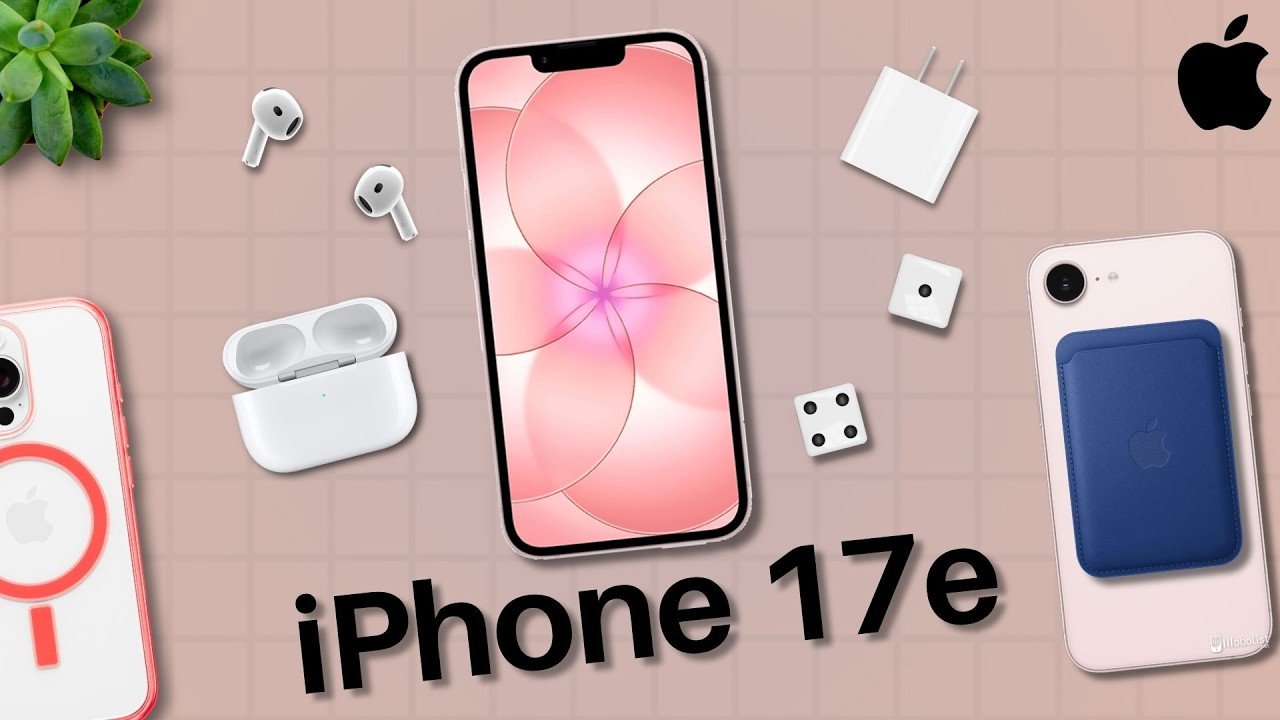
Top Apple iPhone 17e Accessories
All right, if you just purchased the iPhone 17e, there are quite a few accessories to consider for your new phone. So, in today’s article, we’re going over the best accessories to consider, starting with the essentials. Protect Your Device: Cases and Screen Protectors First off, a case. Every smartphone I’ve purchased always has had a case slapped on it. And in my opinion, it’s good to get one that’s both protective and practical. You can always opt for the Apple-made iPhone 17e cases, but they are a bit pricey, so there are some cheaper alternatives on your screen right now. I always go for the thinner cases that are still protective and allow my phone to fit into my pocket, but there are a ton of good options to go for. Next up, a screen protector. iPhone screens are incredibly expensive to replace, especially compared to these tiny screen protectors that you can just rip off and slap a new one on right away. Best part is that some are really thin and still protective, so you don’t need to worry about them adding too much extra depth to your display. I opt for just the tempered glass screen protectors, but there are also privacy glass ones you can get if you prefer that. Powering Up: Charging Essentials Afterward, I’d get a charger for your iPhone. Preferably one that is longer, so a 6- or 10-foot cable. That way, if you ever find yourself needing some juice, but you’re kind of far away from an AC outlet, you can use your longer cable to be able to access it. Now, one tip I have for the cable is make sure it’s braided. That way, it’ll make sure it’ll last longer, and you won’t need to worry as much about it getting worn down with use. And of course, you got to get yourself a USB-C block for your phone charger cable as well. These tend to not ship with your phones anymore, so getting one of those is an essential. Essential Audio and Battery Gear Up next, headphones. With my phone, I always have AirPods with me wherever I go, because they’re so useful and important to me. You can go for whichever headphones you personally prefer, but having some for your iPhone are definitely nice to have for any occasion. Something else really nice to have is a battery pack, specifically a MagSafe one. I actually got one of these recently for my phone because I’m on call a lot for work, so it’s important to be able to power my phone wherever I’m at, and these are super nice to have. If you’re constantly away from home, whether it be for work or just traveling, having something you can rely on to get your phone through the day can be a lifesaver. I’d recommend getting one of these and keeping it on you when you travel far and then just attaching it to your phone magnetically when you need it. MagSafe Convenience Additionally, you can also get yourself other MagSafe accessories, too. Like a MagSafe wallet, if you like, for easy access to your cards, credit cards, IDs, etc. The last accessory recommendation I have is with MagSafe, as well. A phone grip and also a mount for your car. I use my MagSafe phone mount in my car for my GPS and it’s so incredibly helpful. The Apple Maps app is my go-to for traveling. I’m constantly using it. So pairing my phone with that app to a mount that attaches with MagSafe on my car is an absolute game-changer. And those were all of the accessories I recommend for you to check out for your iPhone 17E. Which one will you get? Are there any I missed? Let me know in the comment section down below and be sure to check out the affiliate links in the description. My name is Cyrus. It’s spelled like Cyrus bouncing C rooster. Just take out the T. Thank you very much for reading and have a wonderful day.
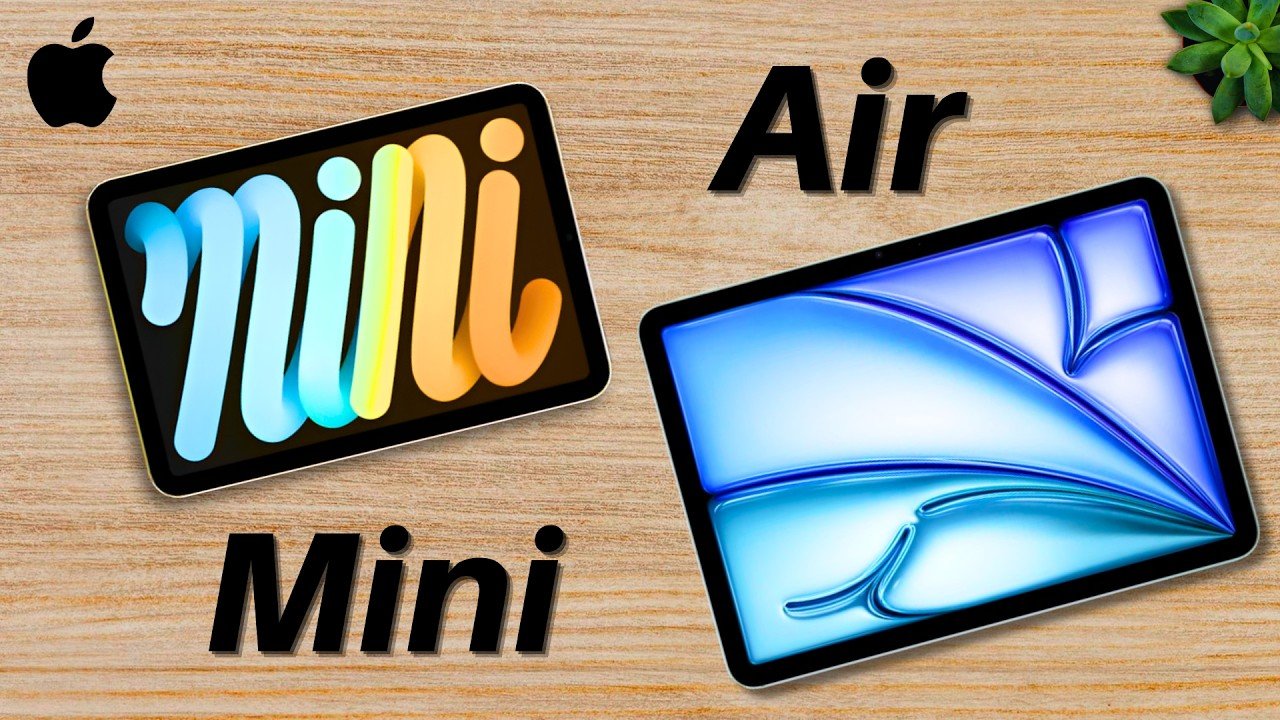
iPad Mini A17 Pro Vs iPad Air M4 General Comparison
So, if you’re deciding between the current iPad Mini and the new iPad Air, well, this is a general article comparison between the two. This is the Apple iPad Mini A17 Pro versus the M4 iPad Air.Starting off, on the screen right now are the raw stats of both tablets. Now, there are quite a few differences between these tablets, but we’re going to focus on the main ones for now. Performance Capabilities Firstly, the performance. The iPad Mini sports the A17 Pro chip, previously found in the iPhone 15 Pro from 2023, and that’s a very speedy processor. I rock the iPhone 15 Pro Max and have had literally zero slowdown time for everything. So, for everyday iPad use, such as note-taking, documentation, reading, content consumption, etc., that processor is enough. But, the iPad Air on the other hand, that has more than enough, sporting the M4 chip, a computer processor slapped into a tablet capable of running practically anything you can open on the tablets. Realistically, you probably won’t hit the limit for this processor at this moment, but the benefit of getting such a powerful tablet is that you get more performance headroom for future use, which is nice, but probably not necessary for most of you watching. Size and Portability Moving on, the next and most visually apparent difference between these two, the sizes. So, the iPad Mini, as the name suggests, is mini. It’s the smallest iPad built for lightweight, portable work. It can fit in anything larger than a purse and is like a little notepad. While the iPad Air is more of the size of a notebook, being much larger, both sizes. But, it’s still very thin and light, so it’s still easy to move around. Plus, with that larger screen, you can view and do much more. So, there are tradeoffs with each tablet, and it’s really up to personal preference in regard to sizing. Pricing and Value Now, let’s talk about the pricing. The iPad Mini is $100 cheaper than the iPad Air, so it’s a tad bit more cost-effective if you’re strictly thinking about budget. Though, we are just comparing the base prices, So, if you add on the Apple Pencil or accessories, that price will go up pretty quick. But, the real question is, going back to the base prices, what are you actually getting for the extra $100 for the iPad Air? Well, you’re definitely getting that much larger display, again for both sizes, better performance, and because of both of those features, better multitasking, along with more programs you can run in the future, which are significant trade-offs, though only valuable if you actually use them. Because, if you want something that’s simple, portable, and powerful enough, the iPad Mini still gives you all of that. But, if you want more power and greater screen space, the Air fulfills that desire much better. Choosing Based on Your Needs But, now let’s talk about your needs. What you’ll actually be doing with these tablets, and whether one can satisfy those requirements better than the other. Because, this section should really decide everything. If you’re someone who wants more of a pocketbook type of tablet, and wants something easy to carry around, consumes a lot of content on the go, and or likes to use your device more casually, the iPad Mini is a good option. On the other hand, if you’re someone who takes a lot of notes, may multitask often, consumes a lot of content on the go, but also may be on a desk, and or just prefers to have a bigger screen or workspace, the iPad Air is probably the better option for you. For me personally, I’m more of an iPad Air guy due to my workflow, which includes note-taking and documentation. So, I definitely like having the extra space for what I do. But, for you and many of my friends at university, I can see where the Mini really shines, especially given how portable it is. Final Consideration Now, one final thing to keep in mind before you make your decision, this comparison is less about the power behind your iPad, and more about how you use it. Both of these are fast enough for almost everything, so don’t worry too much about the performance. Rather, focus on your day-to-day tablet use. If your tablet is going to be more of a convenient grocery store companion that you’d like to bring with you in your purse, just for instance, the Mini is the better option. But, if you’re going to be using this for class and taking extensive notes, the Air is probably the better bet. So, focus on your needs first with this tablet, and then go from there. And that was my comparison of the A17 Pro iPad Mini and the M4 iPad Air.My name is Cyrus. It’s spelled like Cyrus, but it’s like Cyrus. There, just take out the “t”. Thank you very much for watching, and have a wonderful day.
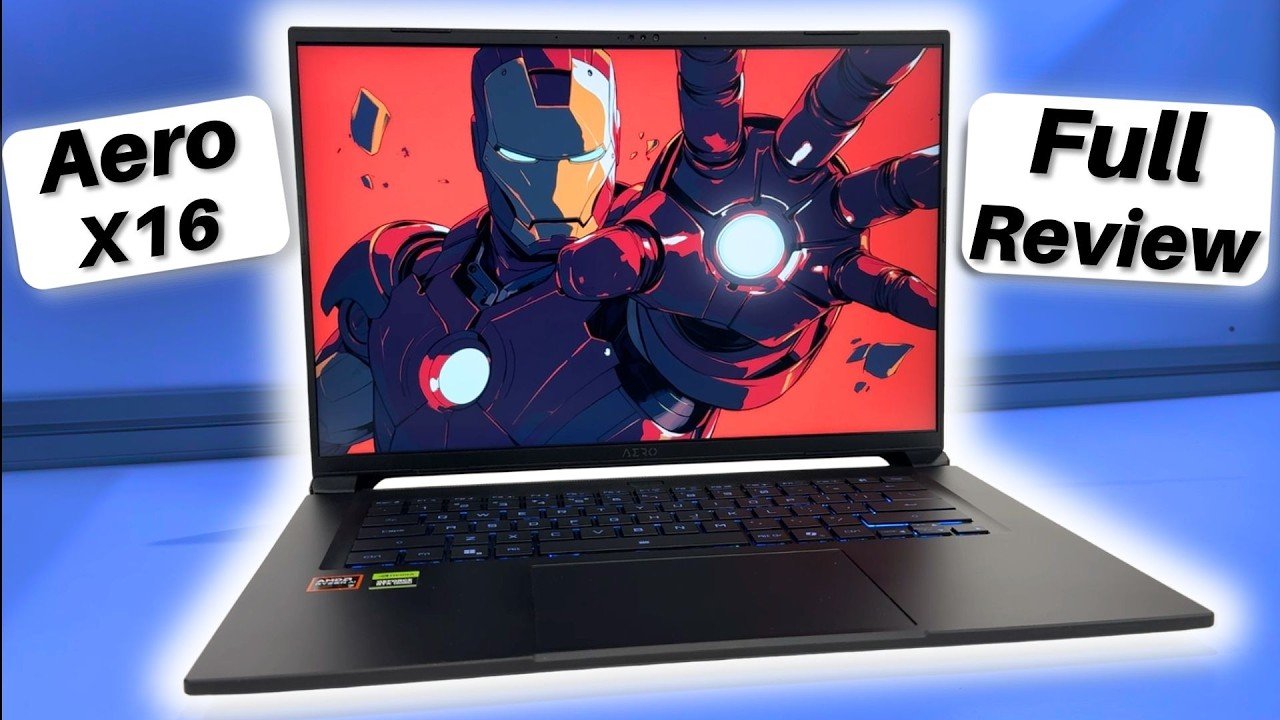
Gigabyte Aero X16 – A Great Gaming Laptop | Full Review
So, what makes a great gaming laptop? Well, great specs, that’s for sure. A great build, definitely. And of course, a great price. And what fits that bill? This is the Gigabyte Aero X16. A great gaming laptop. Full review. On your screen right now are the raw stats of my gaming laptop. And as you can see, it’s great. It sports a great screen, solid RAM, and a good GPU. We’ll discuss all of those momentarily. External Build and Design The Aero X16 comes in a 16-in metal chassis in a slate gray colorway with an accent Gigabyte reflective logo at the rear, which enables this laptop to look fairly premium in a subtle, non-attention-grabbing way. I like that it doesn’t look like an overly gamer laptop. You can use it anywhere, and it doesn’t look like a portable spaceship, nor feel like it weighs that much either. The laptop is relatively light given its size, and that makes it very portable. Though, just like with every laptop, I do carry mine in its own case sleeve that protects it from inclement weather such as rain or snow, but also from bumps and bruises to keep it looking and feeling pristine. The overall design of this laptop feels premium with its ventilation in the back looking almost sports car-like, and its connectivity is fantastic. The laptop sports a variety of different ports on either side with many USBs for all of your accessories, plus more. Great job, Gigabyte. Display and Keyboard Experience Opening up the laptop using just one hand, you’re greeted to your command console, and it’s nice. Starting off with the screen, we get a high resolution, high refresh rate, and thin bezel display that just looks great. It does have a matte finish, though, so in some brighter lighting situations, well, it won’t have any glare, but it also won’t look as good. But in the dark, this thing really shines. Oftentimes, due to streaming and recording, I will have to decrease the resolution to 1080p from its natural higher resolution, but the display still looks amazing either way and is quite snappy. Now, going down, let’s talk about that keyboard. I type a lot and I type fast and because of those two factors, I have specific needs with keyboards. I like ones that feel durable, especially when I’m really mashing my keys. And I also want ones that have a satisfying tactile bump. And both of those are applicable with this keyboard. It’s great. It has an RGB LED backlight that makes the laptop feel even more premium. And yes, you can configure it to your discretion if the RGB looks too gamey. My only issue with this keyboard so far is the lack of a number pad. Now, I know it’s hard to fit a numpad into this frame, but my other gaming laptop was able to do it. So, I wish Gigabyte was able to do that as well. Though not having the numpad does make this keyboard look more symmetrical and feel less cramped. Trackpad Performance Going down we have the trackpad which for a gaming laptop this is really good. Ever since I got my first laptop in 2009 trackpads have been a hit or miss for me. Sometimes they just don’t respond well to feedback or they’re not tactile enough or they’re too sensitive. But this one just works. Like how MacBooks have really good trackpads. This one is like them. No issues. So, I do understand that most of you who buy this gaming laptop will also rock gaming mice as well. So, it’s not a huge factor when buying a laptop of this caliber, but still good to know. Hardware and Gaming Performance When I first booted up this laptop, admittedly, it was slow. That’s often the case with laptops getting accustomed to their new situation and operating system. So, don’t be alarmed. I just let the laptop sit for a few hours while I completed other work, and it was all good after that. Now, this laptop is snappy. super snappy. It loads up so quick after pressing its power button. I love that about the current age of laptops. The Aero X16 also supports Windows Hello, so there’s a face scanner, meaning you don’t need to type in your password to access your device. Good stuff. In regard to how well this laptop performs, here’s a list of games with their benchmarks. And especially for that price, it is great. The RAM allows me to keep many programs open at once and really push this laptop to its maximum capacity. The CPU works really well. The laptop is catered to those who are creators, so YouTubers and the like. And for editing, it definitely has the specs to handle a lot. Now, one thing to note is that I purchased the version of this laptop with the mid-range Nvidia RTX 5060, which is still an amazing graphics card that can run pretty much anything at this resolution. But for the highest quality settings and for better future proofing, you do have the option to purchase this laptop with the RTX 5070, which is a better GPU overall. Nevertheless, I have not experienced any issues with my graphics card performance at all. So, I’m more than happy with what I got here. Heat, Fans, and Battery Life So, this laptop, from what I’ve seen, has two main complaints, plus a general one for all gaming laptops. The main complaints for this one are its heat dissipation and fan noise as a result. So, does this laptop actually get super hot? Well, not from what I can tell. Yeah, it does make my desk feel fairly warm after use, but that’s generally what happens with every computer after excess use. So, in terms of heat, I don’t think that’s a problem in regard to it burning you after use. But in terms of the fan noise,
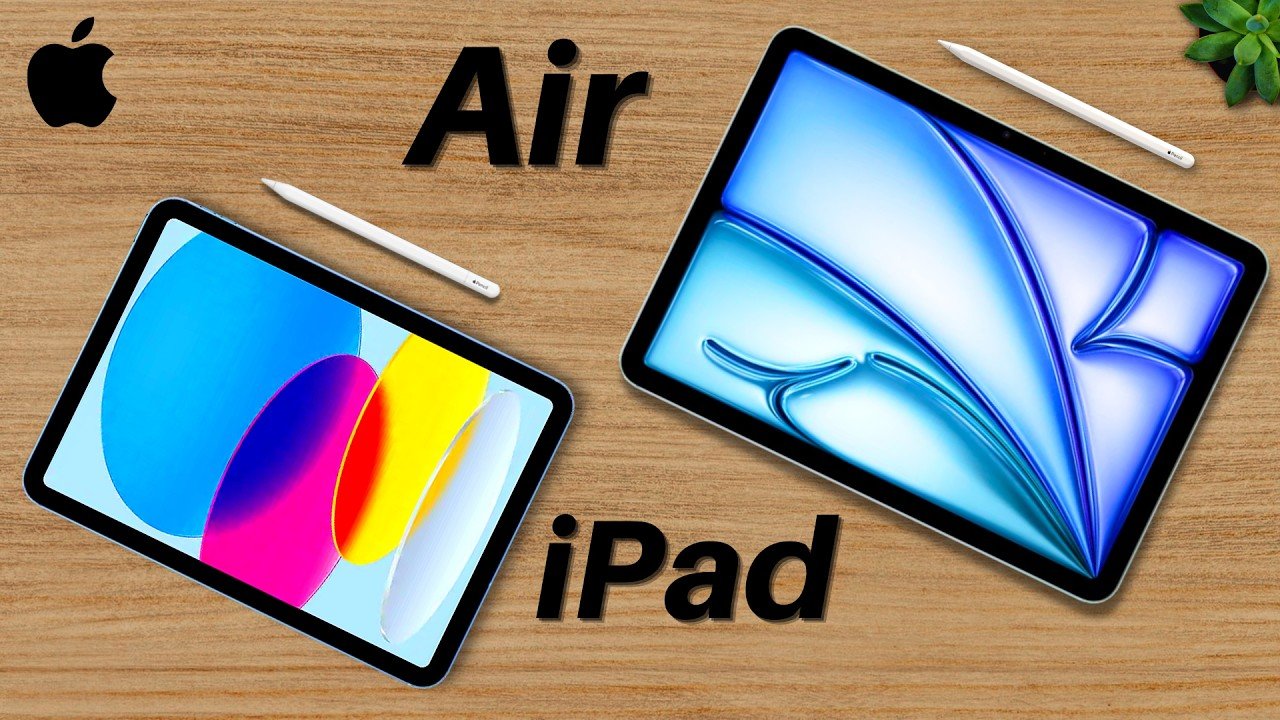
M4 iPad Air Vs iPad 11 | Buyer’s Guide
All right, if you’re deciding between the $349 iPad 11 and $599 iPad Air, this is the right general comparison video for you. This is the 2026 M4 iPad Air versus iPad 11. Starting off, on your screen right now are the raw stats of the two tablets. With the main focuses of this section being the prices, processors, and the additional features. Pricing and Market Positioning Firstly, the prices. These two tablets are very different in pricing and objectives. The iPad 11 is the starter tablet geared more towards students, general users, and or those who are new to iPads. While the iPad Air is the mid to upper tier tablet geared to those who may have used iPads before and or who need the extra power it comes with. But just keep in mind, the prices for these tablets advertised on Apple’s website, those are the base prices. If you want to configure your device with more storage or buy an Apple Pencil for note-taking, a case for protection, a sleeve, etc., that will cost extra on top of what you spent on the tablet. So, please be mindful of your budget. Value Comparison But since there’s a big difference between these two starter prices, what are you actually getting for that extra $250? Well, at $349, the iPad 11 comes with everything you may need as a student or general consumer. Sporting a very capable processor, the A16 Bionic, formerly found in the iPhone 14 Pro Max. So, it’s still very speedy and can likely run everything you need such as your notes apps, different homework programs, and documents, etc. In contrast, the M4 iPad Air at $599 is probably overkill for most people, but it can run everything you need right now and likely everything you need in the foreseeable future. Because it sports the M4 chip, which is a laptop processor put into a tablet. So, if you’re running any performance-intensive programs such as Final Cut Pro, the M4 iPad Air is more capable. Exclusive Features of the iPad Air And one small thing worth mentioning, the iPad Air actually comes in two sizes. So, if you want more screen space for things like note-taking or multitasking, you do have that option at an increased price. And both iPad Air sizes support extra features to boot to help you with your work, including anti-reflective coating on the screen, which is great for outdoor work, Apple Pencil Pro support, which provides more features for your iPad writing experience, a laminated display, so a better viewing experience, and more on your screen. Identifying Your Needs So, now that we’ve gone over the raw stats and general comparison, let’s talk about what you’ll be doing with these iPads. I brought this up a little earlier, but depending on your general needs, one iPad is likely better for you over the other. Not to say that either can work, just that your needs may fit one better. For instance, for me, I believe the iPad 11 is the better option at this moment in time. It’s cost-effective and for what I do, it’s exactly what I need. On my current iPad, I take notes and journal daily, I work on my spreadsheets often, and I read a variety of articles to keep myself updated in my industry. These general note-taking, documentation, and reading habits required nothing more than an iPad 11. I don’t need an extremely powerful processor because I use my MacBook Pro for anything intensive. And I don’t require all of those neat features that the iPad Air comes with, just the basics. But if I were someone who does run intensive programs such as mobile Final Cut Pro or some really intense games, yeah, the iPad Air is the better option. Final Recommendation So, for you, if you’re a student or general consumer who does anything I do and you don’t want to spend too much money on your tablet, the iPad 11 is a great option. But if you’re someone who is okay with spending more money and will benefit from the additional features, the iPad Air is a good option for you. Now, one final consideration for you is I want you to remember that the iPad is mostly an add-on to your setup. For most people, your main device, your powerhouse, should still be a laptop. The iPad is an addition to that. It helps by bringing in extra features to your setup, and that’s how it should be treated. Besides that, make sure you buy yourself a nice PC or Mac first before investing in a nice iPad. Because you want your foundation set up first before getting those add-ons. That’s how I was able to do it when I bought my first iPad, and I wouldn’t have it any other way. And that was my short general comparison of the M4 iPad Air and the iPad 11. Which would you choose? My name is Cyrus. It’s spelled like Cyrus, spelled like sea rooster, just take out the “ter”. Thank you very much for reading and have a wonderful day.