
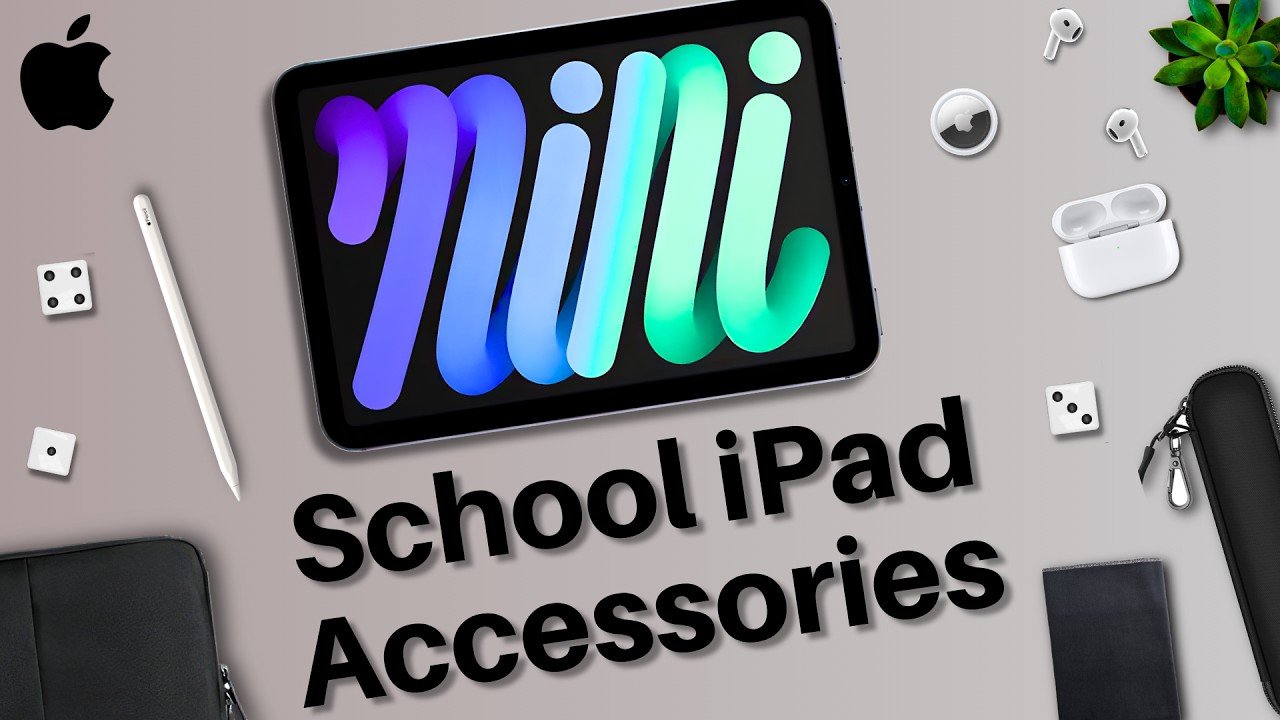
So, if you’re interested in buying an iPad for school, here’s a short list of accessories I recommend buying for a much more productive semester. 1. The Essential Stylus First on this list, a stylus. In my opinion, this is probably the most important accessory purchase you can make. The Apple Pencil or a stylus transforms your iPad from it being just a larger iPhone to a full-fledged canvas. Write notes on your iPad, annotate lecture slides, diagrams, solve practice problems, complete all different types of homework assignments, etc. To me, it’s essential to the iPad and transforms its usability. It’s my number one. 2. Protection: Sleeves and Cases After that, I’d recommend a case sleeve. I use case sleeves all the time because they are both protective and very portable. These are thin, little mesh, and sometimes water-resistant cases that you put your iPad into. And they allow you to transport your iPad with just that little bit extra piece of mind. Oftentimes, they will have zip-up pouches within them for other accessories, too. And I’d suggest looking into an Apple Pencil sleeve as well. This isn’t a 100% necessity, but I have seen many Apple Pencils drop onto the hard flooring of my lecture halls. In those situations, an Apple Pencil sleeve really could have saved them. Now, one other thing that could save your iPad is a case. With the iPad, there are two that you can go for, either the plain case or the keyboard case. I personally have always gone for the plain case because it’s simple, and I don’t need the keyboard because I already have my MacBook, and the keyboard case is just a bit more expensive. With that said, the keyboard does expand your iPad’s versatility by quite a bit. So, it’s not a bad idea to get one whatsoever. In fact, I’ve seen many of my classmates benefit from using it. So, for me, I always opt for the Apple Pencil first and the keyboard, I just opt for my MacBook. 3. Optimizing Your Screen For my iPad, I do always opt for a screen protector. Again, there are two options you can go for, either the glossy one or the textured variant. The glossy one is just like what you usually have on your iPhone. It’s slick, it’s fine, it’s protective. The textured one makes the screen feel a little bit grainy, so it’s more akin to writing on paper. So, if it’s your first time using an iPad and you’re super used to writing on paper, it could be a good option. Otherwise, if you’re like me and like the slick feel of that screen, I’d go for the glossy one. 4. Power and Note-Taking Apps Moving away from screen protectors, cases, and overall protection, let’s talk about something that you most definitely need, a long charger. The bundled together iPad charger isn’t long, and for school, you should definitely consider a 10-ft charger. That way, you can charge your iPad in a place with only a few outlets, and or you can use your tablet while it’s charging somewhat far away from the outlet. It’s something I recommend for everyone, because you don’t lose anything by getting a longer cable. You can always just plug it into something closer. So, in my experience, I would definitely consider that. And the final accessory recommendation I have for you for school is to find your notes app. If you’re using your iPad to take notes, I suggest doing your research and finding out which iPad note-taking app works for you. There are a lot of them out there, so choose whichever one fits your style, and then stick with it for school. And that was my list of the top iPad accessories for school. Which ones will you be considering? Let me know in the comments section down below. My name is Cyrus. It’s spelled like Cyrus, but it’s Cyrus. Just take out the “i”. Thank you very much for reading, and have a wonderful day. Peace.
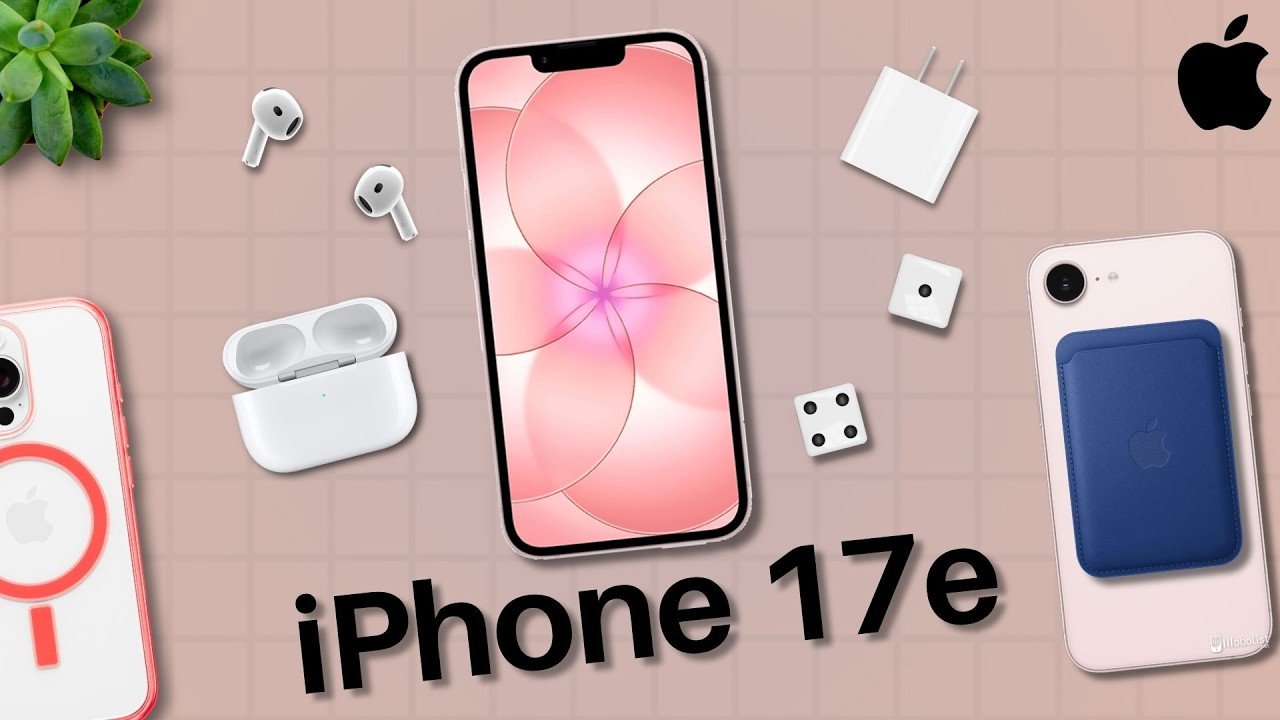
Top Apple iPhone 17e Accessories
All right, if you just purchased the iPhone 17e, there are quite a few accessories to consider for your new phone. So, in today’s article, we’re going over the best accessories to consider, starting with the essentials. Protect Your Device: Cases and Screen Protectors First off, a case. Every smartphone I’ve purchased always has had a case slapped on it. And in my opinion, it’s good to get one that’s both protective and practical. You can always opt for the Apple-made iPhone 17e cases, but they are a bit pricey, so there are some cheaper alternatives on your screen right now. I always go for the thinner cases that are still protective and allow my phone to fit into my pocket, but there are a ton of good options to go for. Next up, a screen protector. iPhone screens are incredibly expensive to replace, especially compared to these tiny screen protectors that you can just rip off and slap a new one on right away. Best part is that some are really thin and still protective, so you don’t need to worry about them adding too much extra depth to your display. I opt for just the tempered glass screen protectors, but there are also privacy glass ones you can get if you prefer that. Powering Up: Charging Essentials Afterward, I’d get a charger for your iPhone. Preferably one that is longer, so a 6- or 10-foot cable. That way, if you ever find yourself needing some juice, but you’re kind of far away from an AC outlet, you can use your longer cable to be able to access it. Now, one tip I have for the cable is make sure it’s braided. That way, it’ll make sure it’ll last longer, and you won’t need to worry as much about it getting worn down with use. And of course, you got to get yourself a USB-C block for your phone charger cable as well. These tend to not ship with your phones anymore, so getting one of those is an essential. Essential Audio and Battery Gear Up next, headphones. With my phone, I always have AirPods with me wherever I go, because they’re so useful and important to me. You can go for whichever headphones you personally prefer, but having some for your iPhone are definitely nice to have for any occasion. Something else really nice to have is a battery pack, specifically a MagSafe one. I actually got one of these recently for my phone because I’m on call a lot for work, so it’s important to be able to power my phone wherever I’m at, and these are super nice to have. If you’re constantly away from home, whether it be for work or just traveling, having something you can rely on to get your phone through the day can be a lifesaver. I’d recommend getting one of these and keeping it on you when you travel far and then just attaching it to your phone magnetically when you need it. MagSafe Convenience Additionally, you can also get yourself other MagSafe accessories, too. Like a MagSafe wallet, if you like, for easy access to your cards, credit cards, IDs, etc. The last accessory recommendation I have is with MagSafe, as well. A phone grip and also a mount for your car. I use my MagSafe phone mount in my car for my GPS and it’s so incredibly helpful. The Apple Maps app is my go-to for traveling. I’m constantly using it. So pairing my phone with that app to a mount that attaches with MagSafe on my car is an absolute game-changer. And those were all of the accessories I recommend for you to check out for your iPhone 17E. Which one will you get? Are there any I missed? Let me know in the comment section down below and be sure to check out the affiliate links in the description. My name is Cyrus. It’s spelled like Cyrus bouncing C rooster. Just take out the T. Thank you very much for reading and have a wonderful day.
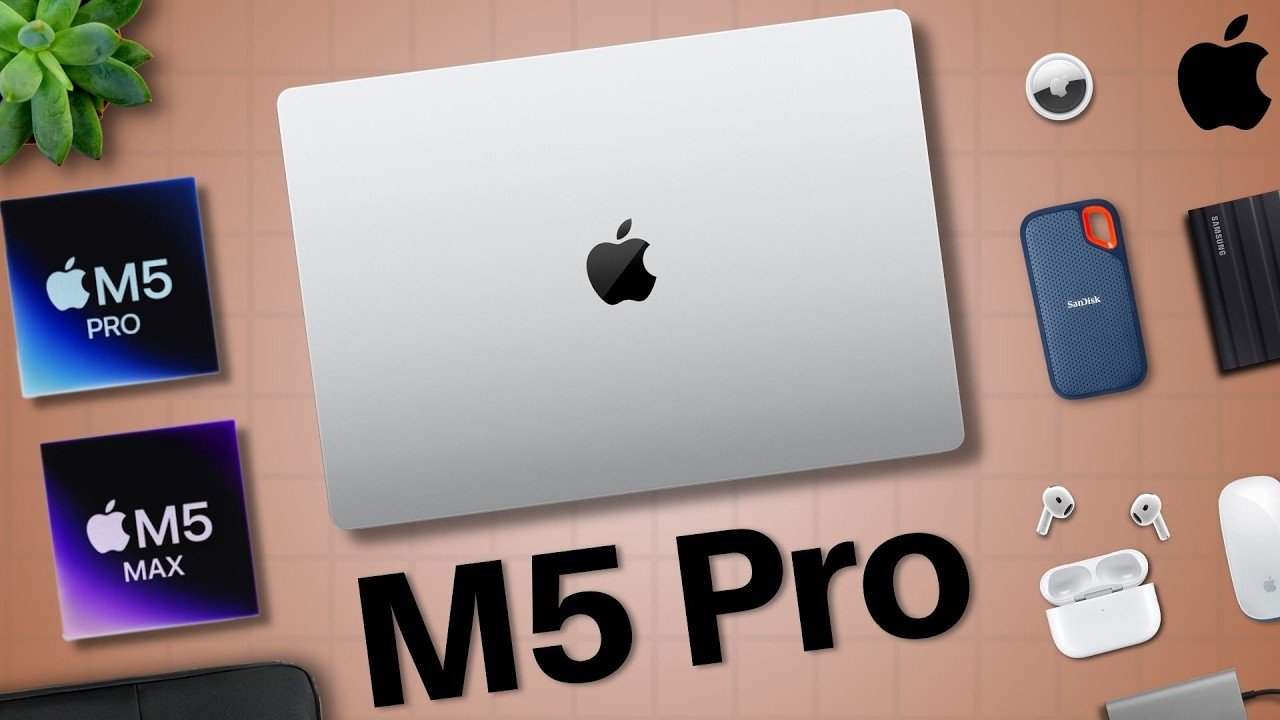
The Best Apple M5 MacBook Pro Accessories | 2026 Guide
All right, if you’re in the market for a new M5 MacBook Pro, there are definitely some accessories to consider depending on your needs. I’ve been rocking MacBook Pros for the longest, and here’s a full list of every accessory to look at with this article. Laptop Protection and Travel First on this list, a case sleeve. As someone who takes my MacBook Pro on the go with me all the time, I cannot just solely put it in my backpack. My MacBooks have seen some crazy inclement weather such as severe thunderstorms and blizzards in addition to many bumps and bruises. So, I put all of my devices in these little case sleeves that are pretty cheap and protect my laptops from light damage and keep them looking quite pristine. There are a lot of manufacturers of these with different materials such as leather, so choose whichever is your preference and go from there. External Storage Solutions Next up, an external SSD. The benefit of external SSDs is that when you run out of storage on your Mac or any of those external drives, you can always just replace one with another, which tends to be what I do between my Macs. Now, for the external SSDs, I’d recommend getting ones that are built to be a bit rugged, and that’s because if you travel with your laptop, you don’t want to destroy your storage drive from any accident. So, getting one that can survive a fall is definitely a must for me. Power and Desktop Setup Another must-buy is a longer charger. The MacBook Pro actually comes with a really good charger that has the MagSafe attachment, which is the magnetic port. So, when you accidentally snag the cable on your feet or your arms, you don’t yank your laptop away. It’s a really cool safety feature. But, if you’re ever in a situation where the AC outlet is far away, yeah, it’s not the longest cable in the world, either. So, if you’d like, I’d opt for a 10-ft charger they can use for on the go and then save the one that Apple provides for at-home use. Another accessory for at-home use is a good monitor. There are so many options for monitors for MacBooks such as the Apple Studio Displays, which are quite nice. But, there are also cheaper alternatives that still provide great viewing experiences, too. Ergonomics and Peripherals After that, a keyboard if you like something that’s a bit more ergonomic. If you cramp easily, you might want to consider a keyboard or wrist rest for your MacBook. But, this is also just something that’s more personal preference. I use an external keyboard for my MacBook Pro when I started college when I was at my desk, but it wasn’t something too necessary for me, just for fun. One thing that might be more important for you, though, is a mouse. Apple makes some great trackpads, and the MacBook Pro ones are no exception. However, if you are used to mice and you prefer to have that level of precision with one, I don’t blame you if you buy something that fits your needs. But, definitely the key for these accessories is to focus on your needs. Connectivity and Audio Gear One thing you may need is a USB hub. Thankfully, the current MacBook Pro connectivity is super good. There are a ton of ports. But, if you need, for instance, USB-A or an Ethernet port, yeah, you’ll need a dongle for that. So, for older accessories, definitely consider which ports you’ll be using for those and then get a USB hub so your laptop can support them. One accessory that might need a USB hub is a microphone. I rock the Blue Yeti, the original one, which does rock USB-A, so I always need to carry my dongle around with me. It’s not a big hassle or anything. I just throw it in my case sleeve, but keep that in mind if you buy one of these. Microphones are great for any projects you might be working on with this laptop, but not 100% necessary, either. The mics on the laptop are really good, and you can also just use the microphones on your headphones. And those would be my next accessories to recommend, headphones. I always bring my AirPods with me when I’m on the go because they’re super convenient. If you work on your laptop a lot, having some headphones that can be used for noise canceling in more crowded and loud environments can be lifesavers. And in my case, when I’m out and about, I always carry the AirPods. Final Productivity Essentials One accessory that you might also benefit from is a laptop stand. I’ve seen a few of my university friends use these in their dorms to prop up their laptops when they’re working on engineering projects at their desks, and they’re really helpful for keeping their laptops out of the way while they’re working on something. And one thing that will be very helpful for your work, the final accessory recommendation, is a microfiber cloth. I always keep one around me because I wear glasses that I want to make sure are spotless. So, having a microfiber cloth to clean your laptop and also your other devices can be super handy while on the go. And those were all of the accessories to consider for your new M5 MacBook Pro. What do you think of the list? Are there any you’d recommend for me? My name is Cyrus. It’s spelled like Cyrus, but it’s Cy Rooster. Just type out the tur. Thank you very much for reading and have a wonderful day.
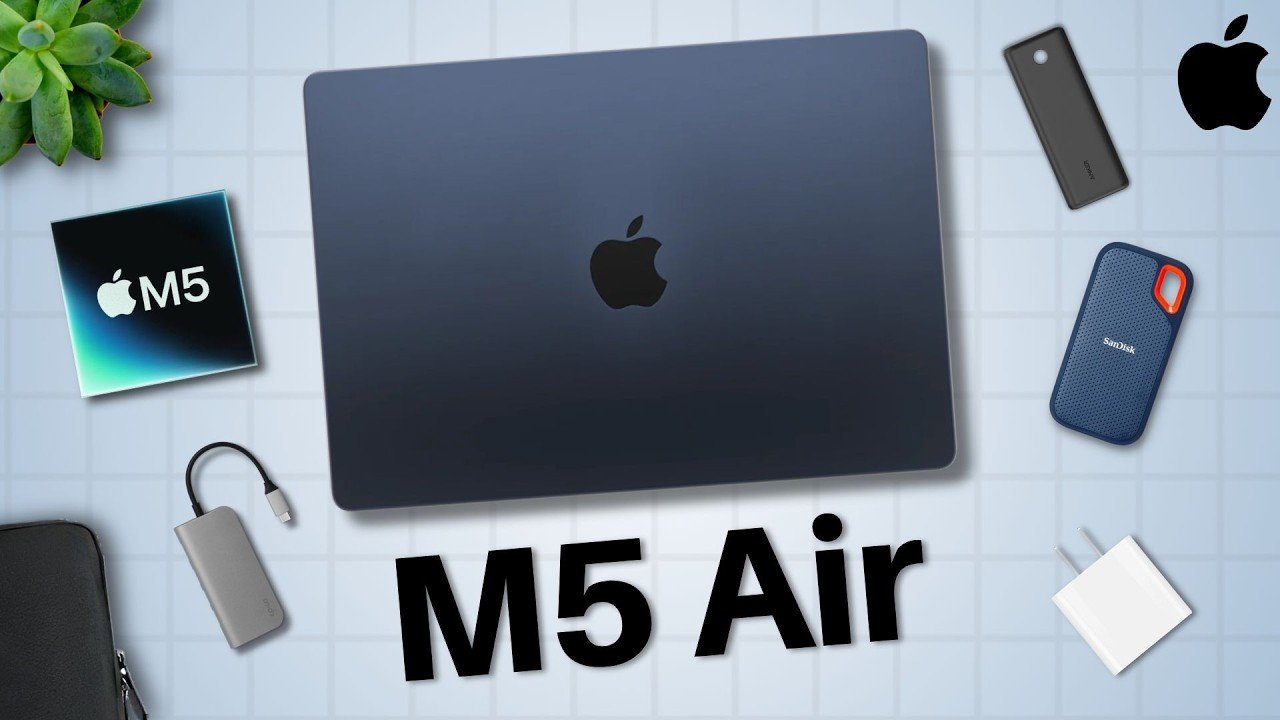
The Top Apple M5 MacBook Air Accessories | 2026 Guide
All right, the M5 MacBook Air just released. So, let’s go over the best accessories to pair with it. Laptop Protection First on this list is some protection, a case sleeve for your laptop. Ever since I was a kid, I’ve always used case sleeves for both really nice protection for my laptops and also easy transportation if there’s a handle or strap attached to it. And because of this, despite the fact that my main MacBook when I was in college experienced a ton of drops and bumps within my backpack, it still has zero damage. These things are good and I’m a big supporter of them because I know they’ve been helpful for me. So, that’s my number one on this list. Power and Charging Next up, a long charger for your MacBook, especially if you’re a college student or general consumer, you’ll need a longer charger than you might think. And that’s because there will be times you’re in a work environment, coffee shop, class, even your bedroom, where you’ll need a charger that’s longer than a few feet. I’d opt for at least a 10-ft charging cable for the peace of mind and ability to just charge your computer anywhere. After that, a battery pack can be a good option for you. Go for one of the higher wattage options because those can really charge your laptop for a while. And the best part about having a battery pack is that you can charge not just your MacBook Air, but also your phone, your headphones, other accessories. Cleaning Essentials Now, for the screen of your MacBook, a microfiber cloth can be super handy to keep everything nice and clean. I’m a big microfiber cloth guy because I constantly need to have one for my glasses and my many different screens around me. So, getting just a set of microfiber cloths to put into your case sleeve, backpack, or just your pocket can be very helpful. Connectivity and Storage Now, one thing that is a must for most of you because it’s that helpful and necessary is a USB hub. These things are so important if you’re going to use any different port besides USB-C. The MacBook Air doesn’t support many cables, so having something that does work with HDMI, maybe Ethernet, USB-A, all of those different ones can be a lifesaver. They can help you with your presentations, your work, and so on. I would definitely look to see what you’re going to be doing with this laptop in the future because if you’re going to need any different port besides USB-C, a USB hub is definitely a must-have. And finally, an external SSD. Storage has always been notoriously expensive on the Apple side of things, so getting an external SSD enables you to expand the storage of your laptop without having to configure it with more upfront. You can always just buy a new one and switch one out for another. So, be sure to check out the external SSDs, too. But, those were all of the must-have accessories that I’d recommend for the new M5 MacBook Air. What do you think of the list? Would you add any? My name is Sirus. It’s spelled like Cyrus, but not like Sir Rooster. Just take out the ter. Thank you very much for reading and have a wonderful day.
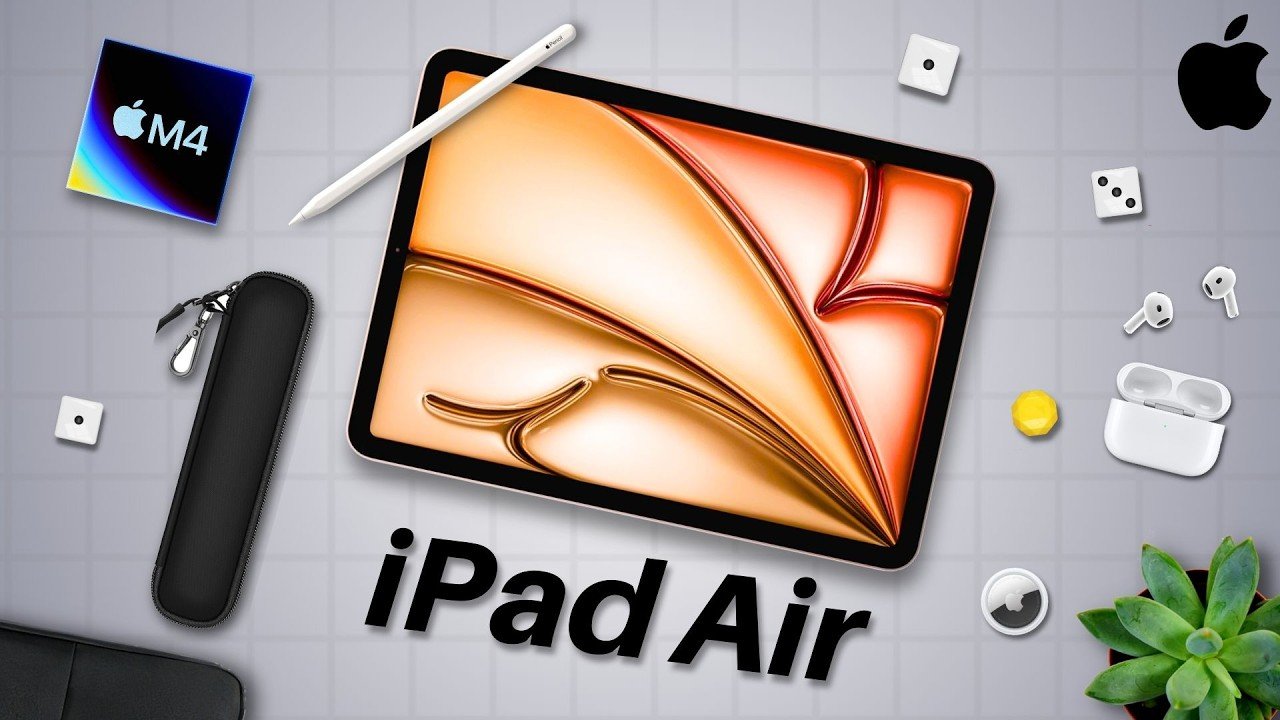
The Best Apple M4 iPad Air Accessories
Apple just released the new and updated M4 iPad Air, which is catered to both students and general consumers alike. So, once you buy this tablet, and even before, there are some accessories I’d strongly recommend purchasing that we’ll discuss in today’s article. These are the best accessories for your M4 iPad Air. The Power of a Stylus First off, my number one accessory that I’ve grown to love is a stylus. The iPad to me is my digital notebook that I take with me everywhere. A stylus like the Apple Pencil or even a cheaper alternative really make note-taking on this tablet a joy. The Apple Pencil in particular is natively compatible to this device and it sports certain features that add to the overall experience. I use my Apple Pencil daily and would strongly recommend getting one if you’re using your iPad for note taking, drawing, sketching, etc. Maximum Protection for Portability Next up, a case sleeve. One thing about having a tablet is that naturally it’s a portable device. And the iPad Air takes this even further by being extremely thin and light, so even more portable than other tablets. But that portability does come at a cost because you could damage your device pretty easy. Taking it outside and dropping it or experiencing inclement weather can certainly ruin your day and your tablet, which is why I always rock a case sleeve for both my iPad and my MacBook. I actually just put both of them inside of one case sleeve. The best part about a case sleeve is that it really makes me feel more at peace traveling around with my iPad and my MacBook because it’s just another layer inside of my backpack to protect my devices. Now, it does also mean there’s another layer to remove the iPad from, but that’s not a huge deal for me so long as I can protect my expensive tablet. Screen and Edge Defense Going along with protection, we have a screen protector. A screen protector is another vital accessory that I absolutely need on my iPad because I’m constantly working on the screen with my Apple Pencil. You can either opt for a textured or glossy screen protector, which the former makes it feel like you’re kind of writing on paper, which is nice if you think you’ll struggle with writing on glass, but I didn’t have any issue with my glossy screen protector. I would definitely though rock a microfiber cloth as well for the screen to also keep it clean. In a sort of similar vein in regard to protection, a case. For this, I’d recommend that if you don’t buy a keyboard case, at least get a case. And I know you’re probably thinking it’s overzealous buying both a case for your iPad and a sleeve, which I recommended before, but your case protects your device when it’s already outside of the sleeve and being used. Thing is that your iPad is all screen, all of it. So, there’s nothing really protecting that large display from being destroyed. So, buying a case that really protects the edges can save your device from being totally unusable. Enhanced Typing and Organization Following that, this is not a 100% necessity, but if you want to jot down some typed-in notes rather than written, you can get a keyboard. There are quite a few in the market, some even functioning as keyboard cases, so they’re both protective and useful. But for me, I haven’t needed a keyboard for my iPad because I have a Mac. Though, I have seen quite a few folks at my university rock the keyboard case. So, it depends on you and what you’ll be doing with your iPad. Finally, my last accessory recommendation is an accessory pouch. I have my accessory pouch, which I put my Apple Pencil in, some extra chargers, my external SSD for extra storage, which could also be another accessory for your iPad. But the point is, having an accessory pouch to keep in your backpack makes organizing all of these things we’ve discussed and even more accessories that much easier. And those were all of the best accessories for your M4 iPad Air. What do you think of this little list? Did I cover everything? Let me know in the comment section down below. My name is Cruus. It’s spelled like Cyrus, but not like C rooster. Just take out the ter. Thank you very much for watching and have a wonderful day.
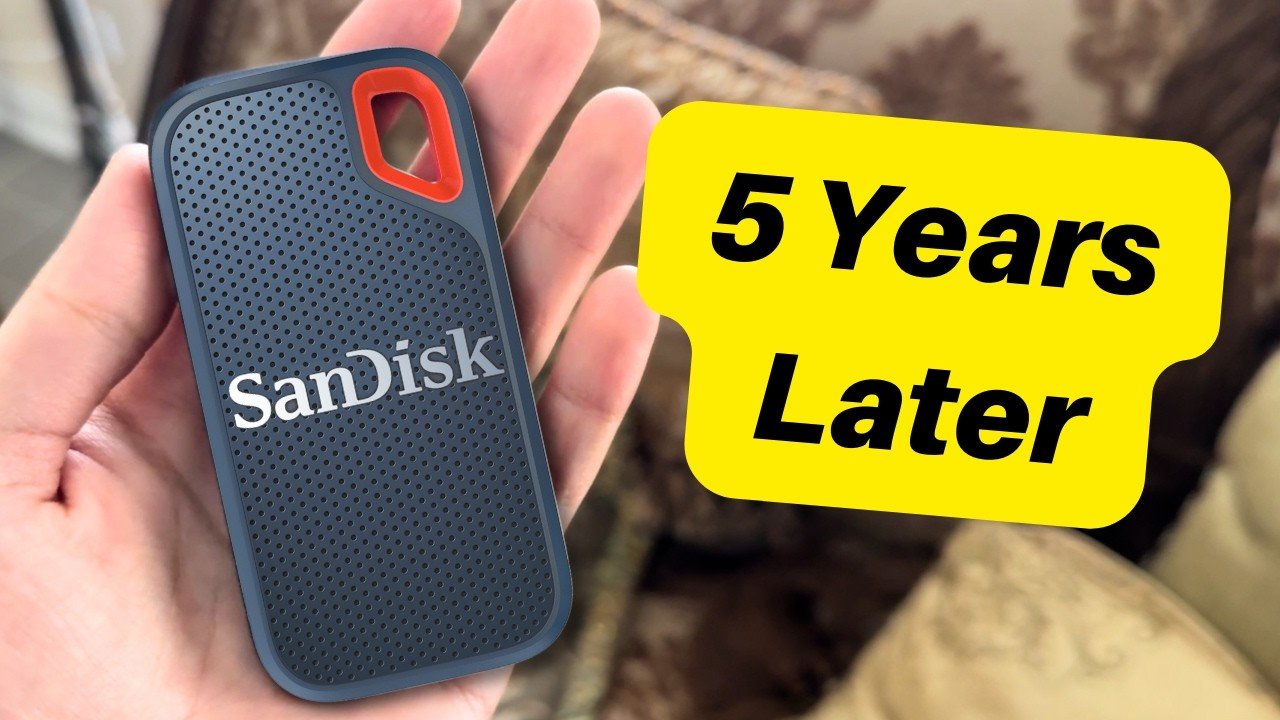
SanDisk Extreme Portable SSD Review – 5 Years Later | A Fantastic Accessory
This is an external SSD and so is this and this and after 5 years of using this one right here is it worth it? This is the SanDisk Extreme SSD 5 years later, let’s talk about it. Why Choose External Storage? When you look on Apple’s website you’ll notice that storage is incredibly expensive. If you want to go beyond the starter configuration it costs an arm and a leg. So what I did and what many of you are likely considering is I got an external SSD. This cost-effective option is portable, weather-resistant, and best of all, upgradeable. General Pros of the SanDisk Extreme SSD Starting off with the general pros of this device, we’ll get to the con shortly. The SanDisk external SSD is incredibly easy to carry. It’s light, it fits nicely in a small carrying sleeve and it can literally fit into the palm of your hand. It’s an accessory that doesn’t take a lot to bring around. Durability and Portability It’s weather-resistant, just like some other external SSDs. The SanDisk Extreme doesn’t need to be baby too much; it can survive bumps, bruises, and even some light rain, although I would never recommend doing that as this thing stores your important files on it. The point is that it’s not a liability, so it won’t be a nuisance in that sense while you’re traveling or in school. Scalability Lastly, it’s also upgradeable. Not in the sense that you can just add more storage to the one that you already have, but you can purchase another once you fill the first one up. External SSDs are literally like the computer equivalent to storage sheds. They can detach from the main house, meaning a little less convenient to access, but they are fairly cost-effective and you can always get more of them. The Challenges of External Storage Now that we’ve gone over the general pros of this device and external SSDs in general, let’s talk about the cons, which from my experience there are two: namely, it’s mildly less convenient for some and it’s potentially prone to mishaps. Look, I love external SSDs; I recommend them all the time. But if you’re lying down with that external SSD, this cable can be a problem. It juts out, so it might make it a little bit more difficult if you want to lounge about more comfortably. Now, you can purchase a flush USBC cable linked down below, which is a great option, but for some of you, having the external storage outside of the laptop being something just dangling there can be a mild pain point. In addition to needing to whip out an extra device on top of getting your laptop out, that is less convenient than having everything being built into the laptop. After working on my Mac literally everywhere, from my experience, every small thing you need to take out and even remember to bring with you can be a small hassle. To help with this, I recommend getting a case sleeve or something to keep all of your tech in one spot to never forget this thing. Risk of Data Mishaps The number two con of this external SSD is its potential for mistakes and this is a two-fold con. Firstly, because it’s plugged into your device, especially for something portable like a laptop, when you’re moving you can easily knock this thing down or unplug it, closing out all of your work, which has happened a few times for me. Usually, I just lean my laptop forward while I’m moving so to not bump the SSD. The other thing is this one’s important: there is the potential for SSDs to crash and fail. One of the things about external SSDs is that they can crash from your PC and/or fail and corrupt. This is rare; I’ve experienced small crashes a few times where I just need to replug the device in and it works perfectly fine and I haven’t experienced any failures with the three I use nor any of my friends who I recommended this device to. However, for your peace of mind, I suggest instead of purchasing one high-capacity external SanDisk SSD, get multiple smaller ones. That way if one ever fails you don’t lose everything, like the phrase “don’t put all of your eggs in one basket”. My 5-Year Experience Going to my experience with this device 5 years later, this is my personal Extreme SSD. I’ve used this one since I started college and for almost the entire time I’ve had no issues with it. Sometimes yes, I’d forget to safely remove the device which would essentially shock it I guess, and then it would take a second to reboot once I reattach it to my laptop, but nothing major. Recently, like I stated in one of the two cons, having an external SSD that juts out can be prone to mishaps and I think I had one when I was sitting on the couch editing. I bumped into the device like I usually do but with a tiny bit more force. Now this thing has been dropped and tapped many times but this time it bruised. So now when I push the device too far down or let it dangle, it sometimes disconnects. This honestly might not even be due to the device itself; it’s probably the cable which is super easily fixable. Final Thoughts After 5 years, I’ve only had one issue with this thing due to my own human error and I still use this SSD just fine. Now I don’t let it dangle off my laptop and I treat it with way more care, but it’s still perfectly usable even after 5 years of college, going through rain, snow, drops, bumps, the whole nine yards; this thing has survived it all. For you, I think this is a great option to consider for any device, not just Apple. I use one for my
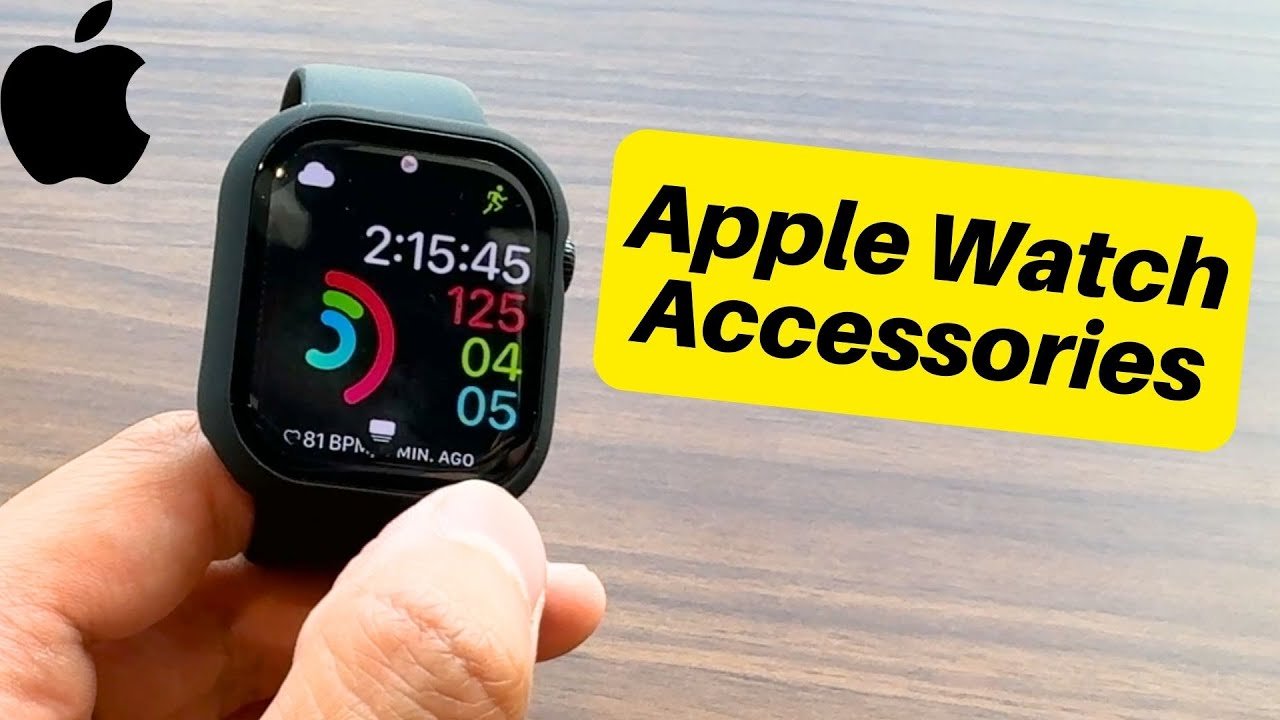
The TOP Apple Watch Series 11 Accessories!
So, if you’re like me and you just got the Apple Watch Series 11, there’s a whole host of essential accessories you can buy. So, let’s talk about them. These are the top Apple Watch Series 11 accessories, affiliate link down below. Protection for Your Device Starting with first, a case. The first thing I did once I opened my Apple Watch and got it set up was put it in a thin case that surely protects the watch, but doesn’t add too much bulk and weight onto the device. And so, I came across this and it does the job. Admittedly, these cases do make the Apple Watch look a bit less special and honestly like a normal fitness type of watch, but especially if you have the jet black variant of the Apple Watch, a case can ensure that the watch stays pristine looking and doesn’t get scratched. So, that’s why I went for one. On the other hand, you could just get a screen protector for the Apple Watch, which seems to be a very popular option considered by those on the Apple Watch subreddit because these screen protectors will still protect the Apple Watch, at least the screen, from scratches while not adding to the bulk. The issue is that you’ll still have the chance of damaging the body. Though, you can always just be a bit more careful with your device or purchase Apple Care if need be. Customizing with Watch Bands The next category for this list is watch bands. I’ve heard many folks talk about how there are actually really cheaply priced Apple Watch bands you can purchase on Amazon. And those people are right. There are so many options to choose from for cheap. I mean, look at all of these watch bands that are good-looking, even classy in the case of the metal band, and really cost effective. I’m not privy to how long these bands last, frankly, but I presume that after a while of sweating in this thing, I’d want to change it out every now and again, even just to wash it and leave it out to dry for a while. So, alternative watch bands to change to would most definitely be nice for that. Charging Convenience And another category that would generally be nice would be some more chargers. I just charged my Apple Watch Series 11 for the first time today, and although I do like the braided charging cable, yeah, it’s not that long. So, getting a six or 10 ft charger would be really convenient for those with standing desks or who are just on the go, too. There are a whole host of chargers to choose from, even a keychain portable charger for the Apple Watch, which I find pretty sweet, actually. But for me, I just stay simple for the most part, and I’ll just stick with the longer charger and put my accessories into my laptop case and accessory sleeve. Pairing with the Right Smartphone Finally, the last recommendation I have for you for your Apple Watch is making sure you get a smartphone, more specifically an iPhone. I don’t know if there’s anyone out there who uses the Apple Watch with another phone besides an iPhone, but if you’re considering the Apple Watch, I’d strongly recommend at least considering an iPhone for that seamless compatibility. And those were all of the top accessories for the Apple Watch. Not too many compared to an iPhone or MacBook, but you definitely have some good essentials to take a look at.my name is Cirrus. It’s spelled like Cyrus, pronouncing C rooster. Just take out the ter. Thank you very much for reading and have a wonderful day. Peace.
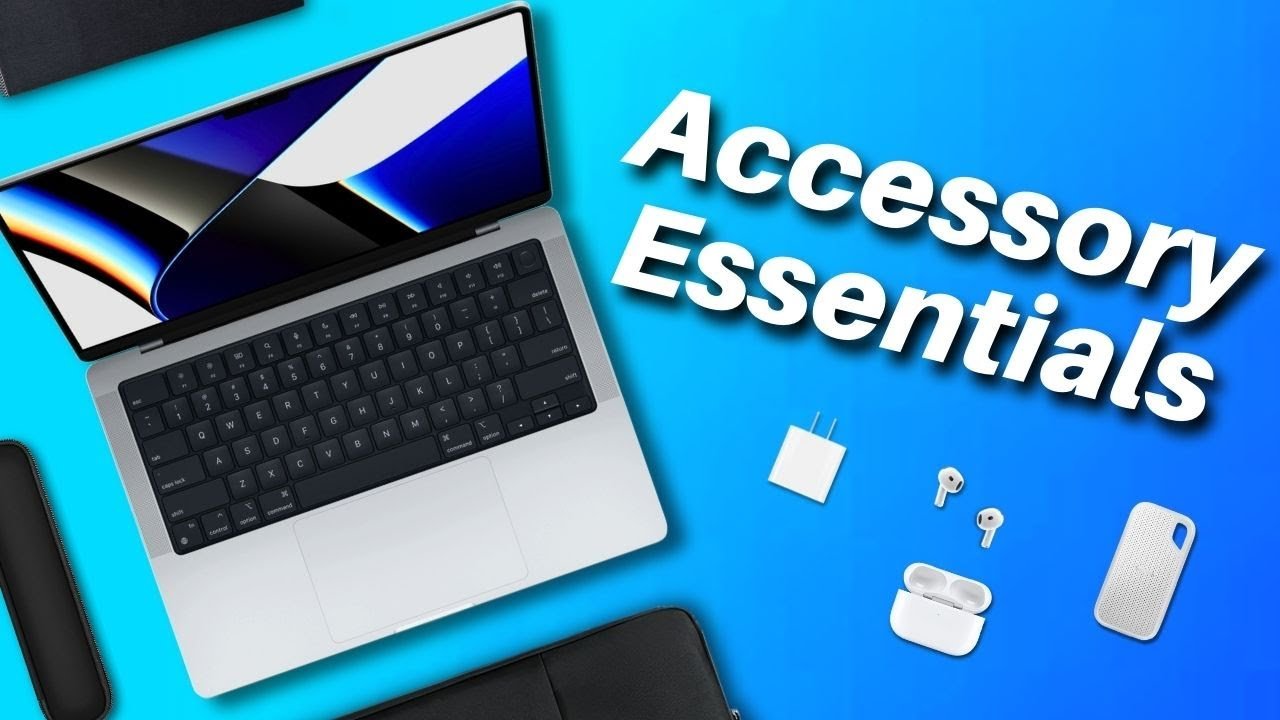
The ESSENTIAL M4 MacBook Air/Pro Accessories | Laptop Accessory Guide
I’ve been using Macs for well over a decade, and I’ve tried out a lot of different accessories over the years. But with my new laptop, I’ve just been rocking the necessities. So, this is my essential M4 MacBook accessory guide. Device Protection and Portability Starting off, let’s talk about protection. MacBooks are fairly strong, but they are susceptible to rain plus bumps and bruises. And if you’re like me, you don’t want to cause unnecessary harm to your expensive device. So, I rock a case sleeve that protects my device from any harsh weather conditions or bumps that I carry around wherever I go. This one lets me carry my laptop and its accessories with ease. So, it’s an amazing all-in-one, especially on the go. In the section, I’ll also add that you can buy an accessory pouch, which can be super handy for the things we’ll be talking about next. External Storage Solutions External SSD for Macs. Configuring your device with more storage than the base model is expensive, and you can’t ever get more after that. So, especially for YouTube, I use external SSDs. These enable me to have essentially limitless storage and backup options at my disposal whenever necessary. I can swap them out anytime and it still costs way less than upgrading the internal storage. One thing to note is since I travel a lot as a college student, I always opt for the weather resistant external SSDs because those always give me peace of mind in the event of inclement weather. Maintenance and Daily Essentials Following that, here’s a quick one, but for those who like to keep their devices clean and also those who have glasses, I like to keep microfiber cloths handy. I keep one in my laptop sleeve and one in my backpack, which both give me super easy access to cleaning my devices. Super simple, super cheap, and super easy. So, I have a few. Connectivity and Ports Now, one thing that many of us probably need at least one of is a USB dock. As Apple’s been redesigning its laptops, the company has been bringing back the old ports we know and love, such as HDMI and a micro SD card slot on the MacBook Pros. But if you don’t have a MacBook Pro or you need a different port from what’s available, such as Ethernet, I’d suggest opting for a USB dock with an assortment of different ports, so you don’t need a separate converter for every port. I’d suggest this only if you need it though. Like for me with my microphone, my Blue Yeti. Yeah, I need a USB dock for the USBA connection. Power and Charging Convenience One thing that I actually have been able to survive without thus far, though I know many of my classmates cannot, is an extension cable. If possible, I’d recommend finding yourself a USBC extension cable that’s braided. So, you can always just add more to your cable and still have the magnetic mags safe for easy charging when necessary. That way, if you’re ever in a place that doesn’t have a lot of AC outlets, you can always use your extension cable to get to where they might be less convenient. Audio Gear for Public Workspaces And lastly, yes, my last essential recommendation is some solid audio gear. I rock the AirPods 4s, which are great for me, but you can definitely go with any solid headphones if that’s more of your style. Point is, when using laptops, you typically will work in a variety of different places. So, if your work involves listening to audio, like video editing, headphones will go a long way in helping you be as productive as possible in a public environment. And that was my list of essential MacBook accessories. What do you think? Are there any you’d add? Let me know in the comment section down below. my name is Sirius. It’s spelled like spots like s rooster. Just take the tur. Thank you very much for reading and have a wonderful day.
The TOP M4 MacBook Pro Accessories | Everything You Need
Top M4 MacBook Pro Accessories: Necessities and Convenient Add-ons So as a longtime MacBook Pro user I’ve used many accessories that have supercharged my Max usability and now with the new M4 MacBook Pros being released we got to talk about them. These are the top M4 MacBook Pro accessories. In this article I’m going to divide the accessories into two categories: necessities and convenient add-ons. Essential Necessities for Your MacBook Pro First let’s go over the necessities for your MacBook. Charging Solutions Starting with an extra charger plus an extra long cable. Having an extra long 10-ft minimum cable is so handy for your MacBook especially if you travel a lot. A long cable will be essential to making sure you don’t need to sit in an awkward position to charge if the place you’re at doesn’t have good charger access. Now I would also recommend purchasing an extra brick if you have the cash because that way you’ll have two chargers—the one that came with your Mac and then the one that you just purchased—so you can have a backup if need be and you won’t waste your other cable that came with your Mac to begin with. External Storage Next an external SSD. This is vital for your Mac especially if you don’t want to pay the exorbitant amount of money to configure your laptop with more storage. Having an external SSD means you can pay just a little bit for a lot of storage and whenever you fill one up you can just buy another. Compared to with your max internal storage you’re stuck with what you got—no upgrading—so for me especially with an older MacBook that only has 128 gigabyte that external SSD is a lifesaver. Protection and Transport Let’s discuss case sleeves for the protection of your device. There’s nothing I’d recommend more than a soft laptop case. They make transport easy, they protect your device and some of them even prevent water from seeping in. They’re really good accessories for a super small cost. On top of that many can hold some accessories so they can help bring your setup with you so long as you don’t have too much to carry. If you do though you can just buy an accessory case too with your laptop sleep. Accessory cases can be great to just bring your whole setup with you—the multiple accessories and even extra devices if need be. They’re super helpful investments and I have one that I have used with my Mac and iPad accessories now to transport these devices and device sleeves. Next I suggest a backpack. Surprisingly not many people realize how important a good backpack is to yes keep your devices safe but also your body. I’d recommend getting a backpack that’s your size—not too big and not too small—one that fits you and one that fits and can hold all of your devices. That way they’re well protected and you can carry them for an extended period of time without feeling uncomfortable. It’s really something that you don’t think about but when you wear it for a long time you will. For the last necessity I would slightly recommend for your new Macbook is a hard shell case. Now before I go any further this accessory is a bit of a hit or miss for some people. I’ve used these for years with my multiple MacBooks and have never experienced issues with them so I link the ones I’ve used before in the description but some individuals have had negative experiences with them so I’d make sure to do your due diligence and research before you buy a hard showc case. I like them for their slight added protection and their rubber grommets making it hard to push the laptop off the table but that’s just me—your mileage may vary. Convenient Add-ons for Enhanced Usability Now let’s discuss the convenient add-ons that have the potential to really benefit you. Peripherals and Adapters Firstly a keyboard and mouse. When I first purchased my Mac I used a nice external keyboard for when I came home to study and it was so rad. Having a smoother more tactile keyboard made typing even more of a joy. Plus the mouse I had was excellent. So if you’re someone who likes to use more of those external accessories for a better experience these would be nice to rock but they’re not 100% necessities—just super convenient to use for when you come home. Next an adapter. Unlike with other MacBooks the current MacBook Pros actually have pretty good connectivity—multiple USB ports, HDMI, a Micro SD card slot, etc. It’s good but it’s not perfect. Notably there is no usba a port or ethernet or in some cases not enough USBC. So if you need more for your work an inexpensive dongle to add to your Port selection can be a wise investment. I have one for my current MacBook Pro and will get one for this generation because well I need more ports. If you do too I’d say you definitely should consider getting a dock. Maintenance and Niche Accessories After that if you’re like me and like to keep your laptop screen clean I suggest a microfiber cloth. Folks these are so important to me. I love having clean devices because they make everything look like new. We all like new things so I like to rock even in my pockets a microfiber cloth just to clean my laptop and my glasses and my phone etc. They are vital; definitely consider the ones on your screen. Following them this is definitely a bit more niche but to add to this list I recommend a microphone. I won’t delve too far into this—some of you won’t need one—but a mic for your virtual meetings can be so nice for you to sound crisp and clear and especially if you’re going to record something like these videos an external mic can