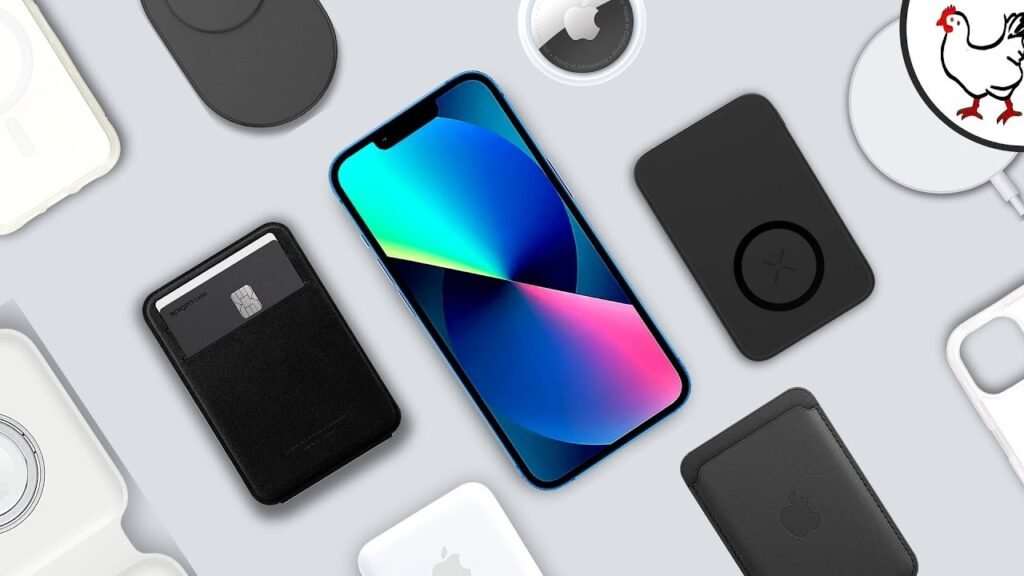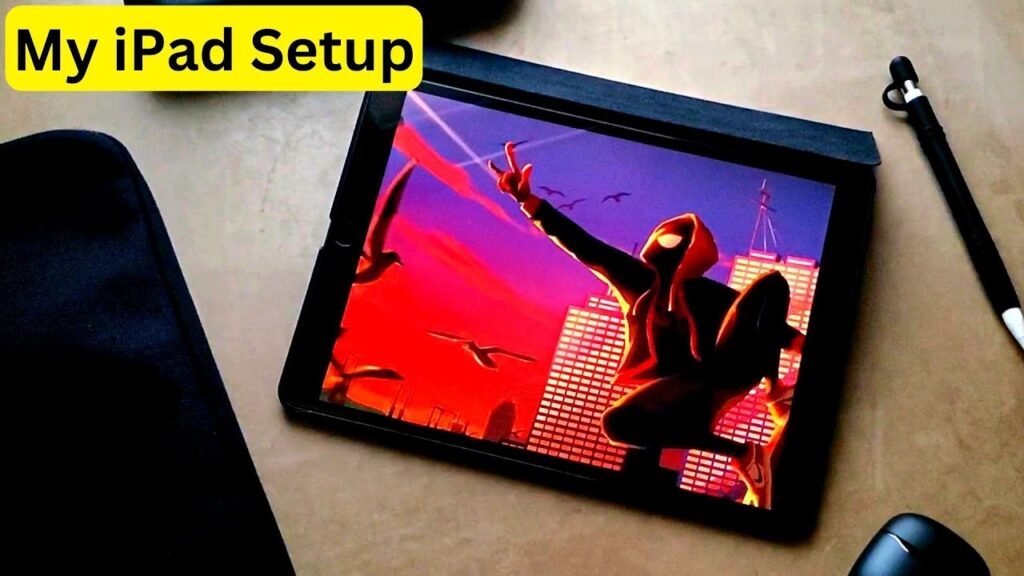
Apple just released the new and updated M4 iPad Air, which is catered to both students and general consumers alike. So, once you buy this tablet, and even before, there are some accessories I’d strongly recommend purchasing that we’ll discuss in today’s article. These are the best accessories for your M4 iPad Air.
The Power of a Stylus
First off, my number one accessory that I’ve grown to love is a stylus. The iPad to me is my digital notebook that I take with me everywhere. A stylus like the Apple Pencil or even a cheaper alternative really make note-taking on this tablet a joy.
The Apple Pencil in particular is natively compatible to this device and it sports certain features that add to the overall experience. I use my Apple Pencil daily and would strongly recommend getting one if you’re using your iPad for note taking, drawing, sketching, etc.
Maximum Protection for Portability
Next up, a case sleeve. One thing about having a tablet is that naturally it’s a portable device. And the iPad Air takes this even further by being extremely thin and light, so even more portable than other tablets. But that portability does come at a cost because you could damage your device pretty easy.
Taking it outside and dropping it or experiencing inclement weather can certainly ruin your day and your tablet, which is why I always rock a case sleeve for both my iPad and my MacBook. I actually just put both of them inside of one case sleeve. The best part about a case sleeve is that it really makes me feel more at peace traveling around with my iPad and my MacBook because it’s just another layer inside of my backpack to protect my devices. Now, it does also mean there’s another layer to remove the iPad from, but that’s not a huge deal for me so long as I can protect my expensive tablet.
Screen and Edge Defense
Going along with protection, we have a screen protector. A screen protector is another vital accessory that I absolutely need on my iPad because I’m constantly working on the screen with my Apple Pencil. You can either opt for a textured or glossy screen protector, which the former makes it feel like you’re kind of writing on paper, which is nice if you think you’ll struggle with writing on glass, but I didn’t have any issue with my glossy screen protector. I would definitely though rock a microfiber cloth as well for the screen to also keep it clean.
In a sort of similar vein in regard to protection, a case. For this, I’d recommend that if you don’t buy a keyboard case, at least get a case. And I know you’re probably thinking it’s overzealous buying both a case for your iPad and a sleeve, which I recommended before, but your case protects your device when it’s already outside of the sleeve and being used. Thing is that your iPad is all screen, all of it. So, there’s nothing really protecting that large display from being destroyed. So, buying a case that really protects the edges can save your device from being totally unusable.
Enhanced Typing and Organization
Following that, this is not a 100% necessity, but if you want to jot down some typed-in notes rather than written, you can get a keyboard. There are quite a few in the market, some even functioning as keyboard cases, so they’re both protective and useful. But for me, I haven’t needed a keyboard for my iPad because I have a Mac. Though, I have seen quite a few folks at my university rock the keyboard case. So, it depends on you and what you’ll be doing with your iPad.
Finally, my last accessory recommendation is an accessory pouch. I have my accessory pouch, which I put my Apple Pencil in, some extra chargers, my external SSD for extra storage, which could also be another accessory for your iPad. But the point is, having an accessory pouch to keep in your backpack makes organizing all of these things we’ve discussed and even more accessories that much easier.
And those were all of the best accessories for your M4 iPad Air. What do you think of this little list? Did I cover everything? Let me know in the comment section down below. My name is Cruus. It’s spelled like Cyrus, but not like C rooster. Just take out the ter. Thank you very much for watching and have a wonderful day.