
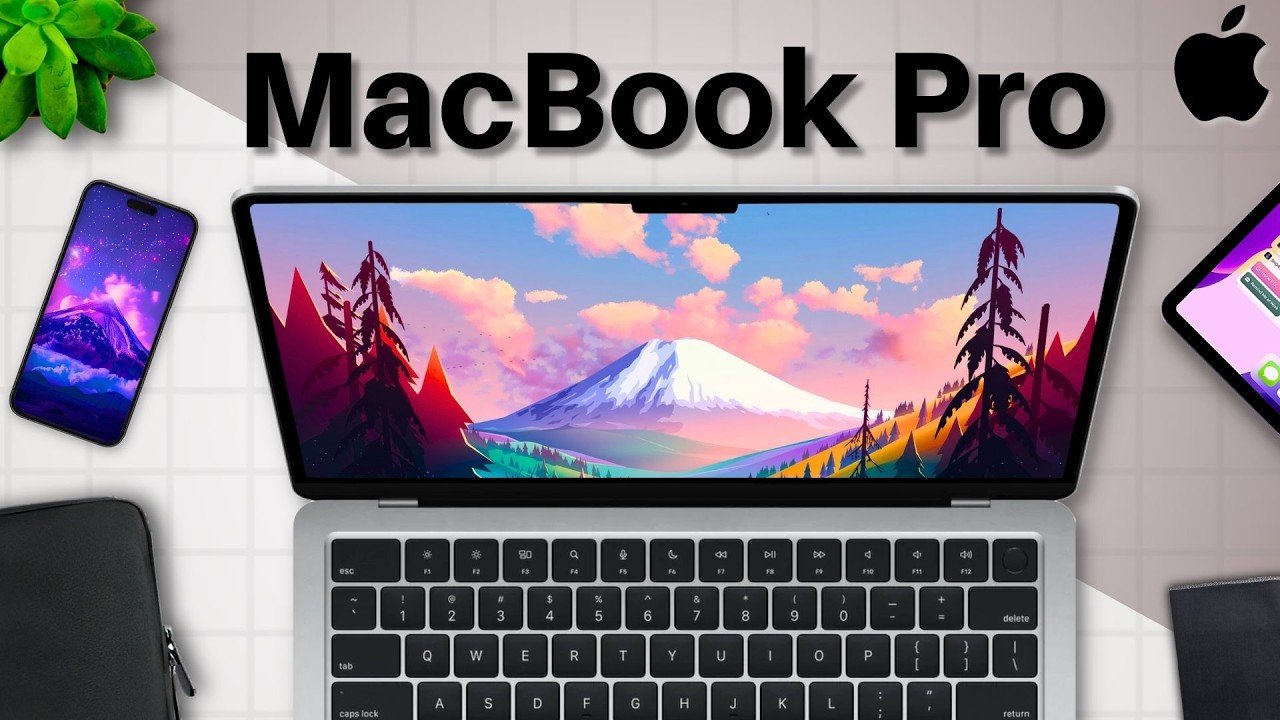
Top M4 MacBook Pro Accessories: Necessities and Convenient Add-ons
So as a longtime MacBook Pro user I’ve used many accessories that have supercharged my Max usability and now with the new M4 MacBook Pros being released we got to talk about them. These are the top M4 MacBook Pro accessories. In this article I’m going to divide the accessories into two categories: necessities and convenient add-ons.
Essential Necessities for Your MacBook Pro
First let’s go over the necessities for your MacBook.
Charging Solutions
Starting with an extra charger plus an extra long cable. Having an extra long 10-ft minimum cable is so handy for your MacBook especially if you travel a lot. A long cable will be essential to making sure you don’t need to sit in an awkward position to charge if the place you’re at doesn’t have good charger access. Now I would also recommend purchasing an extra brick if you have the cash because that way you’ll have two chargers—the one that came with your Mac and then the one that you just purchased—so you can have a backup if need be and you won’t waste your other cable that came with your Mac to begin with.
External Storage
Next an external SSD. This is vital for your Mac especially if you don’t want to pay the exorbitant amount of money to configure your laptop with more storage. Having an external SSD means you can pay just a little bit for a lot of storage and whenever you fill one up you can just buy another. Compared to with your max internal storage you’re stuck with what you got—no upgrading—so for me especially with an older MacBook that only has 128 gigabyte that external SSD is a lifesaver.
Protection and Transport
Let’s discuss case sleeves for the protection of your device. There’s nothing I’d recommend more than a soft laptop case. They make transport easy, they protect your device and some of them even prevent water from seeping in. They’re really good accessories for a super small cost. On top of that many can hold some accessories so they can help bring your setup with you so long as you don’t have too much to carry. If you do though you can just buy an accessory case too with your laptop sleep. Accessory cases can be great to just bring your whole setup with you—the multiple accessories and even extra devices if need be. They’re super helpful investments and I have one that I have used with my Mac and iPad accessories now to transport these devices and device sleeves.
Next I suggest a backpack. Surprisingly not many people realize how important a good backpack is to yes keep your devices safe but also your body. I’d recommend getting a backpack that’s your size—not too big and not too small—one that fits you and one that fits and can hold all of your devices. That way they’re well protected and you can carry them for an extended period of time without feeling uncomfortable. It’s really something that you don’t think about but when you wear it for a long time you will.
For the last necessity I would slightly recommend for your new Macbook is a hard shell case. Now before I go any further this accessory is a bit of a hit or miss for some people. I’ve used these for years with my multiple MacBooks and have never experienced issues with them so I link the ones I’ve used before in the description but some individuals have had negative experiences with them so I’d make sure to do your due diligence and research before you buy a hard showc case. I like them for their slight added protection and their rubber grommets making it hard to push the laptop off the table but that’s just me—your mileage may vary.
Convenient Add-ons for Enhanced Usability
Now let’s discuss the convenient add-ons that have the potential to really benefit you.
Peripherals and Adapters
Firstly a keyboard and mouse. When I first purchased my Mac I used a nice external keyboard for when I came home to study and it was so rad. Having a smoother more tactile keyboard made typing even more of a joy. Plus the mouse I had was excellent. So if you’re someone who likes to use more of those external accessories for a better experience these would be nice to rock but they’re not 100% necessities—just super convenient to use for when you come home.
Next an adapter. Unlike with other MacBooks the current MacBook Pros actually have pretty good connectivity—multiple USB ports, HDMI, a Micro SD card slot, etc. It’s good but it’s not perfect. Notably there is no usba a port or ethernet or in some cases not enough USBC. So if you need more for your work an inexpensive dongle to add to your Port selection can be a wise investment. I have one for my current MacBook Pro and will get one for this generation because well I need more ports. If you do too I’d say you definitely should consider getting a dock.
Maintenance and Niche Accessories
After that if you’re like me and like to keep your laptop screen clean I suggest a microfiber cloth. Folks these are so important to me. I love having clean devices because they make everything look like new. We all like new things so I like to rock even in my pockets a microfiber cloth just to clean my laptop and my glasses and my phone etc. They are vital; definitely consider the ones on your screen.
Following them this is definitely a bit more niche but to add to this list I recommend a microphone. I won’t delve too far into this—some of you won’t need one—but a mic for your virtual meetings can be so nice for you to sound crisp and clear and especially if you’re going to record something like these videos an external mic can definitely up your game.
Another accessory that is a bit more niche is a monitor. Oftentimes in college I’ve seen many of my classmates just plop their MacBooks down at their setups in their dorms and project their laptops to these large screens. They’re really nice if you don’t want to stare at a small laptop display but frankly they are more of a convenience. I’ve worked with a 13-in MacBook screen for 5 years and I’ve had no issues but if you can afford one a monitor would definitely be pretty nice.
Lastly my final accessory recommendation for your MacBook that is more of a convenience is headphones. There are so many good ones like the devices on your screen; they’ll elevate the laptop experience and ensure that whatever you’re working on has audio that is crisp, accurate and pleasant to listen to. So go check them out.
All of the accessories on this list, I hope you found this article useful because it’s a big compilation of all of the accessories I’ve used and seen used with the MacBook Pro and they’re all really good. I’m super excited about the new M4 MacBook Pros and I’m eager to receive mine and cannot wait to review it so stay tuned. My name is Cyrus. It’s spelled like “Cyrus” but that’s like “See Rooster,” just take out the “ter”. Thank you very much for reading and have a wonderful day. Peace.