
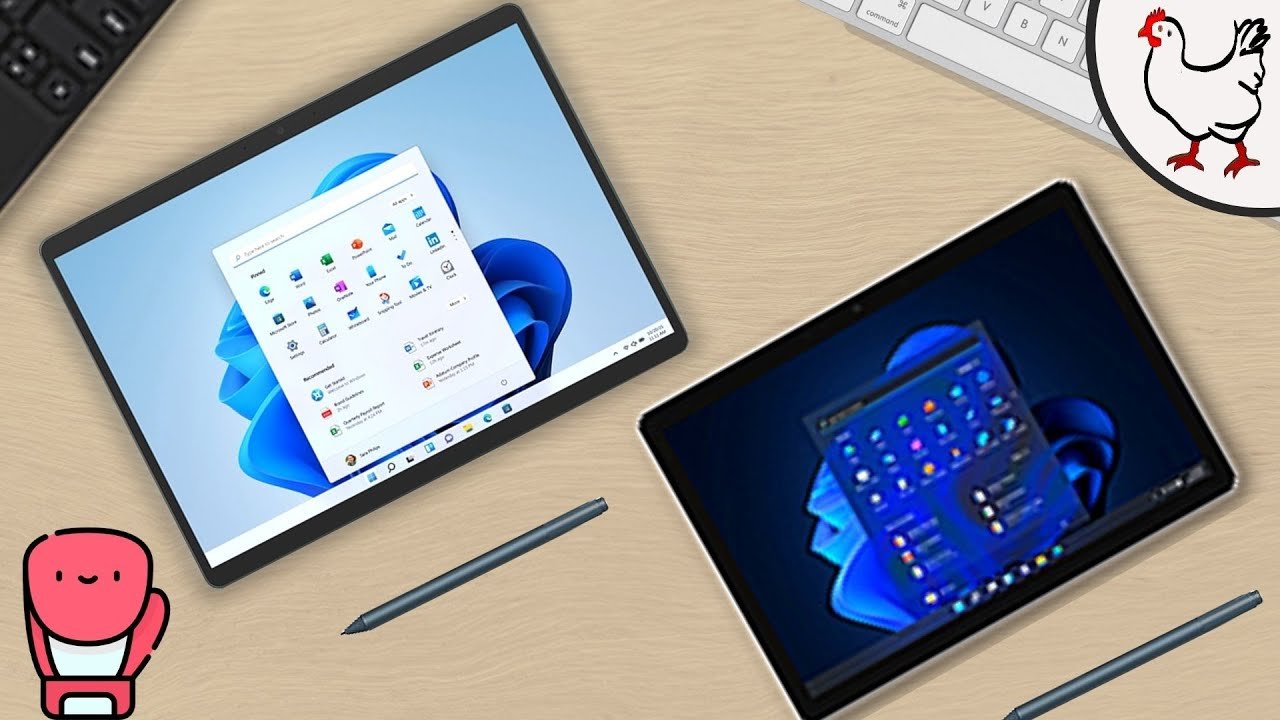
Alright, it’s time for a showdown. The battle of the 2-in-1s: Microsoft Surface Pro 8 vs Surface Go 3. Let’s go over the raw stats.
Understanding the Comparison
Starting off, we’ve got two 2-in-1 laptops. One acting more as a primary computer, and the other acting more as a secondary or complement to your setup. Either way, we’ve got wild price differences. This is supposed to be a fairly unfair matchup, but given these big price differences, let’s see how well they compare.
Display Quality
Starting off, let’s give the Surface Pro 8 a second to flex because it has a larger screen and a resolution well beyond 1080p, while, on the other end, the Surface Go 3 is smaller with a not-as-high resolution. But, what can you expect with the massive price difference? So, yeah, the Surface Pro 8 definitely gets this victory.
Connectivity and Ports
Of course, this “victory” is short-lived because of the next section… Connectivity. And that’s… Not great. I can’t even choose a better option in the case because they both have tradeoffs.
Strangely, though, the Surface Go has a microSD card slot, while the so-called “professional” Surface Pro does not. It does, however, have an extra USB port, so you can decide the winner of that on your own.
Performance and Value
But, for internal specs… internal specs, internal specs, internal specs… Of course the winner’s going to be the more expensive option. I mean, come on. Here are the benchmarks.
Storage Analysis
For storage, they’re both disappointing and, yes, the Surface Pro does come with a little bit more storage than the Surface Go. But, price per gigabyte, the Surface Go is actually cheaper (a better value) than the Surface Pro. So, uh, it might not be faster storage, but you do get more for you dollar.
Software Experience
And, lastly, both of them run Windows 11. And, to end this matchup, we’ve got a tie.
Final Recommendations
Let’s go onto my suggestion. As always with these topics, I try not to make too many conclusions for you, only adding a few quirks here and there to try to keep your attention, while also letting you know what you’re buying into. So, as always, as usual, the best option is based on your needs.
Why Choose the Surface Pro 8?
Like I said, these are two wildly different laptops. The Surface Pro 8 is a “primary computer,” so you should buy it if you want to use it as a main portable workstation. It works great for that. You can travel, take notes because it’s also a tablet, and use it as a typical computer. It’s multifaceted and it could be very useful for you. However, the price could be a major deterrant, in which case you might want to take a look at the Surface Go 3.
The Case for the Surface Go 3
Now, to preface, the Surface Go 3 will not run well in everything. Dare I say many things, because it’s cheap. Not cheaply made, but it’s not made to be expensive.
The Surface Go 3 is a tablety laptop as well, so you can take notes on it and have the same portability and general use as a laptop (and the Surface Pro). It’s also smaller than the Pro, so it might even be more portable and usable in, let’s say, an airplane. But, it’s not a workstation, so it probably can’t do everything you need.
The Verdict
So my suggestion is… If you don’t have another computer, get the Surface Pro 8. It’ll cover all of your needs and help you complete your work with excellent performance.
However, if you do already have a computer for work and want to supplement some of it with another device, get the Surface Go 3. It’s a great addition to your setup and will definitely aid in productivity. But, ultimately, all of this is your decision based on your preferences.
My name is Cyrus. It’s spelled like “Cyrus,” pronounced like “See Rooster,” just take out the “ter.” Thank you very much for reading, good luck with your purchase, and have a wonderful day!