
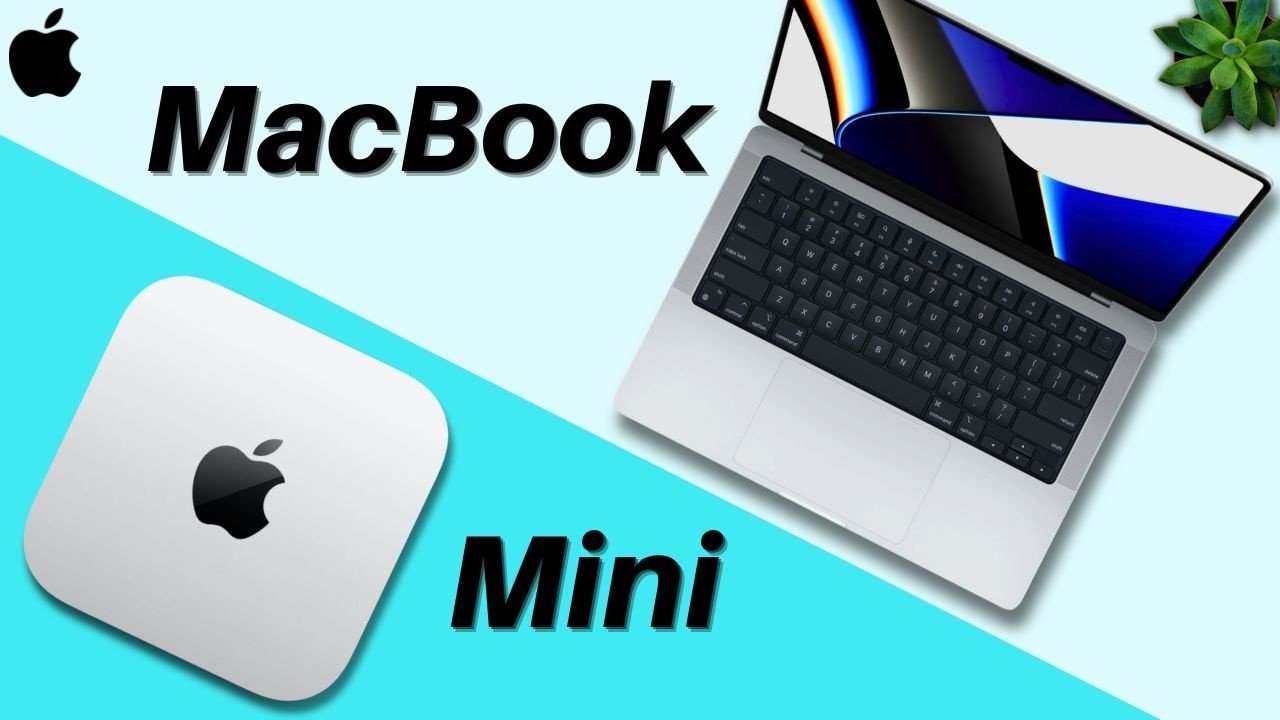
So you’re looking for a new M4 Mac and you’re trying to decide whether to buy the Mac Mini or the MacBook Pro well you’ve come to the right place. My name is Cirus I just purchased my own M4 MacBook Pro and have used countless Mac minis this is my recommendation.
On your screen right now you’ll see the raw stats of both devices which can be configured and upgraded with more so this comparison is less focused on pure speed and tonage. However do note that the M4 MacBook Pro does have a higher spec ceiling with the M4 Max compared to the mini which can only go up to the pro.
Now for this comparison I want you to focus on three specific details the prices the form factors or screens we’ll get to that in a minute and the battery lives plus cameras combined into one section.
Price and Long-Term Savings
Firstly right off the bat the M4 Mac Mini is cheaper than the M4 MacBook Pros. Generally you will save a bit of money just getting the desktop version of the device. It comes with the M4 processor so no worries about performance but here’s the catch that’s not the full picture. Will it save you money the M4 Mac Mini yes likely but that depends on your extra purchases.
Unlike the MacBook Pro the Mac Mini is just the desktop computer no monitor or accessories. That means that yes it can be cheaper if you make the right purchase choices but if you buy the Apple Studio display for instance plus the magic keyboard and mouse well you’re looking at a price pretty similar to the MacBook Pro but with more economically focused choices you can definitely save some money. I have the top accessory recommendations in the affiliate links down below for you.
Now while the Mac Mini may require extra purchases up front there’s another way it can save you money in the long run repairs. Since it’s a desktop setup with separate components like a keyboard mouse and monitor if one breaks you’re only replacing that specific item that’s a big advantage over the MacBook Pro where a single issue especially the screen can cost you a small fortune to fix. So while the Mini’s cost savings depend on your initial setup it can also be the more budget friendly Choice when it comes to maintenance.
Form Factors and Mobility
But now let’s talk about the form factors of these devices. Simply put the Mac Min is a desktop while the MacBook is a laptop. One is a great stationary workstation while the other offers a more hybrid experience portable yet desk friendly.
So one question I asked myself when I made my decision of buying the MacBook over the Mac Mini is will I ever need to travel with this device and if the answer is even 5% of the time you likely need a laptop over a desktop because well it’s not easy to bring your desktop set up with you. Although I have seen some folks managing college but for that especially since I do live a pretty sporadic life where I’m doing work in different locations for instance you rarely see me recording in the same location I decided on the MacBook Pro.
But if you like a dedicated Works Space one that you can sit at for a few to many hours on end which is great for your productivity having somewhere solely dedicated for work the Mac Mini would work wonders and there’s even the potential to remote into the computer using an iPad if you need to. But if your work demands high performance and Mobility the MacBook Pro is the way to go.
Battery Life and Integrated Cameras
And lastly let’s discuss the last section the battery lives and Camera. These two factors battery life and cameras are exclusive to the MacBook Pro. Firstly for battery life while it is solid it is something to consider if you work long hours and don’t have access to a charger. On the other hand the Mac Mini being a desktop doesn’t have to worry about those battery constraints. This means that it can sustain Peak Performance under heavy workloads for in theory longer without throttling something the MacBook Pro May struggle with when running on battery.
And on the flip side the MacBook Pros do have the benefit of having attached cameras. A way to circumvent this of course is to either purchase an external camera or a monitor with a camera for your Mac Mini or to use your phone using Apple’s continuity camera though there seems to currently be some trouble with that with the M4 Mac Mini so you can plug your phone into the desktop itself and use it for your Zoom meetings.
Final Verdict: Which Mac is Right for You?
Looking at both of these devices I really like the M4 Mac Mini and the M4 MacBook Pro equally they’re both fantastic and Incredibly powerful. I couldn’t be happier with my laptop but ultimately your decision comes down to those main points saving money portability and convenience factors.
-
Choose the Mac Mini if: Your objective is to get the best bang for your buck and you don’t need to worry about traveling or can manage with an iPad when necessary; I’d recommend purchasing the Mac Mini and using the cost-effective accessories.
-
Choose the MacBook Pro if: You need a device to travel with even just for the uncommon occasion and or would like the convenience and full package of a laptop.
That’s exactly why I chose the MacBook Pro I needed something powerful yet portable and for me it was the perfect fit. Ultimately as I always say focus on your needs first. You can always consider purchasing a pre-owned device too if you’d like to save more cash which can always be a great option. Let me know your thoughts in the comment section down below and without further Ado my name is Cirrus. It’s about like Cyrus but ex SE rooster just take it the T. Thank you very much for reading and have a wonderful day peace.