Introduction
Canva is popular online graphic designing which is a useful tool for both beginners and professionals. Canva has made graphic designing more easy by adding Canva AI features. You can make posters, logos, and thumbnails with help of Canva. In this article we will tell you about Canva AI tool, its features and how to do graphic designing with it.
Canva AI features
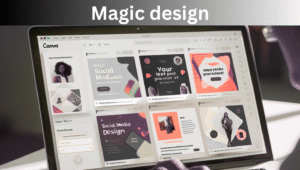
1.Magic design
Just add your idea or text and Canva AI will generate ready made design templates.
- Social media posts
- Presentations
- Flyers and posts
2.Magic write
This is a writing tool of Canva AI that creates blog posts, captions and content ideas. Just type a prompt and Canva AI will give you creative text.
3.AI image generator
Converting text to image is simple now. Just type what kind of photo you want and Canva AI will generate it within seconds.
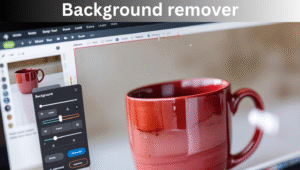
4.Background remover
You can remove background of image and can add a new background by just a single click. This is perfect for profile photos or product photos.
5.Presentation magic
Just type your topic, Canva AI automatically create slides, images, text, and layout ready to present.
How to use Canva AI
- Sign up and Log in: Free account also provide many feature
- Select your design type: social media posts, video and flyers etc
- Choose AI feature: Magic writer, Image generator or magic design
- Type your prompt: Write down your idea or requirement
- Customization: Change colours, fonts and images according to your style
- Download and share: After design is complete save it in PNG, JPG or PDF
Benefits of using Canva AI
- Time saving: Design ready in seconds
- Easy for beginners: No design experience required
- Professional look: High quality templates and AI creativity
- Multi purpose tool: Perfect for marketing, education, business and personal use
Also Read
Can I Use Taskade Without AI Tool Reddit
My opinion
Canva AI is a game changer tool that makes designing fast and simple. Whether you are a social media influencer, business owner or student.