Introduction
Now everyone needs fast and reliable internet whether it is work from home or streaming. T-Mobile Home Internet is a wireless solution which is based on 5G and 4G LTE. In this article we will see how to set up T-Mobile Home Internet step by step and its features.
What is T-Mobile home internet
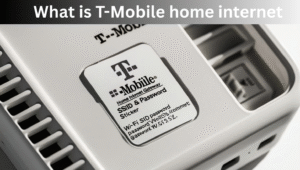
T-Mobile home internet is a wireless broadband service which works without traditional cable or fiber. There is a WiFi Gateway device which provides Wifi in your home by capturing T-Mobile’s 5G or LTE signals.
T-Mobile home internet set up
1.Unboxing the gateway device
- First of all open package received from T-Mobile
- Inside you will get a Wifi Gateway device, a power adapter and an instruction manual
2.Give power supply to device
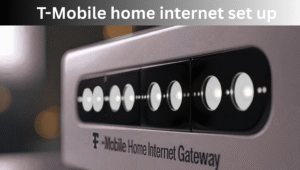
- Plug Gateway into power socket
- The device will automatically boot and search for signals
3.Choose best location
- Gateway near window is best place to keep maximum 5G or LTE signals
- It should be avoided keeping it near thick walls and electronics
4.Setting up Wifi network
- Use SSID name and password written below the Gateway
- Connect Wifi to your mobile or laptop
5.Use T-Mobile app
- Download T-Mobile Home Internet app
- With the help of app you can check signal strength and manage devices setting
Benefits
- Easy installation
- Fast speed
- No hidden fees
- Portable
Common issues and solutions
- Weak signals
- Slow internet
- Device not connecting
Also Read
Can I Move My T-Mobile Internet To Another House
T-Mobile Business Internet Interview
Comcast Business Mobile Hotspot
My opinion
T-Mobile internet set up is very easy and hassle free. Just plug in the device, choose the best location and connect to the Wifi network. With this you will get fast speed, unlimited data and flexible home internet solutions.